
How to Add Money to an Inmate's Account at McDowell Detention Facility
Putting money on someone's account at McDowell Detention Facility is straightforward. You can deposit online through Inmate Canteen or use the kiosks in the Sheriff's Office lobby—they're available 24/7.

You have two options for adding money to an inmate's account here: deposit online through Inmate Canteen, or use the kiosks in the McDowell County Sheriff's Office lobby (open 24 hours). Either way, expect a convenience fee on top of your deposit.
For online deposits, head to https://team3.inmatecanteen.com/#/ and select
- ✓ Confirm the inmate’s name and booking number before you submit payment.
- ✓ Have your payment method ready so you can complete the checkout without timing out.
- ✓ Save your receipt (or take a screenshot) after the transaction goes through.
Prefer paying in person? The kiosks in the McDowell County Sheriff's Office lobby are available around the clock - handy if you can't make it during regular business hours.
- ✓ Bring what you’ll use to pay (for example, a card; if you plan to use cash, confirm the kiosk accepts it before you rely on that).
- ✓ Enter/select the inmate carefully and double-check the name/booking number on the kiosk screen.
- ✓ Keep the printed receipt, or take a clear photo of the confirmation screen for your records.
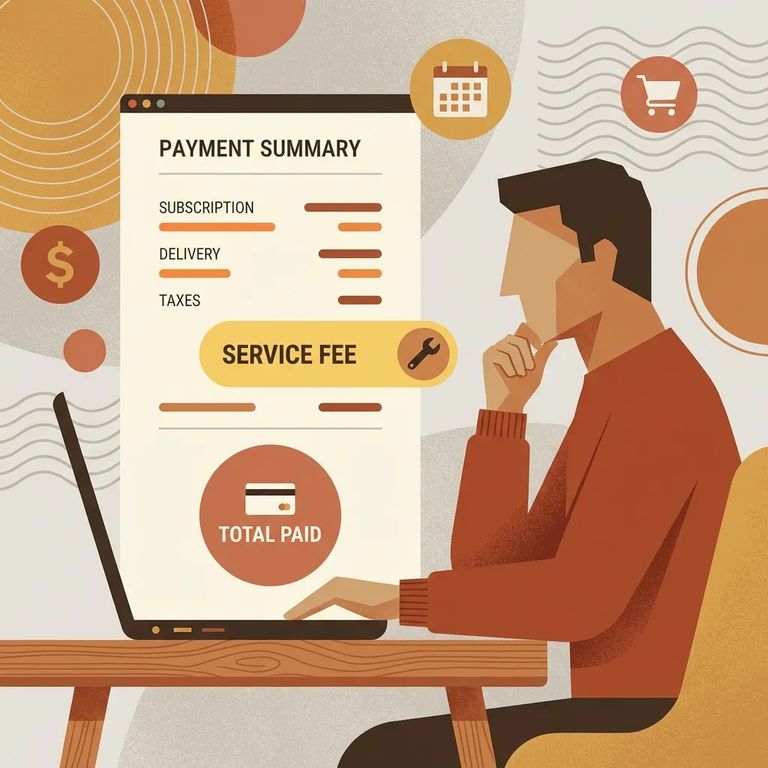
Convenience fees apply to all deposits. The exact amount varies by transaction, so check the fee breakdown on the Inmate Canteen payment screen or kiosk prompts before you finalize.
Note: Expect an extra convenience fee on top of the amount you’re sending. Review the total carefully before you hit “confirm.”
Run into a problem? If you're not sure where the lobby kiosks are or have a jail-related account question, contact the McDowell County Sheriff's Office at 593 Spaulding Road, Marion, North Carolina 28752. Phone numbers: Main: (828) 652-2235, Detention Facility: (828) 652-2236, Criminal Investigations: (828) 652-2237.
Quick tip: if the issue is with the payment process itself - checkout errors or a transaction that won't complete - start with Inmate Canteen at https://team3.inmatecanteen.com/#/. But if your payment shows as complete and the inmate's balance still hasn't updated, or you're having trouble with the lobby kiosk, call the Detention Facility at (828) 652-2236.
Quick Tips
- ✓ Double-check the inmate’s name and booking number before you pay (online or at the kiosk).
- ✓ Save every receipt or confirmation screenshot until you’re sure the funds posted correctly.
- ✓ Don’t share your login or payment details with anyone else - handle deposits directly through the official site or kiosk.
Find an Inmate at McDowell Detention Facility, Nc
Search for a loved one and send messages and photos in minutes.
