
Understanding the 15-Minute Wait Between Phone Calls at Minnesota DOC Facilities
If your loved one can't call you back right away after a dropped call or a quick
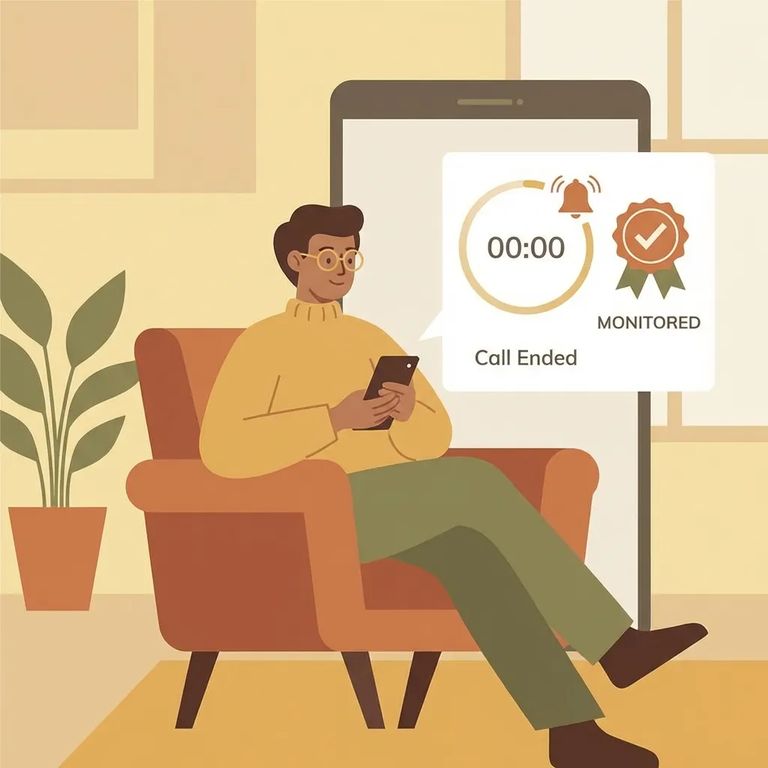
Minnesota DOC facilities use a 15-minute interval between phone calls. In plain terms, that means an incarcerated person can’t place back-to-back calls without waiting for that 15-minute window to pass.
This is a DOC-wide phone access policy, not a one-off rule for a single unit. It applies across Minnesota DOC facilities, including MCF Faribault, so the same “wait between calls” expectation can come up even if your loved one is transferred to another DOC location.
The DOC’s stated reason for the 15-minute interval is to help incarcerated people access the phones without being exploited or threatened by members of certain security threat groups (STG). The idea is that adding a required pause makes it harder for someone to control phone access through intimidation or pressure.
The DOC also says the wait period helps staff manage the phone areas more safely and fairly. In practice, it’s meant to reduce conflict around the phones and give more people a real chance to use them.
For families, the biggest change is simple: you may not be able to get an immediate callback. If a call drops, goes to voicemail, or you miss it by a minute, your loved one may have to wait before trying again. That can also mean calls feel less predictable - especially if they’re trying to fit phone time into a busy day on the unit.
Note: The DOC’s stated intent behind the 15-minute wait is to expand safer, more meaningful phone access by reducing exploitation or threats and helping staff manage phone areas more safely and fairly.
Tips Manage Calls
- ✓ Expect a built-in delay and plan your day so you can answer when the call comes in
- ✓ If a call drops, wait before assuming they can call right back
- ✓ Treat “quick callbacks” as unlikely; plan to cover what matters in the first call
- ✓ If video visitation is available for the facility, consider using it as a backup way to connect
- ✓ If you need to send funds, the Minnesota DOC advises using JPay (an electronic funds transfer service)
- Go to the JPay home page - Start from your main account screen.
- Open Video Visitation - Use the navigation menu and select Video Visitation.
- Schedule the visit - Click Schedule New Visit to begin booking.
If part of staying connected includes helping with basics like snacks, hygiene items, or other needs, Minnesota DOC materials point families to JPay for sending money. It’s an electronic funds transfer service, and using the option the DOC describes can make the process more straightforward when you’re trying to support your loved one from the outside.
Note: These are practical workarounds for families, not additional DOC rules. Video visitation isn’t available at every facility, so availability can depend on where your loved one is housed.
Find an Inmate at MCF Faribault, MN
Search for a loved one and send messages and photos in minutes.
