
Why You Can't Call Into MCF Faribault (And How Phone Calls Actually Work)
If you've been trying to call the prison to reach someone at MCF Faribault, you're not doing anything wrong — the system just doesn't work that way. Here's how phone calls actually work, what's allowed, and what you can do instead.
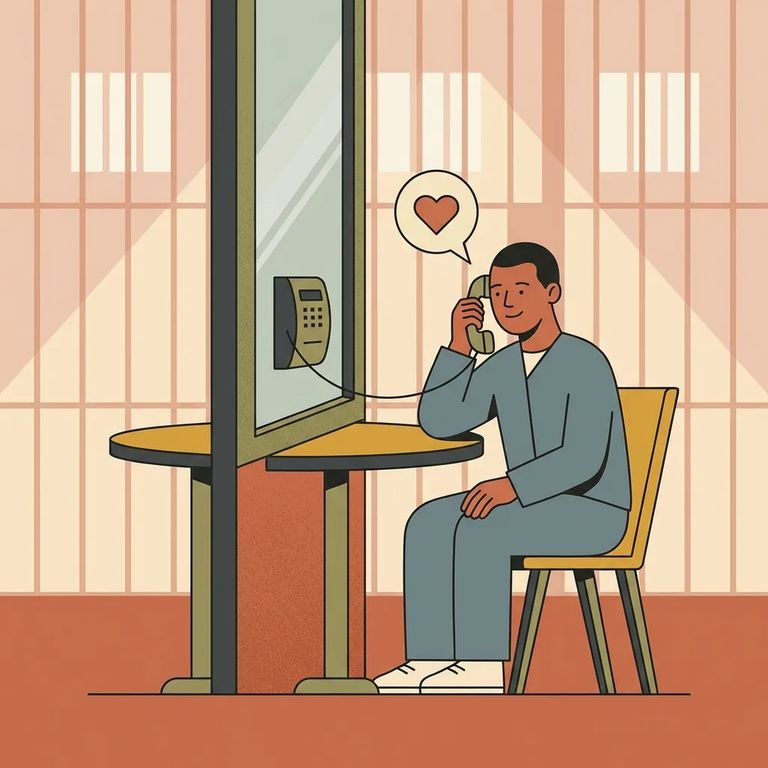
At MCF Faribault, phone calls only go one direction: your loved one can place outgoing calls, but you can't call in and be connected to them. If you dial the facility, staff won't transfer you. This comes straight from Minnesota DOC's Friends and Family Handbook. Policies and tools do change over time, so if something seems different from what you've heard before, check the most current DOC guidance.
Note: You can’t call MCF Faribault and ask to be connected to an incarcerated person. Phone contact happens through outgoing calls placed by your loved one.
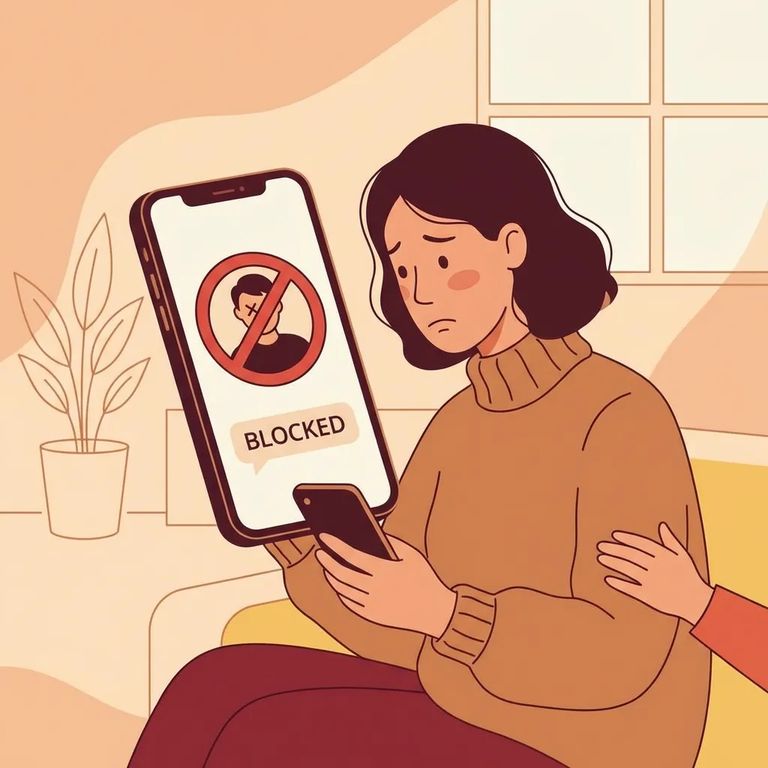
Here's the good news: according to the Minnesota DOC handbook, receiving calls from an incarcerated person is free. When your loved one calls you, you shouldn't pay anything just to answer. There are strict limits on how calls work, though. Three-way calling and call forwarding aren't allowed - those features can bypass screening, so DOC treats them as prohibited. Expect spacing between calls, too. DOC requires a 15-minute interval between phone calls to give everyone fair access to the phones. In practice, that means even if your loved one wants to call back right away, they'll have to wait.
- ✓ Don’t try to add a third person to the call (three-way calling isn’t allowed)
- ✓ Don’t use call forwarding (it isn’t allowed)
- ✓ Expect a required 15-minute interval between calls
Phone and video conversations are monitored for security. That can feel intrusive, but it's standard at DOC facilities - what's said on calls can be recorded. The practical takeaway: talk as if someone else is listening. Stick to family updates, support, and everyday topics. Avoid sharing sensitive personal information over the phone or video.
Tip: Assume phone and video conversations are monitored. Avoid discussing legal strategy or sharing sensitive personal details on these lines.
If there's a true emergency - a death, serious illness, or injury - the DOC handbook says to call the facility information line and leave a message explaining the situation. Staff will verify it and pass the message to your loved one. This won't create a direct phone connection. It's not a "call and ask them to come to the phone" situation. But it's the channel DOC points families to when something urgent needs to get through.
- Call the facility information line - use the general information number for the facility.
- Leave a clear message - explain what happened and why it’s urgent.
- Include your callback details - leave your name and the best number to reach you.
- Ask what verification looks like - staff will verify the situation and then relay it to your loved one.
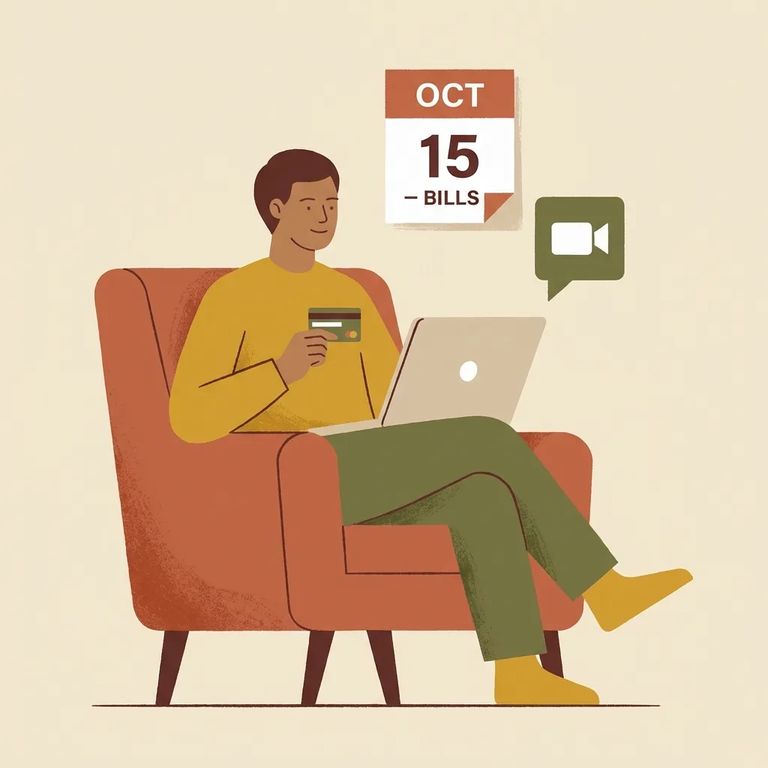
Since you can't call into MCF Faribault directly, focus on the contact options DOC does support. The handbook points families to JPay for sending money through electronic funds transfer and for video visitation. To schedule video visits, log into your JPay account. Sessions are sold in 30-minute blocks, and you'll need a Visa or MasterCard on file to purchase them. If phone and video don't work for you, other options exist. TextBehind lets you send electronic letters, photos, and greeting cards. Traditional mail works too - just know that DOC screens everything before it reaches your loved one.
- Set up your JPay account - you’ll use this for supported services like video visitation and sending money.
- Schedule a video visit in JPay - from the JPay home page, go to Video Visitation, then choose Schedule New Visit.
- Purchase a 30-minute video session - video visits are sold in 30-minute sessions and require a Visa or MasterCard on file.
- Send money through JPay (EFT) - include your loved one’s name, MN DOC Offender ID (OID), and facility so the funds go to the right person.
- Use TextBehind for electronic letters and photos - create a TextBehind account to send letters, photos, and greeting cards electronically.
Reminder: Video visits require a payment method on file (Visa or MasterCard). When sending money through JPay, use the correct identifying details (name, OID, and facility) so it’s credited properly.
Find an Inmate at MCF Faribault, MN
Search for a loved one and send messages and photos in minutes.
