
How to Contact an Inmate at MCF Lino Lakes, Mn (MN)
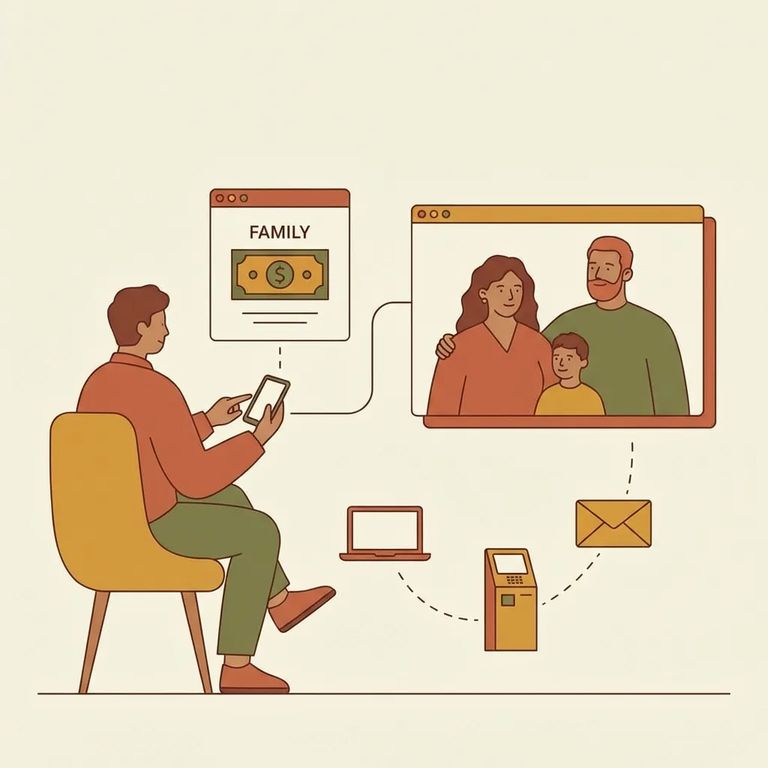
MCF Lino Lakes uses JPay for most electronic contact. Through JPay, you can send money, electronic messages, and VideoGrams. Have the incarcerated person's details handy before you get started.
Note: Phone and video communications are monitored or recorded by staff. Your loved one is notified in writing, and there is a notice posted by each telephone.

Steps
- ✓ Use JPay for DOC-approved electronic options at MCF Lino Lakes, including sending money, electronic messages, and VideoGrams.
- ✓ Gather the incarcerated person’s full name, OID number, and facility before you send money through JPay.
- ✓ Double-check what you entered before you submit, especially the OID number and facility, so your payment is correctly routed.
- Assume phone and video are monitored or recorded. Keep your conversation focused on family updates and practical matters.
- Pay attention to posted notices. A notice is posted by each telephone, and it reflects what the facility expects you to follow.
- Talk like staff may review it later. If you would not want it repeated in a disciplinary hearing or investigation, do not say it on a call or video.
Before sending anything, confirm JPay is still the approved service for MCF Lino Lakes. You'll need the incarcerated person's full name, OID number, and facility name to send money through JPay.
If you're unsure what topics are off-limits, or what happens if a rule is broken, check the current monitoring policies before your first call or video. Rules can change, and some restrictions may not be obvious.
Find an Inmate at MCF Lino Lakes, Mn
Search for a loved one and send messages and photos in minutes.
