
How to Apply for Visiting Privileges at MCF Moose Lake: Step-by-Step Guide
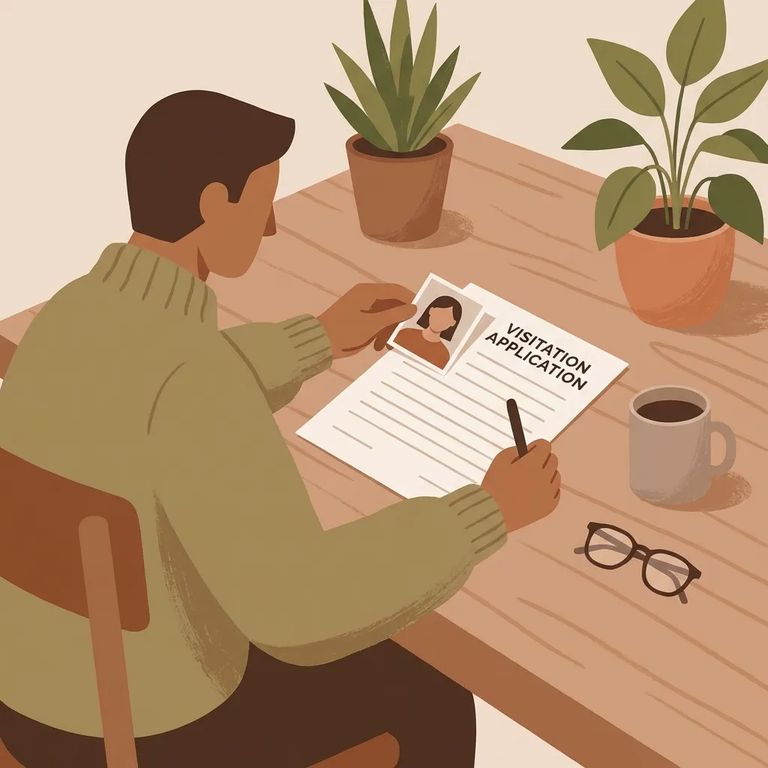
Before you plan a trip to MCF Moose Lake, make sure your visiting application is approved. The Minnesota DOC asks that you not attempt a visit until you've received approval notification via email. If you're denied, you'll also hear by email - so double-check that the address you enter is correct and accessible while you wait.
Processing takes time. Minnesota DOC visiting applications - including those for MCF Moose Lake - can take several weeks, so plan ahead and be patient while the facility works through the queue.
Docs Prepare
- ✓ Your relationship to the incarcerated person
- ✓ Answers (and details, if requested) about whether you’ve been a resource/volunteer/employee at any Minnesota state correctional facility
- ✓ Answers (and details, if requested) about any pending charges or open criminal cases
- ✓ Answers (and details, if requested) about any protective orders involving the incarcerated person
- ✓ Whether you’re on another incarcerated person’s visiting list at any Minnesota state correctional facility (and details about where/with whom)
- ✓ One acceptable photo ID type for the application: driver’s license, state ID, military ID, Matricula Consular, tribal ID (with tribe name), or passport
- ✓ The ID number for the ID type you’re using (the form asks for the number and a scanned copy)
- ✓ If the visitor is under 18: plan for them to be escorted by a parent, legal guardian, or an authorized escort
- ✓ A copy of each minor’s state or county birth certificate to submit with the visiting application (do this ahead of time - birth certificates won’t be accepted at the time of the visit)
- ✓ Do not use a hospital “Heirloom Birth Certificate” or crib card - those aren’t accepted as official documents
- ✓ If someone other than the parent/legal guardian will escort the minor: a notarized Minor Escort Form signed by the custodial parent/guardian, submitted along with the birth certificate or guardianship papers
You'll need to upload a scanned copy of an acceptable photo ID and enter the matching ID number. Accepted types include a driver's license, state ID, military ID, Matricula Consular, tribal ID (with your tribe name and tribal ID number), or a passport. One common snag: an expired or canceled driver's license won't qualify, even if it has your photo.
- ✓ Use a clear scan or photo where the entire ID is visible (don’t cut off edges)
- ✓ Make sure the text and ID number are readable - blurry uploads can slow things down
- ✓ Photograph the ID on a plain, neutral background so the details stand out
- ✓ Check that the ID type you pick matches the number you enter (driver’s license vs. state ID vs. passport, etc.)
- ✓ Don’t upload an expired or canceled driver’s license - this won’t count as valid ID for visiting
Feeling uneasy about sharing personal details? That's understandable. The Minnesota DOC keeps your submitted form on file whether you're approved or denied, but the criminal history check results are destroyed. Only people or agencies with legal access to private or confidential DOC data can view your information.
Once you submit, the Minnesota DOC will email you at the address you provided to let you know whether you're approved or denied. Processing can take several weeks. Don't attempt to visit MCF Moose Lake until you receive that approval email.
Tip: Build in a few weeks of lead time, and don’t travel to MCF Moose Lake until you’ve received the approval email.
Find an Inmate at MCF Moose Lake
Search for a loved one and send messages and photos in minutes.
