
Before Your First Video Visit at an MN DOC Facility: Equipment Checklist and What to Expect
Your first Minnesota DOC video visit is a lot smoother when you handle the basics ahead of time: make sure you’re eligible, set up the right equipment, and follow the rules that can end a visit fast. Use this checklist to get ready.
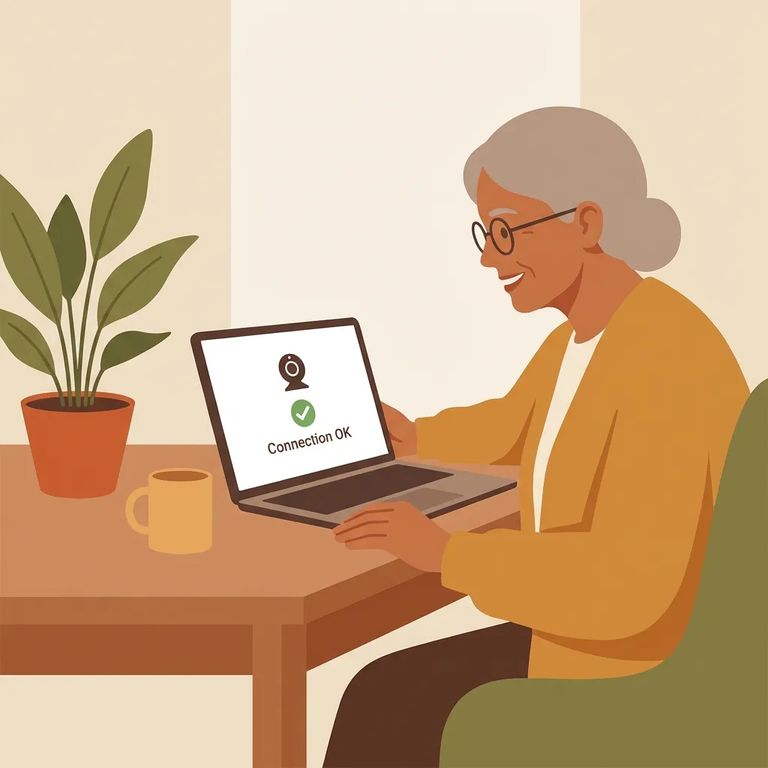
Before you try to schedule anything, confirm you’re eligible to video visit. You must be on the incarcerated person’s approved visitor list to participate. After you schedule, don’t assume it’s automatically set - make sure the video visit is confirmed and approved by the person’s facility before the appointment time. Also, double-check that video visitation is actually available for the facility you’re trying to visit. Not all JPay services are offered at every location, so it’s worth checking the Availability and Pricing page and searching for the facility to see what’s allowed.
Equipment and Connectivity Checklist
- ✓ A PC with working speakers
- ✓ A working microphone
- ✓ A working webcam
- ✓ High-speed Internet access
Tip: Close other programs and pause downloads during your visit. Background activity can overload your processor and cause the video visit to quit.
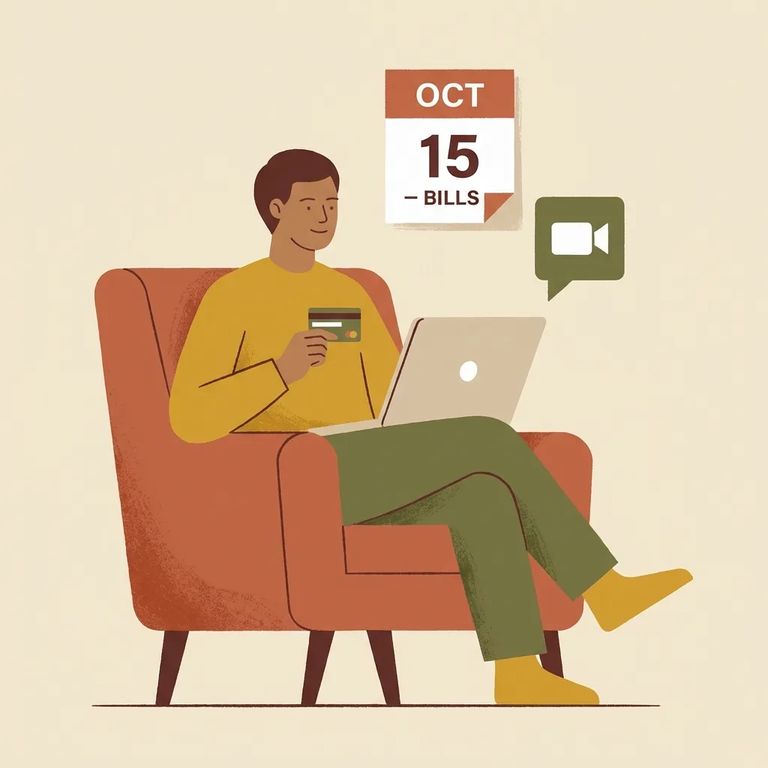
To purchase a video visitation session, you’ll need a JPay.com account. You’ll also need a Visa or MasterCard saved on file in JPay so you can complete the purchase.
- Log in and open Video Visitation - From the JPay navigation menu, select Video Visitation, then choose Schedule New Visit.
- Pick the right person - In your JPay Inmate/Offender list, select the correct inmate/offender before you schedule.
- Plan around the session length - Video visits are offered in 30-minute sessions.
- Confirm it’s approved before the day of - Make sure the visit was confirmed and approved by the inmate’s facility.
- Start from JPay and be ready for audio/video access - When it’s time, launch the visit from your JPay account and allow your camera and microphone to work so you can be seen and heard.
- Use the full window - Sessions run for 30 minutes, so try to be ready to go when the visit begins.
Note: Video visits are sold in 30-minute sessions. If you leave early, you may still be paying for that full session time.
Prohibited Behaviors and Sanctions
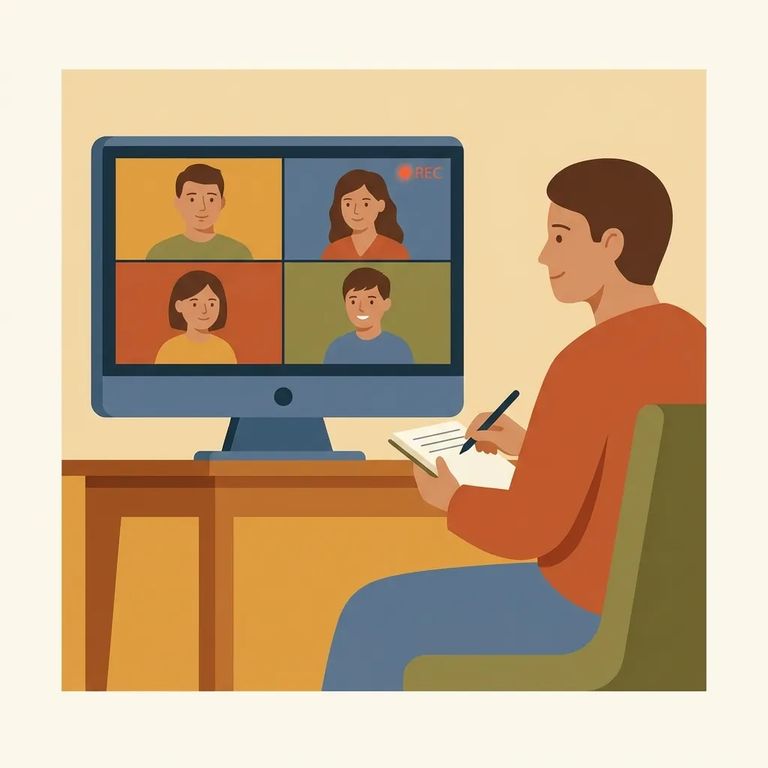
- ✓ Recording or photographing any portion of the video visit (even attempting to) - the visit can be terminated and you can be banned from video visiting for up to 1 year
- ✓ Recording or photographing a visit again after a prior violation - repeat offenses can lead to an indefinite ban from video visiting
- ✓ Masturbation or other sexual behavior by the incarcerated person during the visit - the visit will be terminated and video visiting privileges are lost for at least 6 months
- ✓ Sexual behavior violations can escalate - depending on severity or repeat offenses, video visiting privileges can be lost for 1 year or indefinitely
MN DOC treats video visits like an in-person visit when it comes to conduct, and the consequences are real. Certain violations can end the visit immediately and trigger a ban from video visiting - sometimes up to a year for a first incident, and potentially indefinite for repeat or more serious behavior. If you’re doing a first video visit, the safest approach is simple: don’t record, don’t take screenshots or photos, and keep the conversation and behavior appropriate for the full session.
- Test your audio and camera - Check that your speakers, microphone, and webcam are working before the scheduled time.
- Check your connection - Make sure you’re on high-speed Internet (and switch to a stronger connection if you can).
- Restart and simplify - Restart your browser/PC and close other programs or downloads that could overload your processor and cause the video visit to quit.
If something goes wrong with a session, credits may apply under JPay’s policies. Your best move is to check the current JPay video visitation help/FAQ guidance tied to your account so you know what options you have.
Find an Inmate at MCF Rush City, MN
Search for a loved one and send messages and photos in minutes.
