
Setting Up Your First Video Visit with an Inmate at MCF Rush City (JPay Guide)
Setting up your first video visit takes a bit of prep, but the process is straightforward once you know the steps. This guide walks you through getting approved, scheduling through JPay, and joining on time.
To do a video visit with someone at MCF Rush City, you need to be on their approved visitor list. On the day of your appointment, both you and the inmate need to join at the scheduled time. If either side is late, your visit time can slip away fast.
- ✓ A computer you can use for the visit
- ✓ Reliable high-speed internet
- ✓ A working webcam
- ✓ A working microphone (and speakers or headphones)
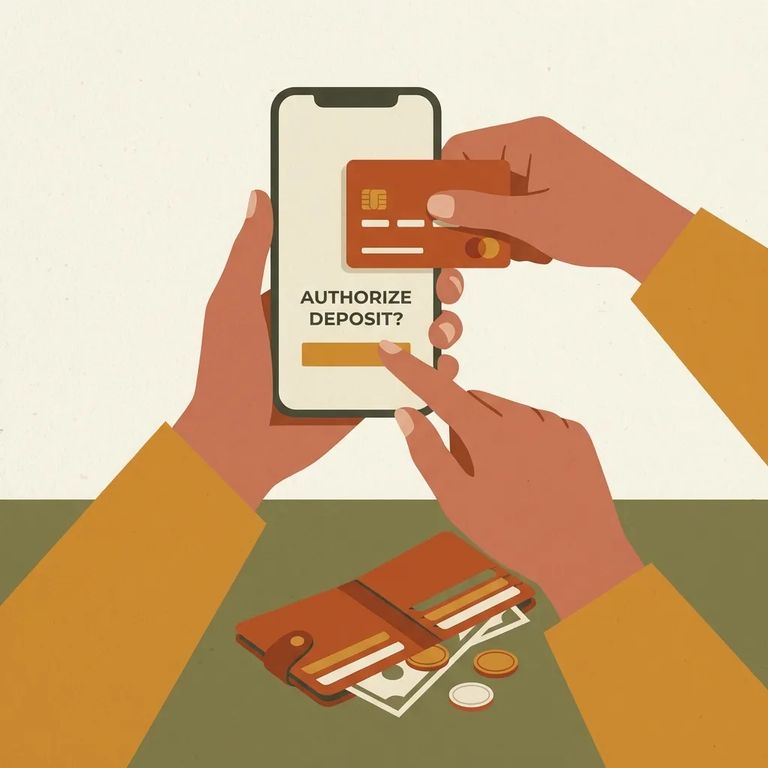
Before you can schedule a video visit, you'll need a JPay.com account. You'll also need a Visa or MasterCard saved to your account - that's how you pay when you book the session.
- ✓ Choose the card you want to use, then enter the card’s validation code to complete payment (unless you’ve been given a video visitation credit).

- Log in to your JPay account - you need to be signed in to schedule.
- Open Video Visitation - on the JPay home page, use the navigation menu and click Video Visitation.
- Start scheduling - click Schedule New Visit to begin picking a visit time.
At checkout, JPay will prompt you to pay. Select your payment card and enter the validation code to complete the transaction. If you have a video visitation credit on your account, you won't be asked for payment.
Timing matters on the day of your visit. Both you and the inmate should join at the scheduled time so the session can start as soon as the facility connects.
- ✓ Log in to JPay ahead of your appointment time so you’re not rushing
- ✓ Go to Video Visitation and start the visit when it’s time
- ✓ When prompted by your browser, allow access to your webcam and microphone
- ✓ Confirm your camera and microphone are detected before the session begins
Sessions are sold in 30-minute increments. When you schedule and pay, you're purchasing a single 30-minute block.
Note: If you end the call early, you’ll still be charged for the full 30-minute session.
Hit a snag at checkout? Go back to basics: make sure you have a JPay.com account with a Visa or MasterCard on file. When scheduling, you'll need to select a card and enter its validation code to complete payment (unless you have a video visitation credit).
Before diving into setup, confirm that video visitation through JPay is available for MCF Rush City. Availability varies by facility, so it's worth a quick check first.
Find an Inmate at MCF Rush City, MN
Search for a loved one and send messages and photos in minutes.
