
How to Find Your Loved One's Minnesota DOC Offender ID (OID) — and Why You Need It
You'll need your loved one's Minnesota DOC Offender ID (OID) constantly—for sending mail, adding money, or using JPay. Once you have it, keep it somewhere you can grab quickly.
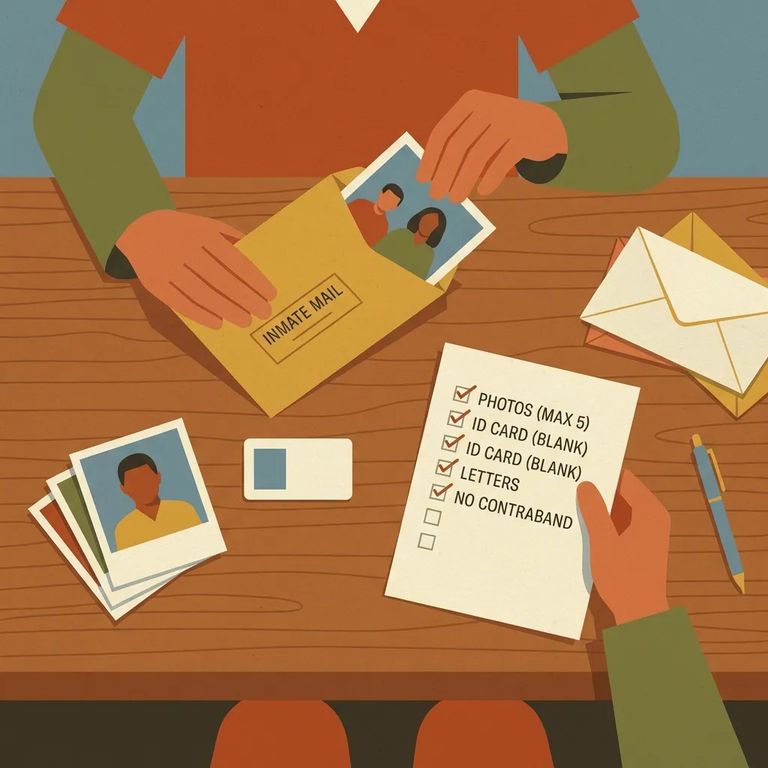
The OID is the Minnesota Department of Corrections’ unique number for an incarcerated person. If you don’t have it yet, you can look it up using the MN DOC online search page at https://mn.gov/doc/family-visitor/search-individuals-fugitives/.
The OID matters because it's how the DOC and services like JPay connect you to the right person. For mail, include your loved one's full name, their DOC OID number, the facility name, and the word "Minnesota" spelled out - no abbreviations. Skip the OID and your mail could be delayed or misrouted. Sending money through JPay? You'll need the OID there too, along with the person's name and facility. For video visitation, log into JPay, select the correct inmate/offender, then go to the Navigation menu, choose Video Visitation, and select Schedule New Visit. For in-person visits, know that MN DOC visits require an approved appointment and are supervised. Questions about specific rules? Contact the facility directly.
- Go to the MN DOC search page - use https://mn.gov/doc/family-visitor/search-individuals-fugitives/.
- Search for your loved one - enter the information you have and run the search.
- Open the correct result - confirm you’re viewing the right person.
- Write down the OID - you’ll use it for mail, money transfers, and JPay services.
Note: Only use information you already have access to, and double-check you’ve selected the correct person before you use an OID for mail, money, or scheduling.
When Need Oid Checklist
- ✓ Addressing mail: include your loved one’s full name, DOC OID number, facility name, and “Minnesota” spelled out (do not abbreviate)
- ✓ Sending money through JPay: include the incarcerated person’s name, OID number, and facility
- ✓ Scheduling a JPay video visit: log in first, select the correct inmate/offender, then use Navigation menu > Video Visitation > Schedule New Visit
- ✓ Confirming what JPay offers at a specific facility: not all JPay services (including video visitation availability and pricing) are available at every facility, so check the Availability and Pricing page for MCF-Stillwater before scheduling
- ✓ Planning a visit: MN DOC visits are by approved appointment only and are supervised; contact the facility with specific visiting questions or rules
Tip: Save the OID in your phone notes (and somewhere offline, too). It’s one of those numbers you’ll reach for again and again.
Can't find the OID online, or the results don't look right? Reach out to the Minnesota DOC Central Office at (651) 361-7200. You can also contact them by mail or visit in person at 1450 Energy Park Drive, Suite 200, St. Paul, Minnesota 55108.
For facility-specific questions - visiting rules, appointment details, or information that doesn't match what you expected - contact the individual facility directly (MCF-Stillwater, for example) for accurate guidance.
Find an Inmate at MCF-Stillwater, MN
Search for a loved one and send messages and photos in minutes.
