
How to Pay a Traffic Citation Online in McIntosh County (Before Your Court Date)
Paying a McIntosh County traffic citation online—whether for yourself or someone you care about—comes down to timing and accuracy. Follow these steps to pay before your court date and avoid headaches from missing information.
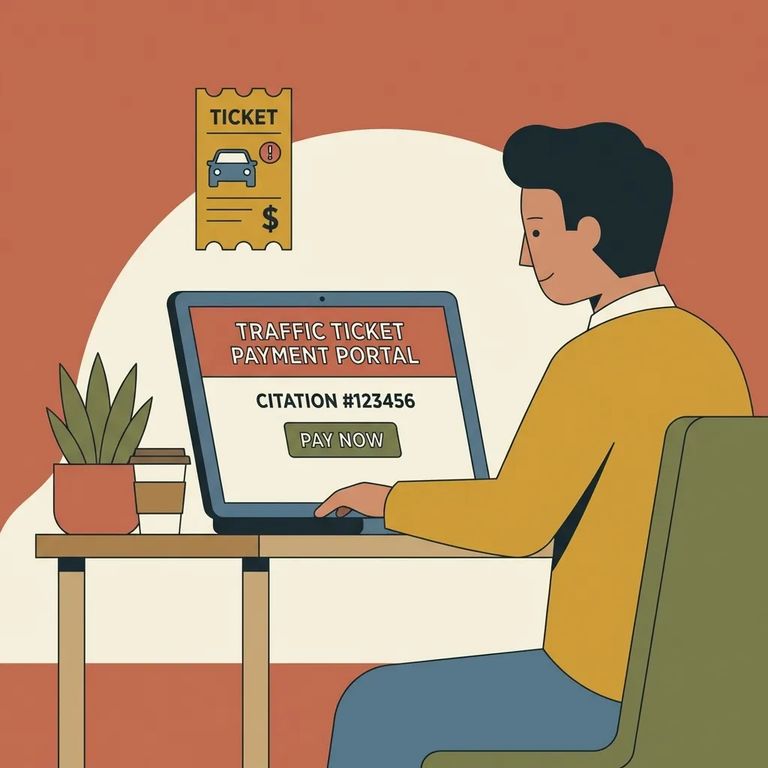
This guide is for anyone paying a McIntosh County traffic citation online, including family members handling payment for someone else. Have the citation number ready if you've got it. If not, you'll need the driver's license number or enough identifying details to find the right record in the county's payment system.
- ✓ Citation number (if you have it)
- ✓ Full legal name and date of birth (or driver’s license number)
- ✓ Court date shown on the citation
- ✓ Payment card
- ✓ Email address or phone number so you can keep your receipt/confirmation
McIntosh County State Court citations don't appear in the online system immediately. They become available for payment two weeks before the court date on your citation. Check earlier than that, and the portal won't find your ticket - even though it's valid.
Tip: Court date more than two weeks out? Wait and check again once you're inside that two-week window.
Before submitting payment, slow down. McIntosh County's portal warns you to verify your name and information before paying. This matters even more when paying for someone else - one wrong digit or a similar name can send money to the wrong record, creating a bigger mess to fix later.
- ✓ Full name spelling matches the citation
- ✓ Driver’s license number or date of birth matches the person cited
- ✓ Citation number matches what’s on the paper ticket
- ✓ Court date matches the citation
- ✓ Save the receipt/confirmation (a screenshot works)
After payment, you may need paperwork mailed to you - especially a Suspension Release form. McIntosh County's portal notes that the Clerk's Office needs your correct address to send this document. An outdated or incomplete address means delays when you need that form in hand.
- Contact the Clerk’s Office to confirm the mailing address on file - ask what address they have listed for the person/case.
- Provide a complete mailing address if anything is wrong or missing - include apartment/unit numbers and any details that prevent returned mail.
- Ask how the Suspension Release will be mailed and when to expect it - get clear expectations so you know when to follow up if it doesn’t arrive.
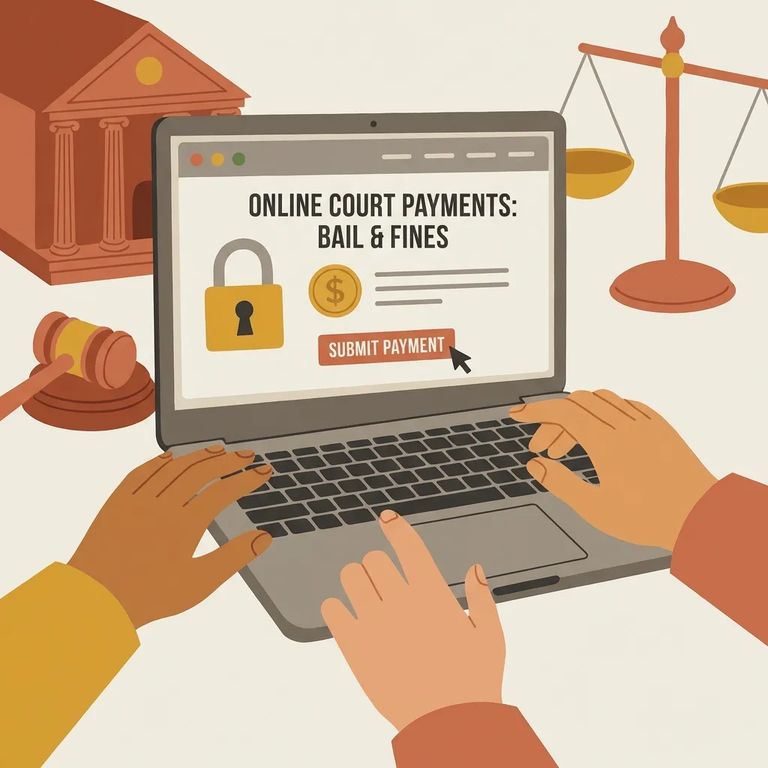
- Check your timing - citations are available for online payment starting two weeks before the court date shown on the citation.
- Open the McIntosh County online payment portal - you’ll need access to the county’s payment system to search and pay.
- Search using the citation number or driver’s license number - use the citation number if you have it; otherwise use the driver’s license number.
- Confirm the details match the citation - verify the name and the rest of the information shown before you pay.
- Enter your payment information and submit - complete the transaction only after everything matches.
- Save your receipt/confirmation - keep it somewhere you can find quickly if you need proof of payment later.
Important: If the name or citation details don’t match what’s on the ticket, don’t pay through the portal. Contact the Clerk’s Office first so you don’t create a payment on the wrong record.
Can't find your citation in the portal? Timing is usually the issue. McIntosh County citations appear online two weeks before the court date, so checking earlier makes it look like the ticket doesn't exist. Already within that window and still nothing? Contact the Clerk's Office rather than guessing and paying the wrong thing.
- Re-check the portal at the two-week mark - citations become available for payment two weeks before the court date.
- Verify the citation details you’re using - double-check the citation number and court date with the person who received the ticket.
- Contact the Clerk’s Office if it still won’t appear - ask for help locating the citation in the system.
Quick Reminders
- ✓ Don’t rush: verify the name and identifying information before you pay
- ✓ If a Suspension Release form is needed, make sure the Clerk’s Office has the correct mailing address
- ✓ Remember the timing rule: citations are available online starting two weeks before the court date on the citation
- ✓ Keep your payment receipt/confirmation somewhere safe
Warning: Paying with incorrect information can affect the case record or delay mailed documents. Verify everything on the payment screen before you submit.
Find an Inmate at Mcintosh County Jail, GA
Search for a loved one and send messages and photos in minutes.
