
How to submit, track, and search Open Records Requests to McLennan County Sheriff's Office
Need public records from the McLennan County Sheriff's Office? The Sheriff's Office web support portal is your fastest option. Submit requests there, track progress through My Records Center, and search the Public Records Archive to see if someone else already requested what you need.

Head to the Sheriff's Office web support portal to submit your Open Records Request. From there, you can file a new request, search the archive, or access My Records Center. This portal is your main hub for all public records requests tied to the Sheriff's Office.
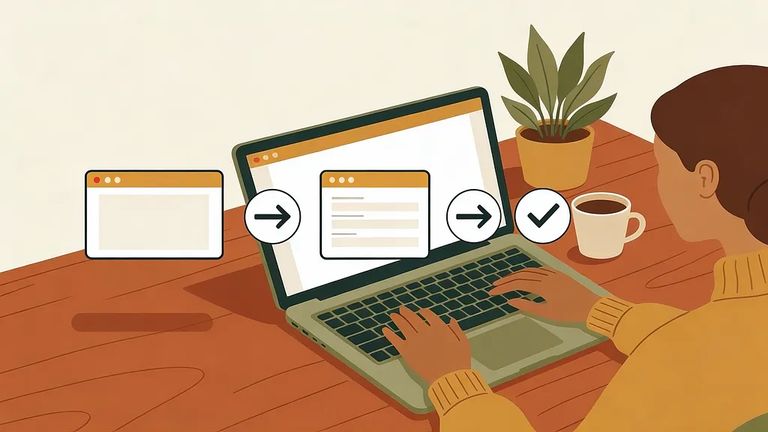
- Open the Sheriff’s Office web support portal - this is where Open Records Requests for the Sheriff’s Office are submitted.
- Choose “Submit Request” - this opens the request form.
- Complete the request form - fill in the required fields and describe the records you’re asking for as clearly as you can.
- Submit and save your confirmation - keep whatever confirmation details the portal provides so you can track the request later.
- ✓ A clear description of the records you’re requesting (be specific about what you want)
- ✓ Key identifying details that help staff locate the right records (names, dates, locations, or other details you have)
- ✓ Enough context to prevent mix-ups with similar incidents or people
- ✓ Any reference or confirmation details you receive after submitting (save it for tracking)
My Records Center is where you track your request after submitting. Create an account or log into an existing one to check your request status, update your account info, and download records once they're ready.
Tip: Save your submission confirmation details (especially any request or confirmation ID). It makes it much easier to find the right request when you log into My Records Center.
Before filing a new request, check the Public Records Archive. You can view responses to previous requests here - if someone already asked for the same information, you might find it without waiting.
- Open the “Archive” section - this takes you to the Public Records Archive.
- Search using keywords - use names, dates, or other terms tied to what you’re looking for.
- Review the available responses - if you find what you need, you may not have to submit a new request.
5
- ✓ Search the Public Records Archive first to avoid submitting a duplicate request
- ✓ Save your submission confirmation details right after you submit
- ✓ Log into My Records Center to track status updates instead of guessing where things stand
- ✓ Download your records through your portal account when they’re made available
- ✓ If you get stuck navigating the portal, use the portal’s built-in help options (rather than starting over)
Find an Inmate at Mclennan County Jail
Search for a loved one and send messages and photos in minutes.
