
How to Schedule a Video Visit at Inverness Jail (Lobby Kiosk vs. Remote)
Inverness Jail offers two video-visit options: a free lobby kiosk on-site, or paid remote visits through Securus from home.
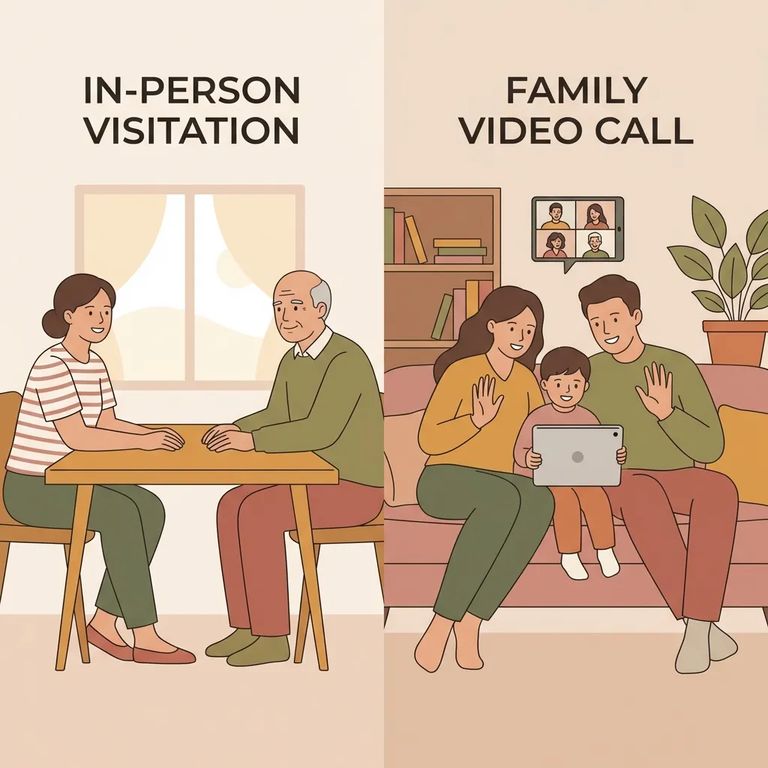
Video visits at Inverness come in two flavors: the free lobby kiosk on-site, or remote visits through Securus at $5 each. Good news either way - you don't have to be on the inmate's visiting list to use video visits.
Remote visits run through Securus. You'll need to create an account with a login and password to book and join sessions. These visits require at least 24 hours advance notice, plus a compatible computer, webcam, and internet connection at home.
Recommendation: If you can get to the jail, the lobby kiosk is the budget-friendly choice (free). If you need to visit from home, remote Securus visits cost $5 but let you connect without traveling.
- Create your Securus account and log in - you’ll need a registered logon and password to schedule and join a remote visit.
- Pick the person and a time slot - select the inmate and choose an available appointment time.
- Schedule at least 24 hours ahead - Securus video visits must be set up a minimum of 24 hours in advance.
- Pre-pay to finalize the booking - remote visits are paid per session before the visit takes place.
Keep in mind: Securus video visits are recorded and monitored. Once you've scheduled, don't try calling to confirm - sessions can't be verified over the phone. Securus sends schedule updates to the email address you used when signing up.
Remote (at-home) video visits are paid in advance, so have your payment method ready when you book.

- Choose a kiosk time window - lobby kiosk video visiting hours are 9:00 AM–11:00 AM and 1:00 PM–3:00 PM on weekdays and weekends.
- Arrive at least 15 minutes early - build in time so you’re not rushing right up to the start of your session.
- Check in at the Facility Security Officer desk - you’ll need to check in there before your scheduled kiosk visit.
- Keep the lobby hours in mind - the public lobby is open Monday–Sunday from 7:00 AM to 3:00 PM, and kiosk video sessions end at 3:00 PM each day.
A few kiosk rules to know before you go: sessions max out at three people, and cell phones and other electronics aren't allowed during the visit. Bringing kids? The minor visiting policy applies here too - children must stay supervised and under the parent's immediate control throughout the session.
One less thing to worry about: you don't need to be on the inmate's visiting list to use video visits at Inverness, including the lobby kiosk.
Note: Inverness states there is currently no limit to the number of lobby kiosk visits that can be scheduled in a row.
Tech-checklist-at-home
- ✓ A Windows or Mac computer
- ✓ High-speed internet access
- ✓ A working webcam
- ✓ A registered Securus logon and password
Need to double-check your remote visit? Use email, not the phone. Securus won't verify scheduled sessions by telephone - they send updates to the email address you provided when signing up.
Cost is the big difference between options. Lobby kiosk visits are free. Remote visits through Securus cost $5 each, paid upfront - so have your payment method ready when you book.
Remote visits are pre-paid and non-refundable. If your plans might change, hold off on scheduling until you're sure you can make it.
Verify session length: Sources conflict on whether each video visit is 20 minutes or 30 minutes. When you schedule, check the session length shown during booking and in your confirmation details.
Find an Inmate at Multnomah County Detention Center
Search for a loved one and send messages and photos in minutes.
