
How to Set Up Your First Video Visit at Multnomah County Inverness Jail
Setting up your first video visit at Multnomah County Inverness Jail is straightforward once you know your options. Here are the two ways to connect by video, plus step-by-step setup instructions for each.
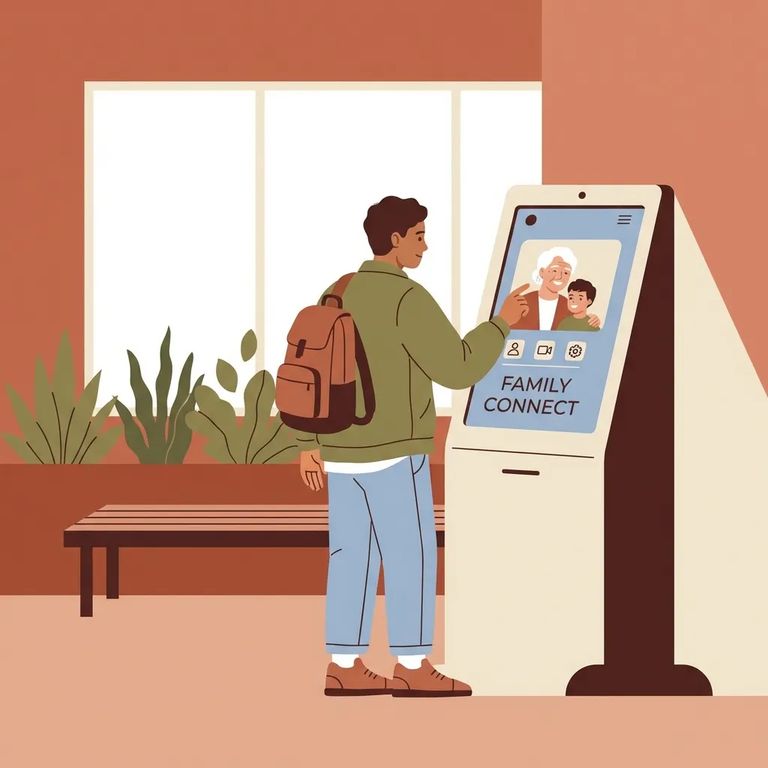
Inverness Jail offers two video visit options through Securus Technologies: free visits at lobby kiosks, or paid remote visits from home. Remote visits cost $5 each, paid in advance. Lobby kiosk visits are free. Both options are available seven days a week (excluding holidays), though facility operations can still affect availability.
Decision Guide
- ✓ Use the free lobby kiosk option if you can get to the Inverness Jail public lobby during kiosk hours.
- ✓ Use the remote (at-home) Securus visit option if you can’t make it in person - and plan on $5 per visit.
- ✓ Choose remote if you need a visit after 3:00 PM, because the lobby closes and lobby kiosk video visits end at 3:00 PM each day (effective Feb 6, 2023).
One scheduling detail trips up a lot of first-time visitors: Securus video visits have to be set up at least 24 hours in advance. If you’re trying to visit today or tomorrow morning, the lobby kiosk may be your only realistic option.
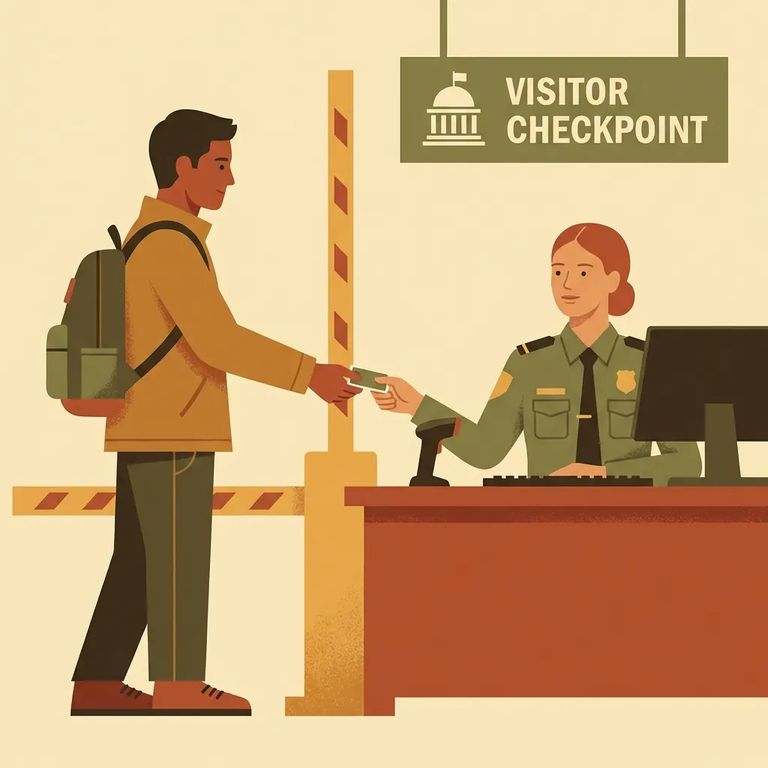
- Plan to arrive early - Aim to get there at least 15 minutes before your scheduled kiosk video visit.
- Check in at the Facility Security Officer desk - This is where you’ll start the kiosk visit process.
- Bring valid government photo ID and dress to the visitor dress code - Accepted ID includes a state driver’s license, state ID card, military ID card, or passport, and the in-person visitor dress code applies for kiosk visits.
- ✓ Expect a 3-person maximum for kiosk visits.
- ✓ Children count toward the 3-person limit.
- ✓ If you bring a minor, they must be supervised and under the immediate control of the parent during the session.
- ✓ You do not have to be on the inmate’s visiting list to use lobby kiosk video visiting.
Note: Lobby visits are first-come, first-served, and sessions aren't guaranteed. Visits can be denied or cancelled due to facility needs, court orders, keep-separates, or visitor/inmate behavior.
- Schedule at least 24 hours ahead - Remote Securus video visits must be scheduled a day or more in advance.
- Sign in with your Securus account - You’ll need a registered logon and password.
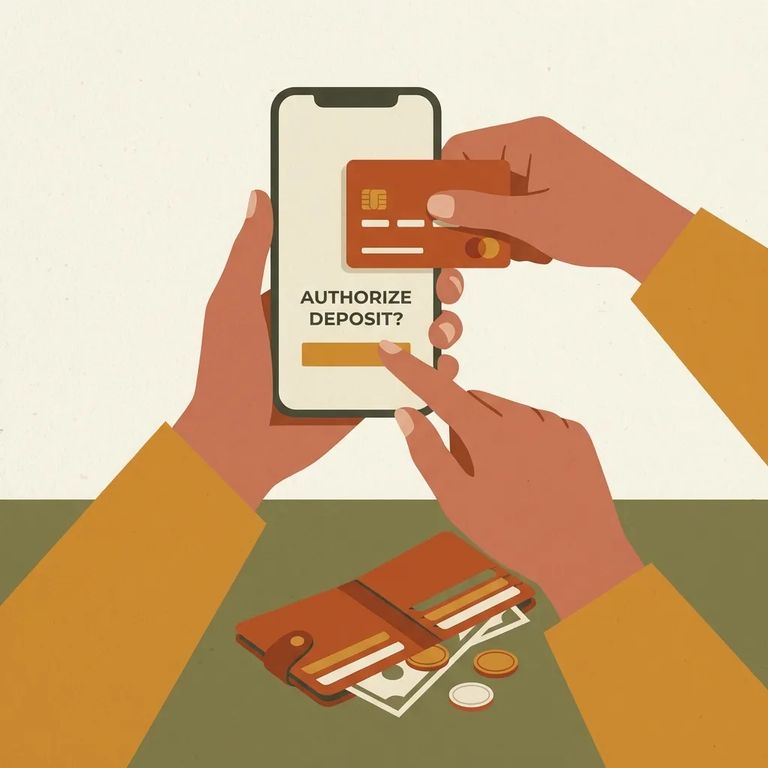
- Pay the visit fee - Remote visits are $5 each and require pre-payment using a credit or debit card.
- ✓ A computer with Windows or Mac
- ✓ High-speed internet
- ✓ A working webcam
Arrive at least 15 minutes before your scheduled lobby kiosk visit for a smoother check-in. Kiosk hours are Monday–Friday 9:00–11:00 AM and 1:00–3:00 PM, and Saturday & Sunday 9:00–11:00 AM and 1:00–3:00 PM. The public lobby closes at 3:00 PM, and all lobby kiosk visits end by 3:00 PM (effective Feb 6, 2023).
Call ahead: Before making the trip, call 503-988-3689 to confirm social visitation is available - staffing levels can affect it. For first-come, first-served sign-ups, many visitors arrive 30–60 minutes early.
Remote video visits through Securus cost $5 per session, paid upfront by credit or debit card. Keep in mind: all Securus video visits are recorded and subject to electronic monitoring.
Troubleshooting
- ✓ Confirm your device setup - Windows or Mac, high-speed internet, and a webcam.
- ✓ Test your Securus sign-in - Make sure your registered logon and password work before visit time.
- ✓ Have your payment method ready - Remote visits require a credit/debit card for the $5 fee.
Before heading to the jail, call 503-988-3689 to check for any staffing-related changes. If you're planning around a specific time slot, confirm the start time and session length - published details can vary. Even when you've done everything right, visits can still be denied or cancelled for facility needs, court orders, keep-separates, or visitor/inmate behavior.
Find an Inmate at Multnomah County Detention Center
Search for a loved one and send messages and photos in minutes.
