
How to Send Money to Someone at Sampson County Detention Center (NC)
Getting money onto someone's account helps them buy basics and make phone calls—but the method you choose affects both speed and fees. Here are the official ways to deposit funds and how to avoid delays.

The fastest option is ConnectNetwork. You can deposit online at ConnectNetwork.com or through the ConnectNetwork mobile app using a credit or debit card. No mailing required - funds typically post quickly.
Prefer to pay by phone? Deposits go through ViaPath, which operates the same family of services as TouchPay and ConnectNetwork. If you hit any snags, ViaPath has a toll-free help line.
Need to pay cash in person? Western Union works. Head to any Western Union location and use the required payment code (listed below) so the money gets routed correctly.
Mailing a money order is another option, though it's slower. Send it to TouchPay with a deposit slip - funds typically become available within 10 business days, sometimes sooner.
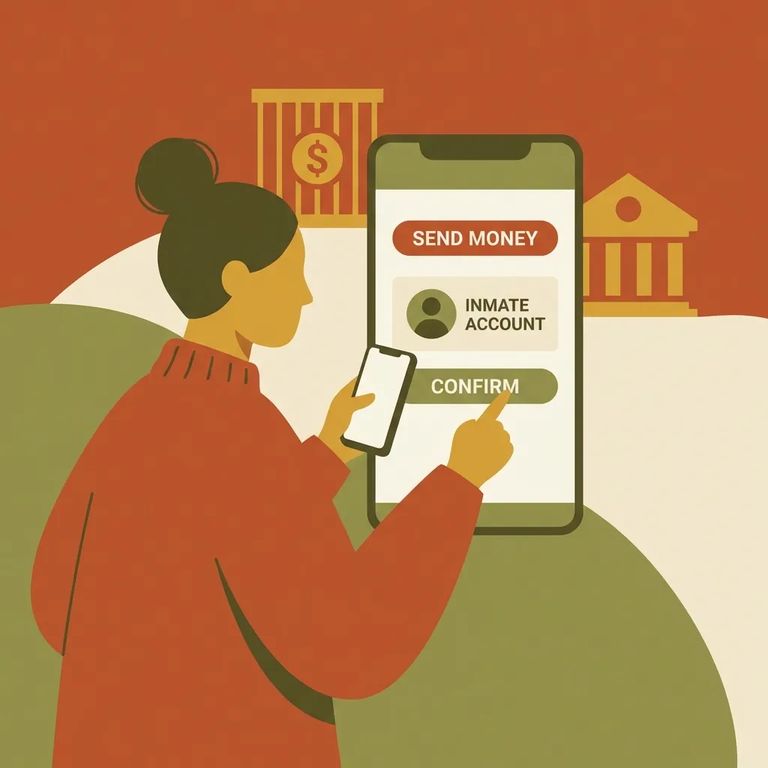
- Use ConnectNetwork online or the mobile app - Go to ConnectNetwork.com or open the ConnectNetwork mobile app (available in the Apple App Store or Google Play).
- Sign in or create your account - Follow the prompts to log in or set up a new profile.
- Enter the offender’s information - Make sure you select the correct person so the deposit posts to the right account.
- Pay with a credit or debit card - Complete the payment and submit the deposit.
- Save your confirmation - Keep the receipt or confirmation details in case you need to track or troubleshoot the transaction later.
- ✓ Offender’s identifying details (the exact name and any ID/details the system asks for)
- ✓ A credit or debit card for payment (for online/app deposits)
- ✓ Your ConnectNetwork login information (or what you need to create an account)
- ✓ Awareness that deposits run through the official provider network (ViaPath and its subsidiaries, including TouchPay/ConnectNetwork), so you’re using authorized channels
Phone deposits go through ViaPath. This is the same official system NCDAC uses for offender trust deposits (alongside TouchPay and ConnectNetwork), so you know you're using the right service.
Help line: If you have trouble making a deposit, call ViaPath’s toll-free assistance line at 877-650-4249.
- Go to a Western Union location - Any Western Union location can take the cash deposit.
- Tell them you’re making a TRUST payment - This helps ensure it’s handled as the correct type of deposit.
- Use the required payment code - Provide the payment code “NCDAC TRUST” so the deposit is routed correctly.
- Keep your receipt - Hold onto it until you’re sure the funds have posted.
Western Union is the walk-in, cash option - part of the same deposit system supported by ViaPath and its subsidiaries (TouchPay/ConnectNetwork). The key to avoiding delays: use the correct payment code when you send the money.
Mailing Money Order
- ✓ Make the money order payable to TouchPay
- ✓ Include a deposit slip with the money order
- ✓ Mail it to: TouchPay Holdings, LLC, PO Box 174, Houston, TX 77001-0174
Mailed money orders take longer. Expect funds to be available within ten business days, though TouchPay sometimes processes them sooner.
Fees vary by both the amount you send and how you send it. NCDAC publishes a money transfer fee schedule (effective August 1, 2023) that breaks down costs by deposit amount and channel - Online, Phone, Money Order, and Western Union. Two deposits of the same amount can cost different totals depending on the method.
Before sending funds, confirm you're allowed to. Only people listed as an offender's approved visitors can deposit money into that offender's account. Stick with the official provider network (ViaPath and its subsidiaries, including TouchPay/ConnectNetwork) to avoid misdirected payments.
- ✓ Save your receipt, confirmation number, or screenshot right after you submit a deposit
- ✓ Keep your paperwork until the funds show up on the offender’s account

- Save proof of payment - Take a screenshot of the confirmation page (online/app) or hold onto your receipt (phone or in-person).
- Double-check the offender details you entered - A mismatch can delay or misroute a deposit.
- Try the deposit again only if you’re sure it didn’t go through - Use your confirmation details to avoid duplicate payments.
- Call for help when you’re stuck - ViaPath can help troubleshoot deposit issues, including problems tied to online deposits.
Don’t delete your proof: Keep receipts and screenshots until the money posts. For deposit help, call ViaPath at 877-650-4249.
Find an Inmate at NCCI Womens Facility
Search for a loved one and send messages and photos in minutes.
