
How to register a phone number to receive calls from an inmate at Neal Unit (step-by-step)
Want to receive calls from someone at the Neal Unit? You'll need to register your phone number with TDCJ first. Here's how to do it, step by step—plus what to do if something goes wrong.

Only the actual owner of the phone number can complete registration. You'll need to confirm you're the registered owner, that you're at least 18, and that you agree not to forward calls, set up three-way calls, or use speakerphone during calls from the inmate. Breaking these rules can get your calls blocked.
- ✓ The inmate’s TDCJ ID number
- ✓ A driver license or state ID (the name on it must match the name on your telephone listing or bill)
- ✓ A telephone listing or bill that shows your name (matching your ID)
You’ll need the inmate’s TDCJ ID number to register your phone. If you already have it, keep it handy - you’ll enter it during enrollment. If you don’t know it, you can look it up using the online inmate search, or you can request it by phone at (936) 295-6371 or (800) 535-0283.
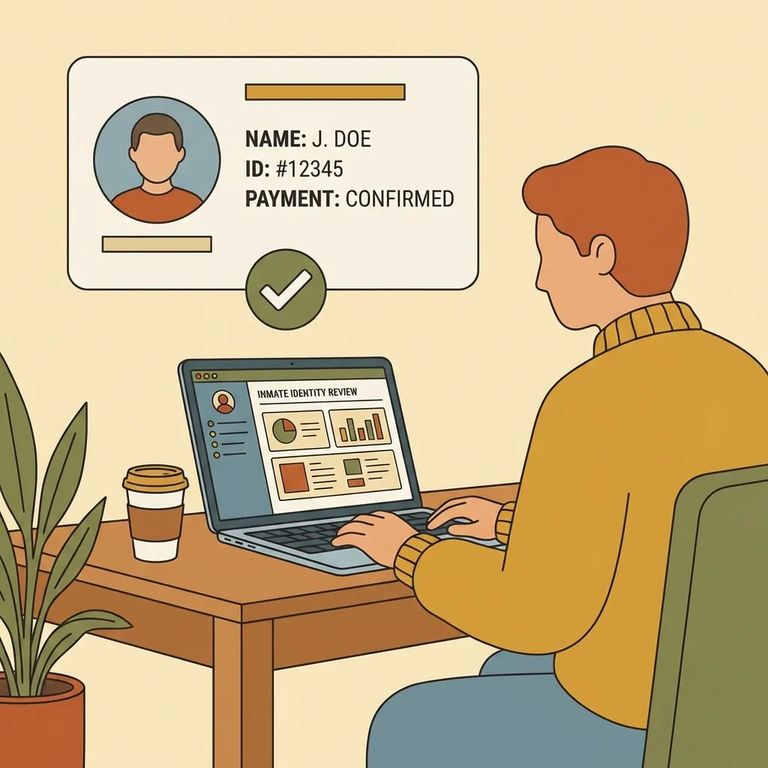
- Confirm you’re registering the right phone number - the system requires you to be the registered owner of the number you’re enrolling.
- Gather the inmate’s TDCJ ID number - you can’t complete registration without it.
- Check the name match before you start - the name on your driver license or state ID needs to match the name on your telephone listing or bill.
- Complete the online phone enrollment - you must register your telephone number online before you can receive calls from a TDCJ inmate.
Most registration problems come down to a few easy-to-miss rules. You must be at least 18 and the registered owner of the phone number. TDCJ also checks identity details - the name on your driver license or state ID needs to match your telephone listing or bill. How you handle calls matters too. When you enroll, you agree not to forward calls, make three-way calls, or use speakerphone. Trying to "make it easier" by adding someone to the call or routing it through another phone can backfire and get your calls blocked.
Calls suddenly stopped? Call-forwarding, three-way calling, or speakerphone use are the most common reasons calls get blocked.
Registered but calls still aren't coming through? Contact inmate telephone support at (866) 806-7804. This is the main support line for the inmate phone system.
Need to escalate? You can file a written complaint with the Inmate Technology Services Contract Manager at PO Box 4016, Huntsville, TX 77342-4016. Email works too: offenderphones@tdcj.texas.gov.
Before rearranging your schedule around expected calls, double-check two things: you have the correct TDCJ ID number, and you've completed phone registration. Not sure about the inmate's info? Use the online inmate search or call the TDCJ numbers listed above to verify.
Troubleshooting Checklist
- ✓ Re-check the inmate’s TDCJ ID number and try again with the correct number
- ✓ Make sure the name on your driver license/state ID matches the name shown on your telephone listing or bill
- ✓ Confirm you’re the registered owner of the phone number you’re enrolling
- ✓ Don’t use call forwarding, three-way calling, or speakerphone on inmate calls
- ✓ If you haven’t already, register the number online (a phone won’t receive calls until it’s enrolled)
- ✓ If you’re still stuck, call inmate telephone support at (866) 806-7804
When to escalate: Call (866) 806-7804 for setup help or call problems. Still not resolved? Submit a written complaint - include the inmate's TDCJ ID, your phone number, and a description of the issue - to PO Box 4016, Huntsville, TX 77342-4016 or offenderphones@tdcj.texas.gov.
Fair warning: TDCJ's published phone hours aren't consistent. One page says 8 a.m.–4 p.m. Monday–Friday, another says 8 a.m.–5 p.m., and there's a notice that starting February 2, 2026, hours will be 8 a.m.–3 p.m. Monday–Friday. When you call, ask to confirm the current hours.
Find an Inmate at TDCJ Neal Unit
Search for a loved one and send messages and photos in minutes.
