
How to Use CashPayToday to Send Money (No Bank Account Needed)
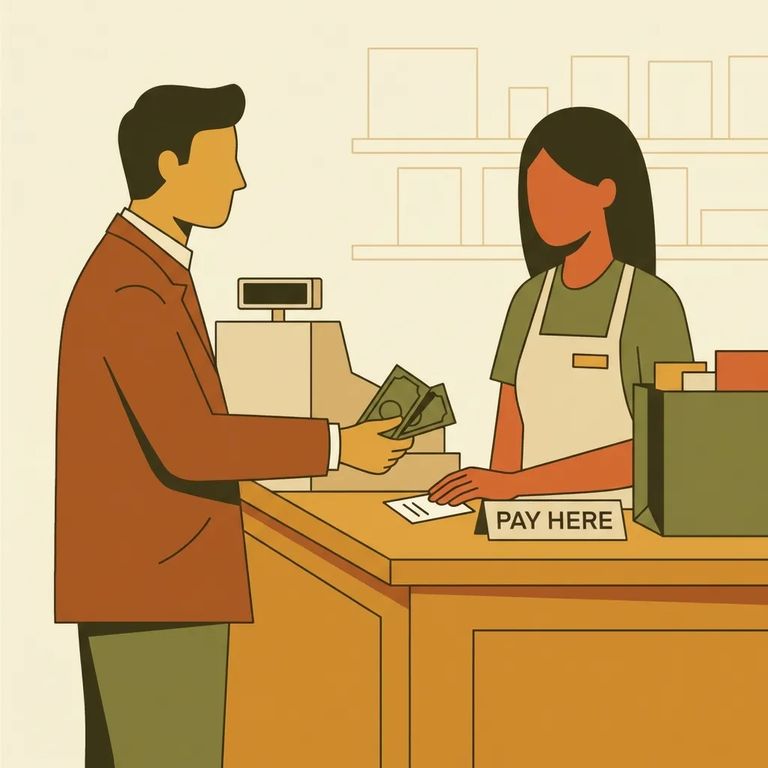
Need to send money using cash - no debit card or bank account required? CashPayToday is one of the options Alabama DOC accepts for people incarcerated at North Alabama Community Work Center. Register online first, then take a barcode to a CashPayToday retail location and pay at the register in cash.
Reminder: Alabama DOC allows cash deposits for North Alabama Community Work Center through CashPayToday retail locations.
Before heading to any payment location, you need to register with CashPayToday. This means registering yourself (the sender) and the recipient (the incarcerated person). Skip this step and you won't have what the store needs to process your cash payment.
- ✓ Create your CashPayToday account
- ✓ Add the recipient (the incarcerated person) you want to send money to
- ✓ Double-check the recipient information matches their Alabama DOC records
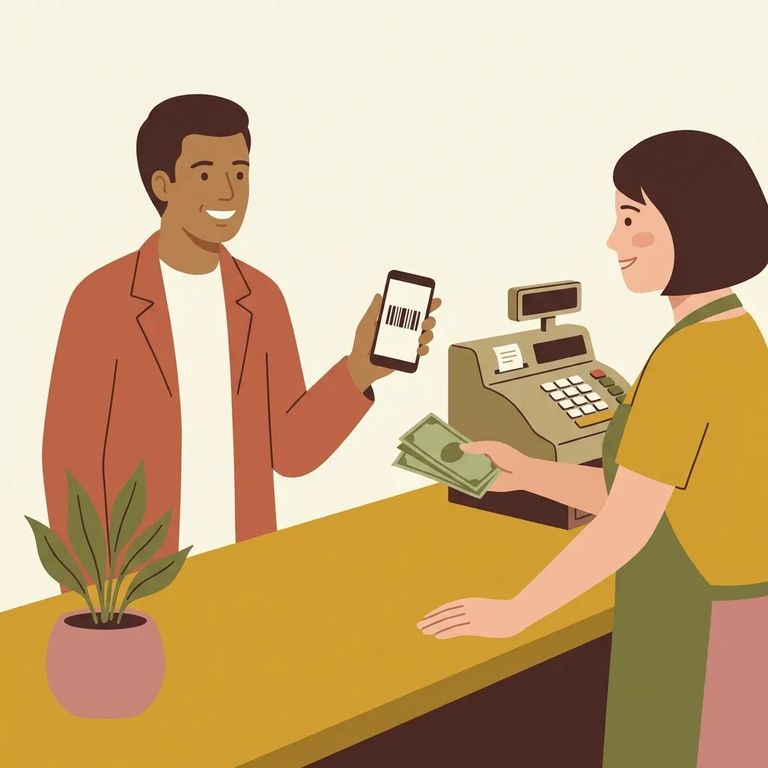
CashPayToday uses a barcode the cashier scans at checkout. You can get it a couple of ways: log into your account and request an email/PDF copy, or have it texted to your phone. Either a printed barcode or the image on your phone works at the register - pick whatever's easiest to keep handy when you're in line.
- Log into your CashPayToday account - make sure you’re signed in and can see your consumer ID.
- Request your barcode by email/PDF - click on your consumer ID to request an email PDF copy you can print or pull up later.
- Or get the barcode by text - text your consumer ID to 502-410-3373 to have the barcode sent to your smartphone.
- Save what you receive - keep the barcode where you can quickly show it (on your phone) or print it out.
Tip: Bring a clear barcode the cashier can scan - either a printed copy or a barcode image that fills your phone screen without glare or cracks.
Take your barcode to a participating CashPayToday retail location and pay at the register. Show the barcode (printed or on your phone), tell the clerk how much you're sending, pay in cash, and keep your receipt. This is the cash-deposit route Alabama DOC allows for people at North Alabama Community Work Center.
- ✓ Present your CashPayToday barcode (printed or on your phone)
- ✓ Tell the cashier it’s a CashPayToday payment and the amount you’re sending
- ✓ Pay cash (plus any fee the location charges)
- ✓ Keep your receipt
Barcode won't scan? The quickest fix is usually switching formats - try the printed version if your phone screen is dim or cracked, or pull up the barcode again so it's sharp and fills the screen. If the store still can't process the payment, try another participating CashPayToday location. You can also log back into your account and request a fresh barcode (email/PDF) or re-send it to your phone by text using your consumer ID.
- Try scanning again - adjust your phone brightness or present a printed barcode instead.
- Ask for a second attempt - have the cashier (or a manager) retry the scan.
- Request a fresh barcode - log into your account to request an email/PDF again, or text your consumer ID to 502-410-3373.
- Use a different participating location - if the store still can’t process it, take your barcode to another CashPayToday retailer.
Find an Inmate at North Alabama Community Work Center
Search for a loved one and send messages and photos in minutes.
