
How to Visit Facility
Planning a visit? Knowing your payment options ahead of time makes setup easier. Here's what ConnectNetwork offers and what to confirm before you go.
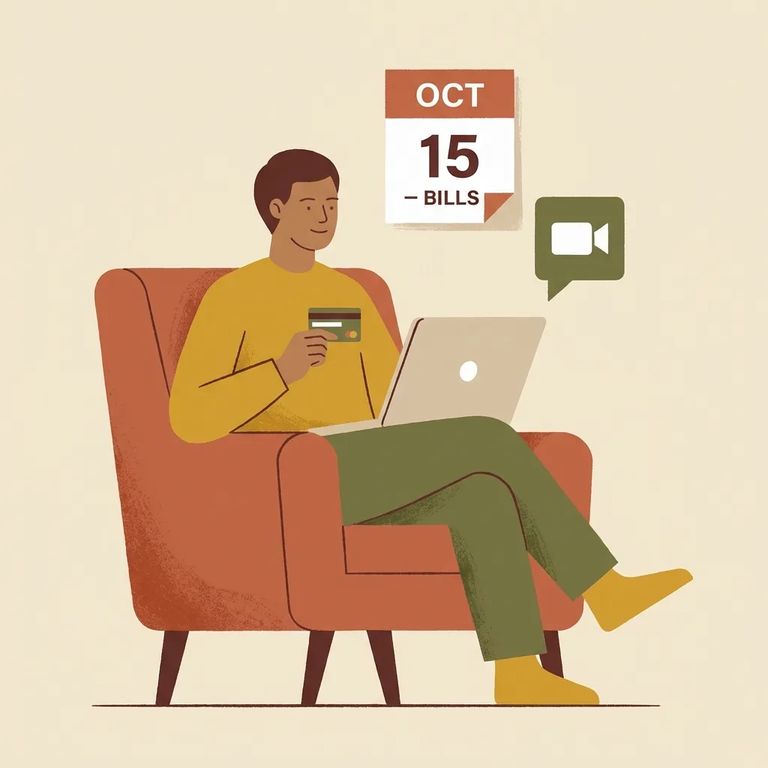
ConnectNetwork's website and mobile apps accept Visa and MasterCard. Both are available around the clock, so you can handle payments whenever it's convenient.
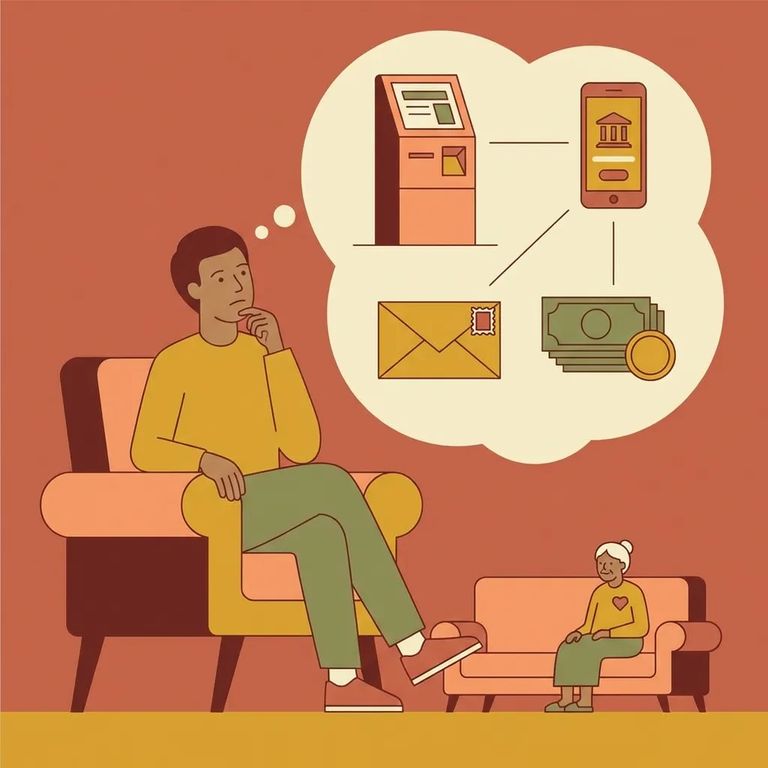
You may also be able to pay at a ConnectNetwork self-service kiosk. These are sometimes located in facility visitation areas, but they can also be found in government offices, probation offices, or courthouses. Kiosk payments typically post immediately, and most accept cash, credit, or debit.
Note: Online/app payments and kiosk payments work differently. Both options are common, but confirm what's actually available at this facility and which payment types the kiosk accepts.
Steps to Follow
- ✓ Use the ConnectNetwork website or mobile app if you want to pay anytime (24/7) with a Visa or MasterCard.
- ✓ Look for a ConnectNetwork kiosk option if you prefer to pay in person, since kiosks can accept cash, credit, or debit and are intended for immediate payments.
- ✓ If you plan to pay at a kiosk, confirm you’re going to a location that actually has one (some are in visitation areas, others may be in government offices, probation offices, or courthouses).
Before you go, check whether a ConnectNetwork kiosk is available for this facility and where it's located. If you plan to use a kiosk, confirm which payment types that specific machine accepts (cash, credit, or debit). Online and app payments run 24/7, but some facilities have specific rules or require certain information to complete a payment.
Reminder: A kiosk is not guaranteed to be on-site at the facility. Some kiosks are placed in other locations like government offices or courthouses.
Find an Inmate at North Branch Corrections Inst., MD
Search for a loved one and send messages and photos in minutes.
