
Setting Up Phone Calls from NDSP: How to Get on the Calling List and Understand Billing
Phone calls are often the fastest way to stay connected, but calls from NDSP won't start—or keep going—until the paperwork and billing are handled. Here's how the calling list works, where to send the form, and what you'll pay.
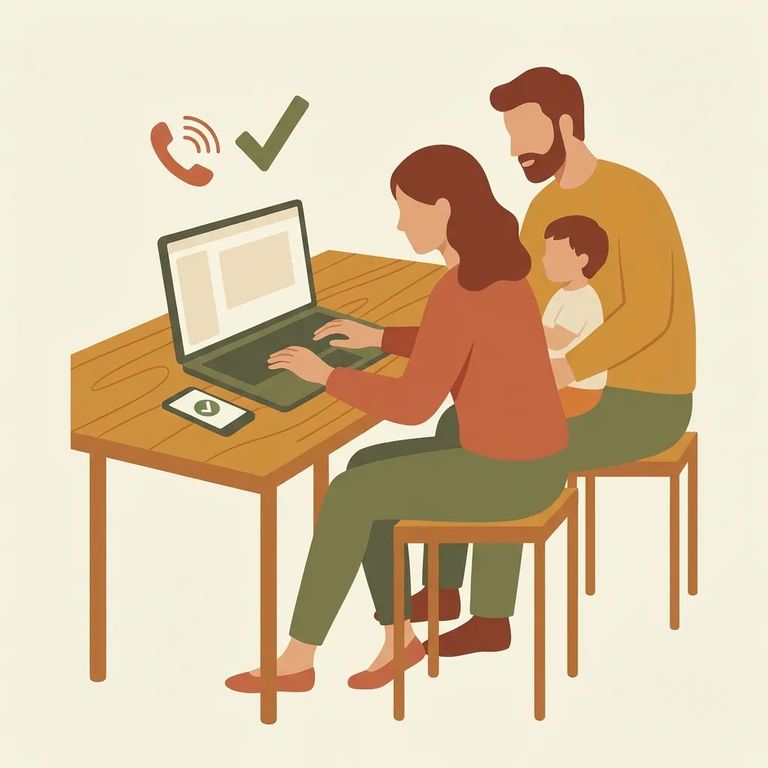
To receive calls from someone at NDSP, you need to be on their approved calling list. Getting added is simple: complete and sign a Telephone Application. Until that's done, family and friends can't be added to the resident's list.
You can submit the Telephone Application electronically or use the fillable PDF and mail it in. Either way works - just make sure it's completed and signed.
Mailing the printed application? Send it to Securus - they handle telephone applications for NDSP and several other ND DOCR facilities. Check the DOCR
After the initial calls a new resident receives upon arrival, someone has to pay for ongoing calls. At NDSP, that usually means one of two options: the resident pays using commissary funds, or you set up a collect call account through Securus. If you plan to cover the cost, get approved for the calling list first, then set up billing so calls go through without a hitch.
Rate to expect: The DOCR telephone page lists calls as billed at .079 cents per minute.
New arrivals don't start from zero. Each resident gets two 5-minute phone calls when they first arrive at NDSP. These calls let you confirm they made it and cover any urgent details before longer-term calling is set up.
- ✓ Have your phone number ready to share with your loved one so they can try to reach you during the two initial 5-minute calls.
- ✓ Submit the completed, signed Telephone Application as soon as you can so you can be added to the resident’s calling list for future calls.
- ✓ If multiple family members want calls, each person should plan on completing the Telephone Application so they can be added to the calling list.
Getting calls you don't want? There's a quick way to stop them. When you receive a call from that person, press option 6. This permanently blocks your phone number from receiving any calls from the facility.
You can also contact the facility directly to request a phone number be removed. If you'd rather not use the phone-menu block, this is the other route ND DOCR mentions for getting a number taken off the calling list.
Find an Inmate at North Dakota State Penitentiary
Search for a loved one and send messages and photos in minutes.
