
How to Send Your First JPay Email to Someone at Northwest Florida Reception Center
Sending your first JPay email is straightforward, but the details—like replies, photos, and video—depend on what Northwest Florida Reception Center allows. Follow the steps below to confirm what's available, set up your account, and send a message without paying for features the facility might not accept.
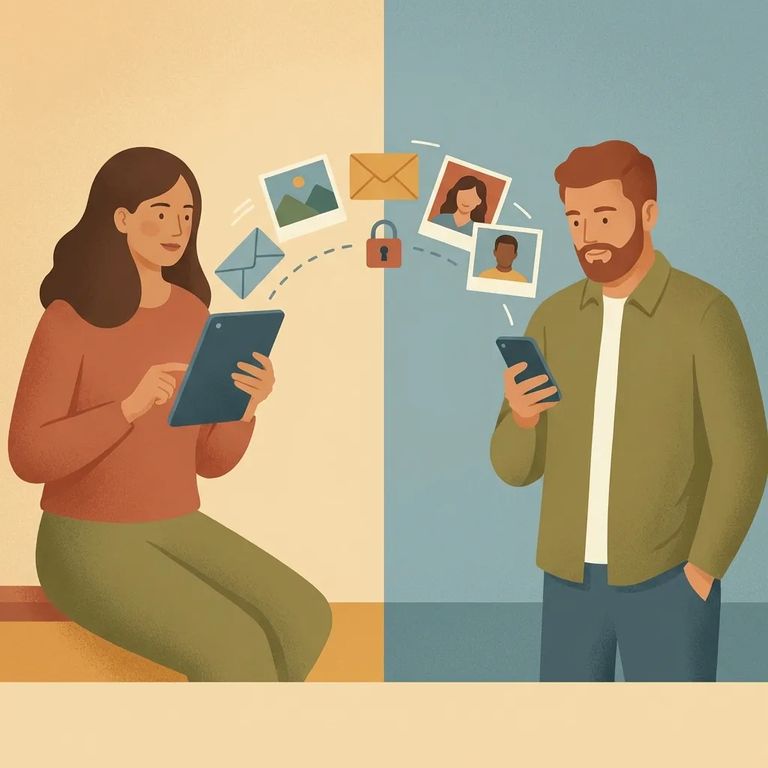
JPay is an electronic email service that lets you correspond with someone who's incarcerated. The catch: JPay features aren't the same everywhere. Before you spend money on Stamps or add-ons, take a minute to confirm what Northwest Florida Reception Center (NWFRC) actually accepts.
- ✓ Look up Northwest Florida Reception Center on the Florida Department of Corrections website and review the facility’s communication information.
- ✓ If the page you try to open isn’t found, use the Florida DOC site search.
- ✓ If you still can’t find what you need, start from the Florida Department of Corrections home page and navigate to the facility information from there.
Even when JPay email is available, what your loved one can do with your message varies by facility. At NWFRC, the person you're writing may be able to reply electronically, view and print your message, or view photo attachments - but those options depend on the facility's setup. Confirm the rules for NWFRC before assuming replies or media will work.
- Go to JPay and start signup - create your account; it’s free.
- Finish account setup - once you’re registered, you can start sending emails immediately.
- Get ready to message - after you log in, you’ll be able to compose a message as soon as you select the right person/facility in the system.
Creating an account is free. It's the starting point for JPay's electronic email service. Once you're set up, the main cost is the Stamp required to send each message.
JPay messages don't use regular postage. Each email requires a purchasable JPay "Stamp," which you can buy online through your JPay account. Stamps may also be available at JPay kiosks inside the correctional facility.
- ✓ Confirm whether NWFRC has JPay kiosks available for Stamp purchases.
- ✓ Check the current Stamp pricing before you buy, so you know what each message (and any add-ons) will cost.
- ✓ If you’re unsure, stick to buying only what you need for a single message first.
Speed is a big reason people use JPay. Emails are generally faster than regular mail - incarcerated individuals usually receive them within 48 hours.
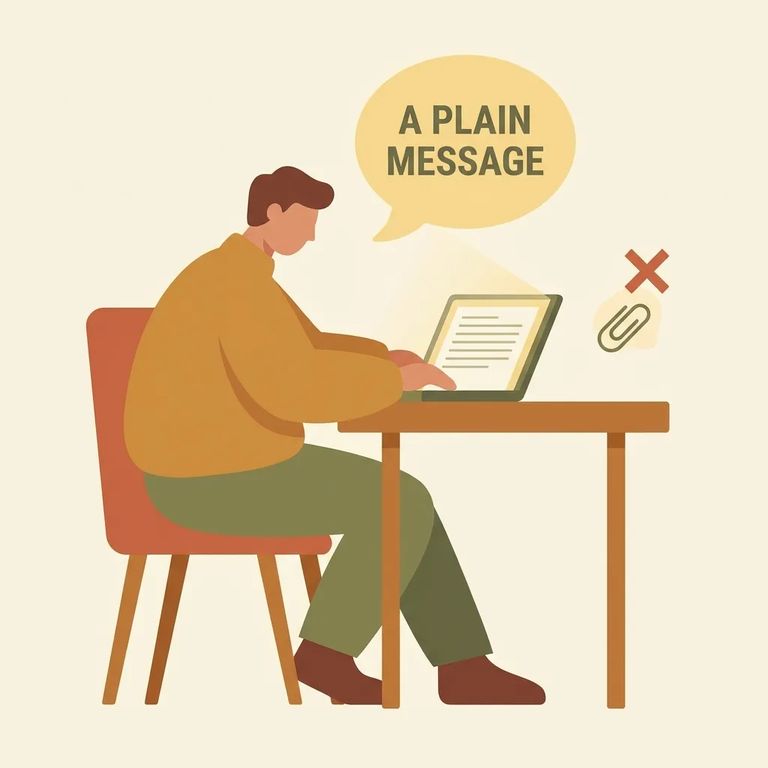
- Log in to your JPay account - use the account you just created.
- Start a new email - choose the option to write a message and select your recipient using the correct information for the person you’re trying to reach.
- Write your message - keep it clear and easy to read, especially for a first note.
- Preview before sending - read it once for typos and tone, then send when you’re ready.
Note: Photos and VideoGrams aren't universal. Some facilities allow photo attachments and even a 30-second VideoGram, but verify what NWFRC accepts before you pay for or send any media.
If NWFRC supports attachments through JPay, you may be able to add a photo to your email. Some facilities also allow VideoGrams - short recorded clips limited to 30 seconds. These features are facility-dependent, so treat them as optional until you've confirmed they're allowed at NWFRC.
After you hit send, expect quicker delivery than paper mail. JPay emails are typically received within 48 hours, though timing can vary based on processing and the facility's schedule.
What happens on the other end depends on NWFRC's rules and equipment. Your loved one may be able to reply electronically, view and print your message, or view photo attachments. If you're not getting replies - or you're unsure whether they can see what you sent - verify what JPay functions are enabled for NWFRC.
If Problem
- ✓ Re-check NWFRC’s listing on the Florida DOC website to confirm what JPay messaging features are allowed.
- ✓ Confirm you purchased a Stamp and that it was applied to the message you sent.
- ✓ If you hit a “page not found” error while looking for Florida DOC information, use the DOC site search or start from the Florida Department of Corrections home page and navigate from there.
Warning: Stick to official Florida DOC pages when confirming rules or finding facility information. Don't rely on random contact details or unofficial instructions that aren't posted through DOC.
Find an Inmate at Northwest Florida Reception Center
Search for a loved one and send messages and photos in minutes.
