
How to Set Up and Use Video Visits with an Inmate at Ordnance Road (onsite and from home)
Video visits at Ordnance Road Corrections Center run through IC Solutions. Once your account is set up, the things that trip people up most are the scheduling window, the 25-minute time cap, and the strict login window on visit day.
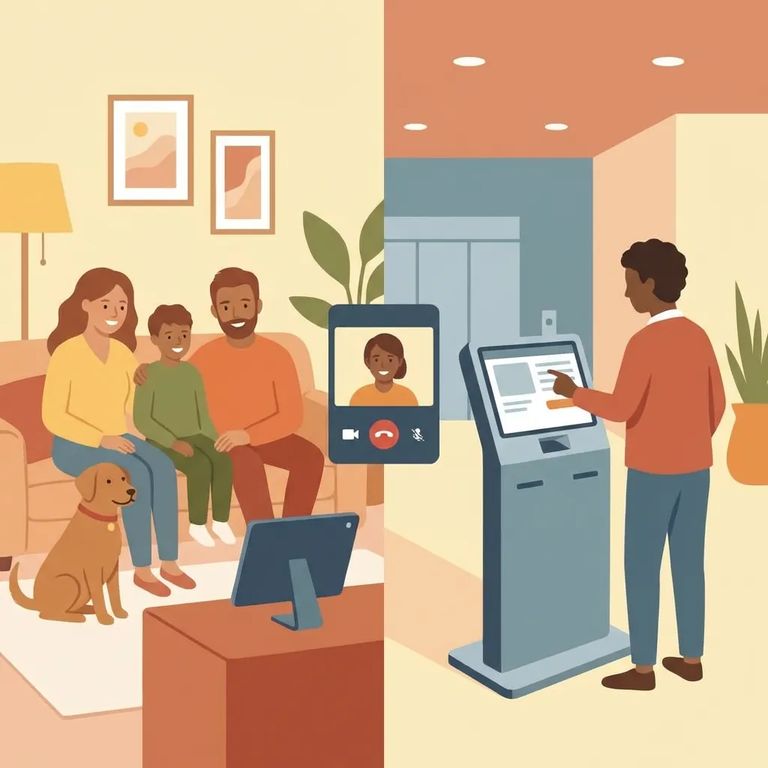
You'll need an IC Solutions visitation account before you can do a video visit. Ordnance Road requires visitors to be at least 18 years old to register through the IC Solutions website. Get that set up first - before you try to schedule anything.
Visits must be scheduled at least 24 hours in advance, and you can book up to 4 weeks out. If you're hoping for a specific day and time, booking earlier gives you better options.
Each video visit runs up to 25 minutes. That goes fast. Log in ready to start, and prioritize what you want to talk about - especially if you're visiting with kids.
Onsite Vs Offsite
- ✓ Onsite (kiosk) video visits are limited to 3 per week per inmate.
- ✓ Onsite group size is capped at either 2 adults and 1 child, or 1 adult and 2 children.
Offsite (from-home) video visits work differently: there's no limit on how many you can schedule. Each visit costs $6.25, paid at checkout when you book.
- Go to the visitation kiosk - Make sure you’re at the kiosk with enough time to log in during the allowed window.
- Press “Video” - This starts the connection process for your scheduled visit.
- Log in with the phone-call PIN - Use the same PIN that’s used to place telephone calls.
Timing window: You can log in no more than 5 minutes early, and no more than 15 minutes late. If you miss that window, you can lose the visit.
Privacy note: Video visits at Ordnance Road are subject to monitoring and recording.
- Log into the visitation portal - Use the same account you used to schedule.
- Find your scheduled visit - Look for the visit you want to cancel.
- Press “Cancel” next to the visit - This is the facility’s stated way to cancel a scheduled session.

Troubleshooting Tips
- ✓ If you don’t see an available slot, remember visits must be scheduled at least 24 hours ahead (and no more than 4 weeks out).
- ✓ Don’t log in too early - wait until you’re within 5 minutes of the start time.
- ✓ If you’re running late, you have up to 15 minutes past the start time to log in.
For onsite kiosk visits, you'll log in with the same PIN used for telephone calls. If you don't have it handy, you can get stuck at the kiosk even with a scheduled visit. Treat it like the one thing you can't forget.
Find an Inmate at Ordnance Road Corrections Center, MD
Search for a loved one and send messages and photos in minutes.
