
How to Schedule a Video Visit at Osceola County Jail: Onsite vs. Offsite
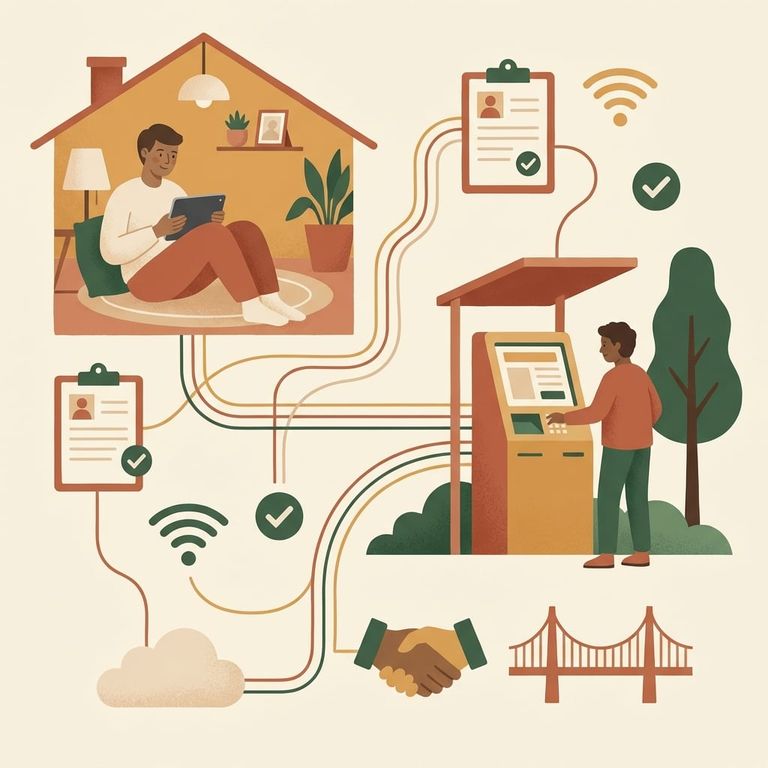
Osceola County Jail uses The Visitor/ICSolutions video visitation system. You have two options: visit onsite using the video kiosks at the facility, or visit offsite from anywhere on your own device. Need to decide fast? Onsite is the easiest choice if you're already at the jail - you can register and schedule right at the lobby kiosk.
You'll need to register before your first video visit. Registration is free. You can sign up in person at the facility lobby kiosk, or register online through the ICSolutions (The Visitor) website. Planning an offsite visit? Don't skip this step. Even if you've visited someone at another facility, Osceola County requires you to be registered in their system before you can join a session.
For offsite visits, you can use a Windows computer, an Android device, or an iOS device like an iPhone or iPad. On iOS, download the free "ICS Mobile" app to conduct your visit. Pick your device - computer or phone/tablet - and stick with it for setup and testing. The system runs through a dedicated visitation application, so consistency helps avoid technical hiccups.
Note: If you want to visit offsite, you’re required to download and test the visitation application on your Windows computer, Android, or iOS device before you’ll be able to schedule the visit.
Offsite video visitation sessions cost $15.00 for 30 minutes.
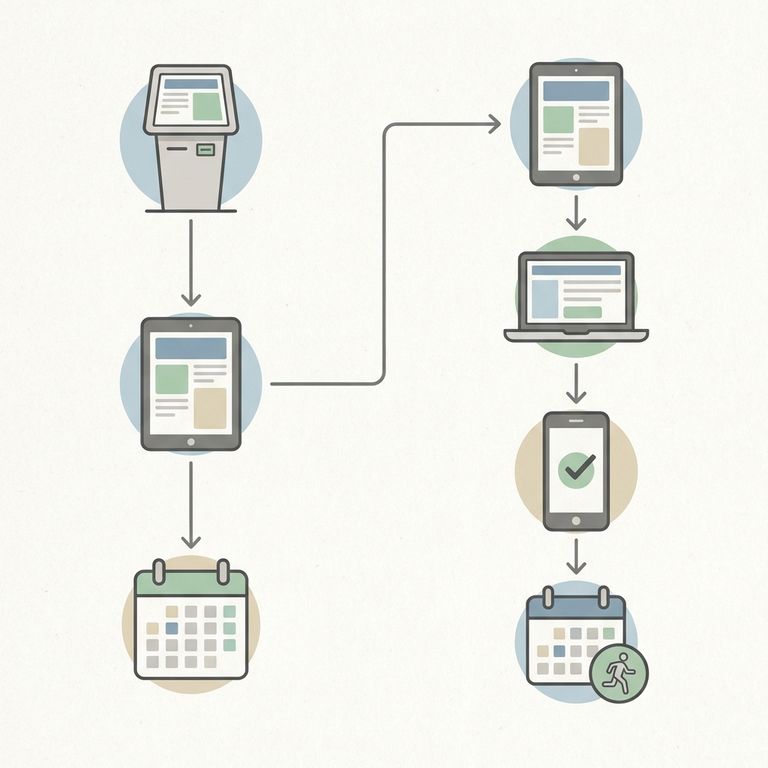
- Go to the facility lobby kiosk - onsite scheduling can be done in person at the lobby kiosk.
- Register or sign in - you can register there if you haven’t already, or sign in if you’re returning.
- Schedule your visit - follow the kiosk prompts to schedule a personal inmate visit.
- Register or log in online - use the ICSolutions (The Visitor) website to create your free registration or access your account.
- Set up your device - choose what you’ll use for the visit (Windows computer, Android device, or iOS device) and download the required visitation application.
- Test the visitation application - you must download and test the app on your device before the system will allow you to schedule an offsite session.
- Schedule the offsite visit - once your device is ready, select an offsite visit option and complete scheduling through the ICSolutions/The Visitor system.
Quick Tips Testing Connectivity
- ✓ If you’re using an iPhone or iPad, download the free “ICS Mobile” app.
- ✓ Offsite visits can be done from a Windows computer, Android device, or iOS device - pick one and set it up ahead of time.
- ✓ Run the required “download and test” step on your device before you try to schedule an offsite visit.
Find an Inmate at Osceola County Corrections, FL
Search for a loved one and send messages and photos in minutes.
