
How to Confirm Which Money, Phone, and Video Services Paul Phelps Correctional Center Uses (and What to Do Next)
Before you send money or set up calls and video visits, confirm which vendor Paul Phelps Correctional Center actually uses. Getting this right saves you fees, failed transactions, and frustration.

Jails and prisons contract with outside companies to handle deposits, phone calls, and video visits. Even when you recognize a vendor's name, the facility controls which features are turned on, what payment methods work, and what the fees look like. Confirming the vendor first keeps you from sending money the wrong way, paying for a service Paul Phelps doesn't offer, or logging in for a visit that can't happen.
- Find the official facility or parish/county corrections pages - Start with the pages connected to Paul Phelps or the local corrections authority.
- Look for the right section labels - Common headings include “Inmate Services,” “Commissary,” “Phone,” “Video Visitation,” or “Send Money.”
- Write down the vendor name(s) exactly as shown - A single page may list one vendor for money and a different one for phone/video.
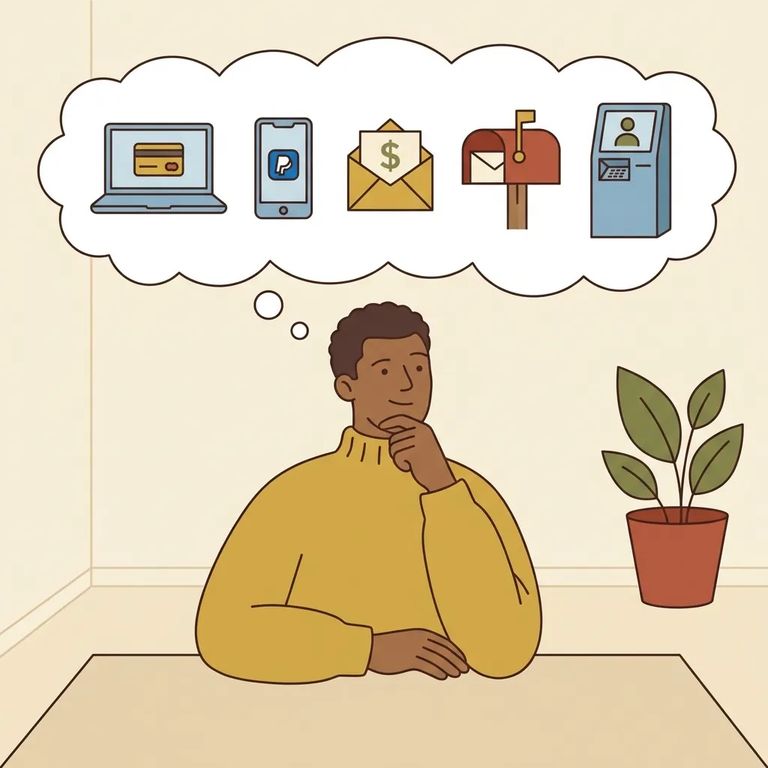
- Confirm the payment methods listed there - Official pages often spell out whether you can pay online, by phone, through a retail transfer option, or by money order.
Step2 Jpay Notes
- ✓ Money transfers may be available online, by phone, or through a retail transfer option (such as MoneyGram)
- ✓ Some systems accept money orders sent to a processing/lockbox address (instead of directly to the facility)
- ✓ You may see options for electronic messages that use paid “stamps”
- ✓ Video visitation may be offered through a video feature (often branded as a “connect” style service)
- ✓ Availability, fees, limits, and which features you can use depend on what Paul Phelps allows
Note: Even if you see JPay listed, double-check the Paul Phelps-specific rules and fees before you pay - features and pricing can be different from one facility to the next.
If you see Securus or another vendor listed, use the same approach: treat the vendor name as a starting point, not a guarantee. Many vendors offer phone service and web-based video visits, but rates, scheduling rules, and what's allowed during a session vary by facility. Read the Paul Phelps-specific instructions carefully so you don't set up the wrong account type or pick an option that isn't supported there.
- Get your basics together first - Have the facility name (Paul Phelps Correctional Center) and the incarcerated person’s full name and inmate ID ready.
- Call the vendor’s support line - Ask whether they service Paul Phelps and which services are active there (money deposits, phone, video, messaging, etc.).
- Confirm the exact “how” - Ask what payment methods are accepted for deposits, and what you need to create an account or schedule a visit.
- Write down the details - Keep the date/time you called and any reference number, in case you need follow-up help.
Verification Checklist
- ✓ Vendor name confirmed on an official facility/corrections page or by the vendor’s support team
- ✓ Inmate ID confirmed (use the exact ID the vendor requires)
- ✓ Payment method verified (online, phone, retail transfer, money order/lockbox - whatever the facility allows)
- ✓ Timing checked (how long deposits take to post, when video visits can be scheduled, and any cutoff windows)
- ✓ Support contact identified (know who to call if money doesn’t post or a visit doesn’t connect)
Tip: Save receipts and transaction/reference numbers. If something goes wrong, those details make it much easier for support to trace a payment or troubleshoot a visit.
Find an Inmate at Paul Phelps Corr. Center, La
Search for a loved one and send messages and photos in minutes.
