
How to Block (or Unblock) Calls from an Indiana Inmate (including Pendleton)
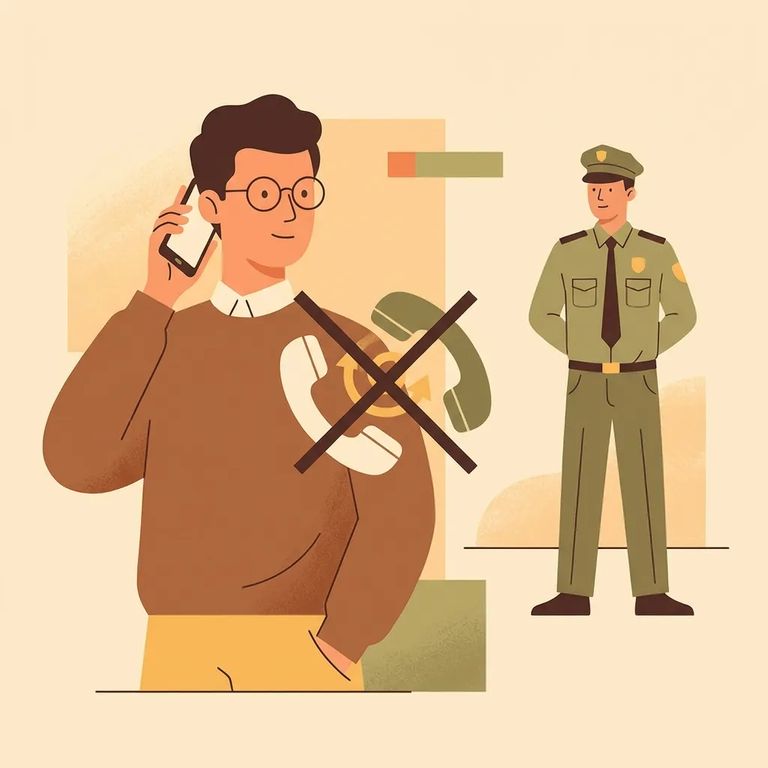
Need to stop a call right now? Just hang up, or press 1 when the system prompts you. Either way, the call ends immediately.
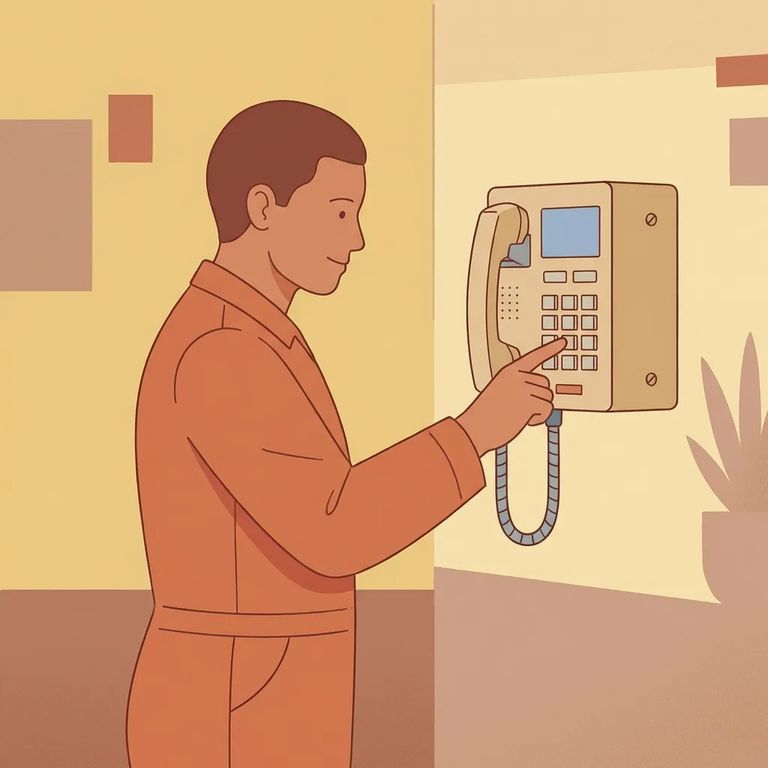
- Answer the call and listen for the options - when the automated system gives you the menu, wait for the prompt.
- Press 6 to block future calls - this sets a permanent block for calls coming from that correctional facility.
- Create a 4-digit PIN to confirm the block - the system will ask you to enter a 4-digit personal identification number.
- Save that PIN - you’ll need the same PIN later if you decide to remove the block.
Don't want to deal with phone prompts? You can also request a block through ViaPath customer service. This works even if you missed your chance to block during a call - just tell the representative you want to block future calls from the facility.
To unblock your number, call ViaPath customer service and ask them to submit a removal request. Expect the block to be lifted within 1–2 business days.
When to escalate: If unwanted calls or letters continue, contact the Warden at the facility where the person is housed. You can request restrictions on phone calls, written correspondence, or both. The facility will review your request before putting any restrictions in place.
Find an Inmate at Pendleton Correctional Facility, In
Search for a loved one and send messages and photos in minutes.
