
Scheduling Your First Video Visit at Pickens County Detention: Step-by-step
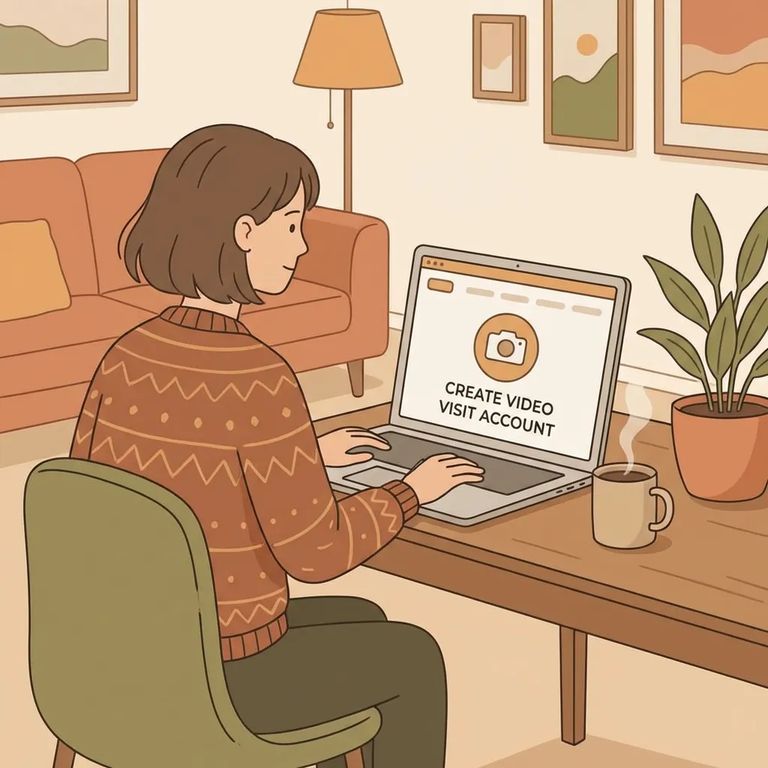
Getting your first video visit scheduled comes down to one thing: setting up your Securus account correctly. Follow these steps to get approved and book your visit.
Quick Summary
- ✓ Schedule at least 24 hours ahead - same-day video visits aren’t allowed.
- ✓ After you schedule, you’ll be issued a PIN number, and you’ll need that PIN to complete the video visit.
- ✓ Public (onsite) video visits run Monday–Friday, 8:00 am–4:00 pm, and no visits are scheduled after 3:40 pm.
- ✓ Public visits are limited to two visits per day, per inmate.
Onsite video visitation appointments are scheduled through securustech.online.
Start by creating your Securus account at securustech.online/#/login. As you fill it out, enter your information exactly as it appears on your driver’s license and answer all three security questions - small mismatches can cause problems later when your account is reviewed.
During setup, you'll upload two images: a photo of your driver's license and a selfie. Keep the selfie simple - skip the Snapchat filters. Heavily filtered photos can get your account rejected.
Common rejection trigger: If your account details don’t match your driver’s license, or your photo looks filtered/edited, your account may not be approved.
Step3 Verify Device Email
- ✓ Verify your email address within 24 hours of signing up, or your Securus account will be locked.
- ✓ Have a phone with a front-facing camera ready - you’ll need it for video visitation setup and use.
Once your account is created, log back in, go to ACCOUNT, and choose VIDEO VISITATION to start the scheduling process.
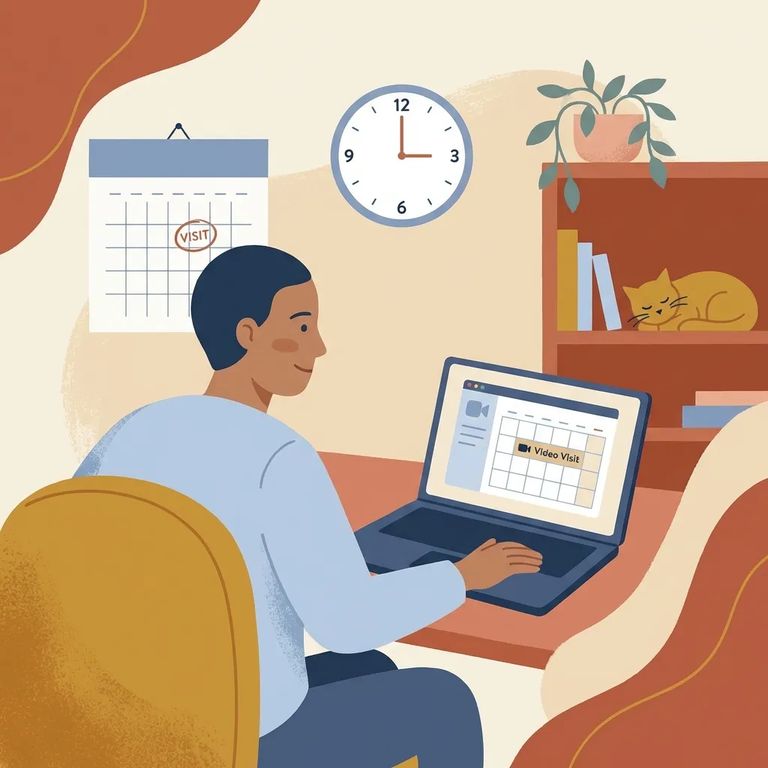
- Log in to Securus - use securustech.online/#/login.
- Open VIDEO VISITATION - go to ACCOUNT, then choose VIDEO VISITATION to begin scheduling.
- Pick a time at least 24 hours out - all video visits must be scheduled at least 24 hours in advance.
- Use securustech.online for onsite scheduling - onsite video visitation appointments are scheduled there.
After scheduling, you'll receive a PIN number. Write it down somewhere easy to find - you'll need it to start your video visit. Public (onsite) video visits run Monday–Friday, 8:00 am to 4:00 pm, with no appointments scheduled after 3:40 pm. Each inmate is limited to two visits per day, so plan ahead if you're juggling work, childcare, or travel.
Securus charges a fee for video visits - Pickens County Detention Center doesn't set the price. Check the total during checkout so you know what to expect.
Find an Inmate at Pickens County Detention Center, SC
Search for a loved one and send messages and photos in minutes.
