
How to Set Up Securus Video Visits from Home for Pickens County Detention Center

Pickens County Detention Center uses Securus Video Connect for web-based video visitation from home. To schedule a visit, you’ll need to create (and sign into) a Securus account through the Securus login site listed by the detention center.
Video visits at Pickens County Detention Center are available Monday through Friday, 8:00am to 4:00pm. Each inmate can have up to two visits per day, so coordinate with family if multiple people want screen time. One catch: the facility stops scheduling visits after 3:40pm, even though the window technically runs until 4:00pm. Book an earlier slot to be safe.
Same-day visits aren't available here. You'll need to schedule at least 24 hours in advance through your Securus account. If you're hoping to visit tomorrow, get your account set up and verified today - otherwise you might miss your window.
Note: Your visit won’t start unless it’s scheduled ahead of time, and you’ll need the required PIN to begin the session.
- Go to the Securus login page and start account setup - Use the Securus site provided by Pickens County to create your account so you can schedule visits.
- Enter your information exactly as it appears on your driver’s license - Matching your legal name and details helps your verification go smoothly.
- Answer all three security questions - Complete all three during setup; skipping them can hold up the process.
Tip: Don’t “clean up” your name or address during signup. Use the same spelling and formatting that’s on your driver’s license.
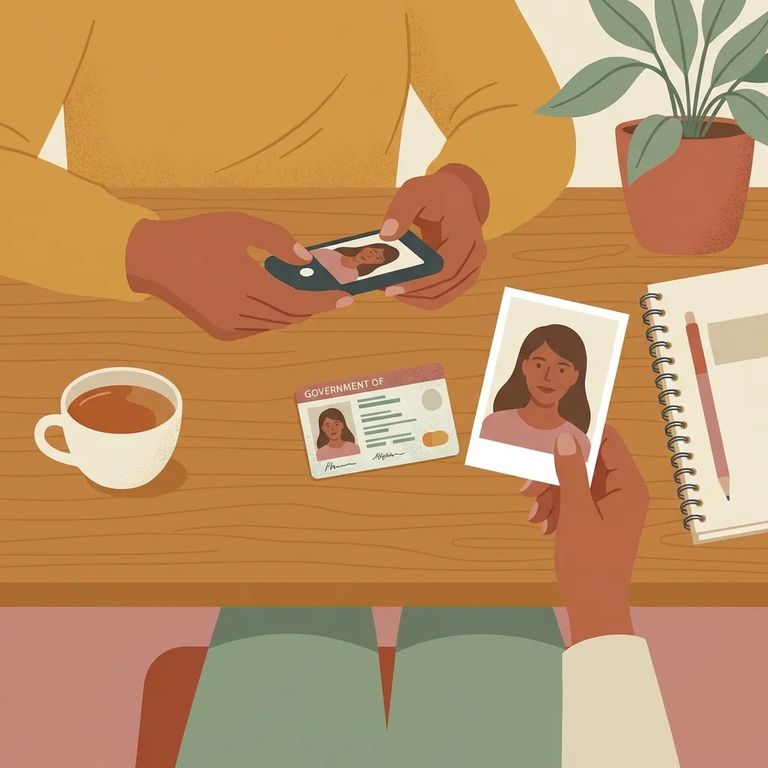
- Choose Video Visitation in your account - After you create the account, log back in and navigate to the Video Visitation option.
- Allow camera access when prompted - Securus needs access to your camera for verification, so approve the permission request.
- Upload your driver’s license photo - You’ll be asked to provide a photo of your driver’s license as part of the verification process.
- Take and upload a clear selfie (no filters) - Use your device’s front-facing camera and submit a natural photo of your face for approval.
- ✓ A clear photo of the front of your driver’s license
- ✓ A selfie taken with your front-facing camera
- ✓ No filters or altered images
- ✓ Good lighting so your face is easy to see
- ✓ Nothing covering your face (no obstructions)
Warning: Filtered selfies (including Snapchat-style filters) can get your submission rejected.
Once you submit your account information, verify your email within 24 hours. Miss that window and you could get locked out of your Securus account, which means delays in scheduling your visit.
Tip: Check your spam/junk folder right away and verify as soon as the email arrives.
Remote video visits through Securus come with a fee. Pickens County Detention Center doesn't set that cost - if you see pricing or payment prompts during scheduling, those are from Securus directly.
- ✓ Use a device with a front-facing camera and allow camera access when prompted
- ✓ Submit a plain selfie with no filters
- ✓ Enter your information exactly as it appears on your driver’s license
- ✓ Upload a clear photo of your driver’s license
- ✓ Verify your email within 24 hours so you don’t get locked out
- ✓ Save your confirmation emails/receipts so you can reference them later
Find an Inmate at Pickens County Detention Center, SC
Search for a loved one and send messages and photos in minutes.
