
How to Contact an Inmate at Pierce County Jail (WA)
Staying in touch with someone at Pierce County Jail means juggling a few different systems: video visits, in-person visits, mail, and phone calls. Here's what you need to know about each option, plus what to double-check before making plans.
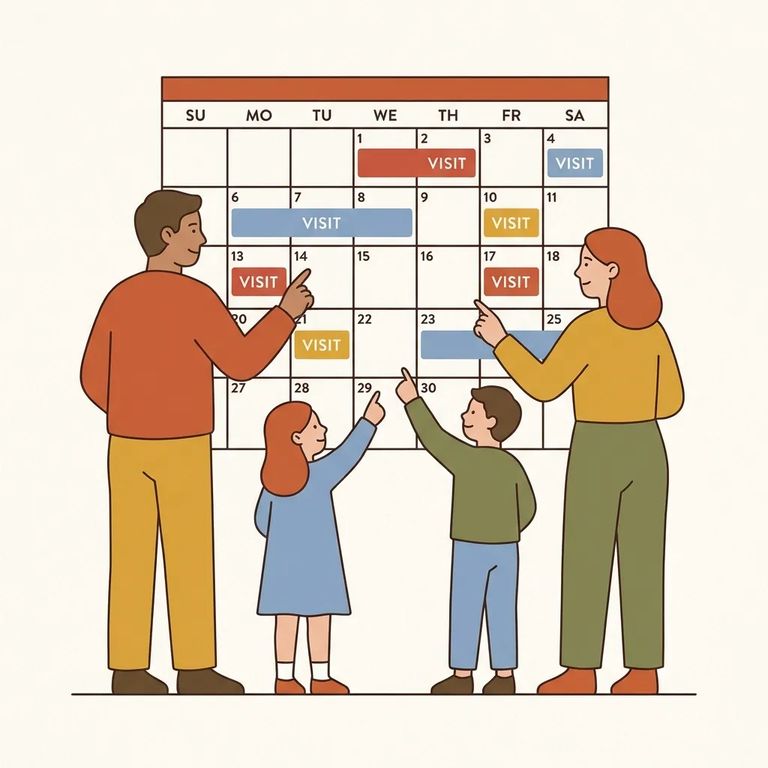
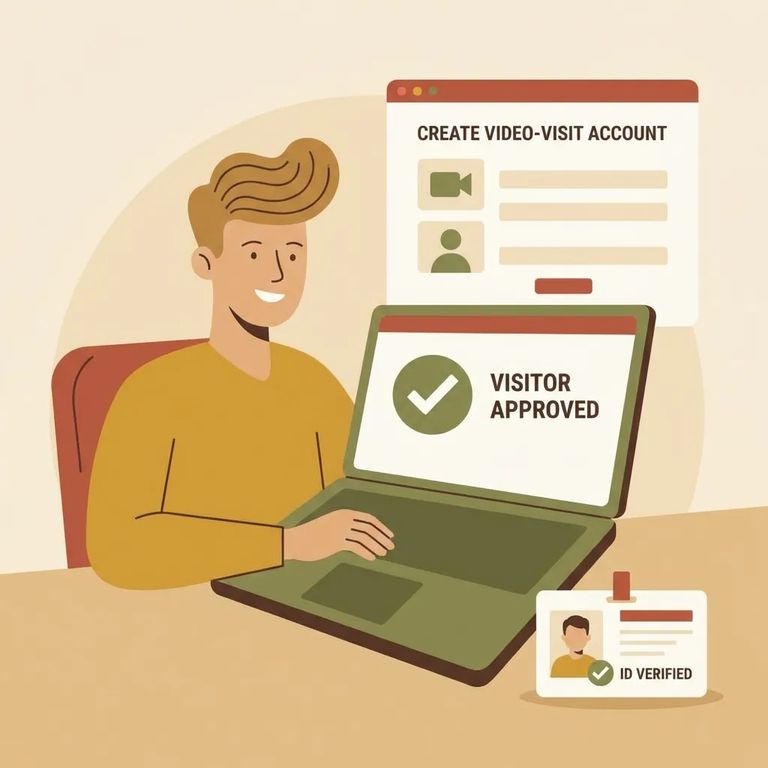
Remote video visits at Pierce County Jail run through Securus Technologies. You'll use the same account if you want to deposit funds for an inmate. To set up an account, you'll need a photo ID and either an email address or phone number. Once registered, keep the jail's limits in mind: video visits are capped at three per week. All video visits are monitored. Plan your conversation like you would for any recorded jail communication.
For in-person visits, bring approved picture identification. Pierce County Jail accepts a valid driver's license, state ID, or another official photo ID that includes your picture, physical description, and signature. Timing is strict. Visitor sign-up opens 45 minutes before the visit and closes 15 minutes before it starts. Show up late or without an appointment, and you'll be turned away.
To send mail, address the envelope with the inmate's full name and booking ID number. Include your return address. The mailing format is: (Inmate's full name) (Inmate's Booking ID #) 910 Tacoma Ave. S. Tacoma, WA 98402. Adding the booking number helps ensure delivery to the right person. One thing to know: Pierce County Jail scans all incoming mail and forwards scanned copies to inmates. The originals are shredded after scanning (this policy took effect April 15, 2020).
For phone calls, prepaid accounts offer a lower per-minute rate. You can set one up for a specific phone number or for a specific inmate. Purchase prepaid accounts through Securus customer service using a debit or credit card. Inmates can also buy prepaid minutes through commissary using funds in their inmate account.
Steps to Follow
- ✓ Create a Securus Technologies account before you try to schedule a remote video visit.
- ✓ Have a photo ID ready, plus an email address or a phone number for registration.
- ✓ Schedule visits within the limit of three video visits per week.
- ✓ Expect monitoring, and keep the conversation within facility rules.
- ✓ Bring an approved picture ID (valid driver’s license, state ID, or other official photo ID with your picture, physical description, and signature).
- ✓ Arrive during the sign-up window: starting 45 minutes before the visit and no later than 15 minutes before the visit begins.
- ✓ Confirm you have a visiting appointment. Visitors who arrive late or without an appointment will be turned away.
- ✓ Put your full return address on the envelope.
- ✓ Include the inmate’s booking number on all correspondence.
- ✓ Address mail as: (Inmate’s full name) (Inmate’s Booking ID #) 910 Tacoma Ave. S. Tacoma, WA 98402.
- ✓ Assume originals will not be delivered. Incoming mail contents are scanned, the inmate receives a scanned copy, and originals are shredded (policy effective April 15, 2020).
- ✓ Decide whether you want a prepaid phone account tied to a specific phone number or to a specific inmate.
- ✓ Purchase a prepaid account through Securus customer service using a debit or credit card, if you are funding it yourself.
- ✓ If the inmate will fund calls, they can purchase prepaid minutes through commissary using funds in their inmate account.

- Confirm Securus account requirements: Check what forms of photo ID are accepted and what contact information you will need (email address or phone number).
- Re-check visit limits and monitoring rules: Make sure the three-visits-per-week limit and monitoring policy are still the current rules.
- Verify the current setup process: If anything in registration looks different than expected, confirm the latest steps before you schedule.
- Verify the sign-up window for your visit: Confirm sign-up still runs from 45 minutes before the visit until 15 minutes before it begins.
- Confirm appointment rules: Double-check what counts as an appointment and what happens if you arrive late so you do not get turned away.
- Confirm the address format: Verify the current mailing address and how the jail wants the inmate’s name and booking number listed.
- Confirm booking number and return address requirements: Make sure both are still required for delivery.
- Confirm the mail-scanning policy is current: The jail lists scanning and shredding of originals as effective April 15, 2020. Verify it is still in effect and whether any details have changed.
- Confirm which prepaid option you need: Ask whether you should set up prepaid for a specific phone number or for the inmate.
- Confirm purchase channels: Verify you can still buy prepaid through Securus customer service with a debit or credit card, and that commissary minutes are still available.
- Confirm costs and restrictions before funding: Get the current pricing and any limits directly from the phone provider or the jail so you know what to expect.
Find an Inmate at Pierce County Jail
Search for a loved one and send messages and photos in minutes.
