
How to claim a GTL VisitMe account and schedule a video visit (for PVSP families)
Setting up video visits can feel like a lot the first time around. But once your GTL VisitMe account is claimed, you can book a time slot online and get confirmation instantly.
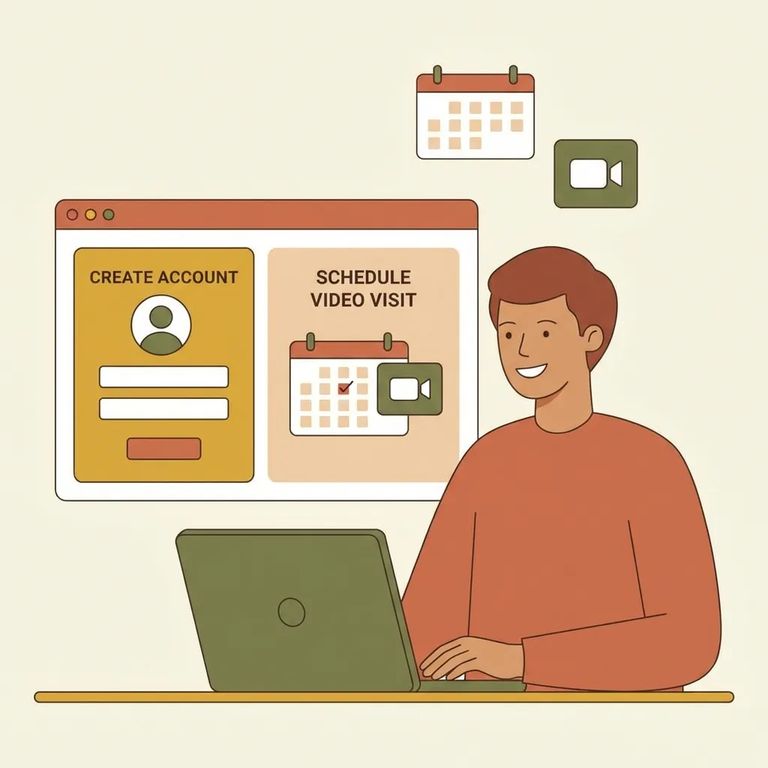
This walkthrough is for family and friends setting up video visitation with someone at Pleasant Valley State Prison (PVSP). Before you create an account, do one quick check: confirm that PVSP - and your loved one's specific housing unit - actually uses the GTL VisitMe portal for scheduling. Facilities sometimes differ, and verifying this upfront can save real frustration if you're looking at the wrong system.
Head to the GTL VisitMe portal at cdcr.gtlvisitme.com/app. On the login page, look for "CLAIM ACCOUNT" under the New Users section - that's your starting point if you're setting up access for the first time.
- Open the GTL VisitMe login page - Go to cdcr.gtlvisitme.com/app.
- Click “CLAIM ACCOUNT” - Use the “CLAIM ACCOUNT” link under New Users.
- Complete the on-screen prompts - Follow the portal’s instructions and enter the information it asks for.
- Finish any confirmation steps the portal requires - If the system asks you to confirm details before activating access, complete that step.
- Sign in - Return to the login area and sign in so you can start scheduling and managing visits.
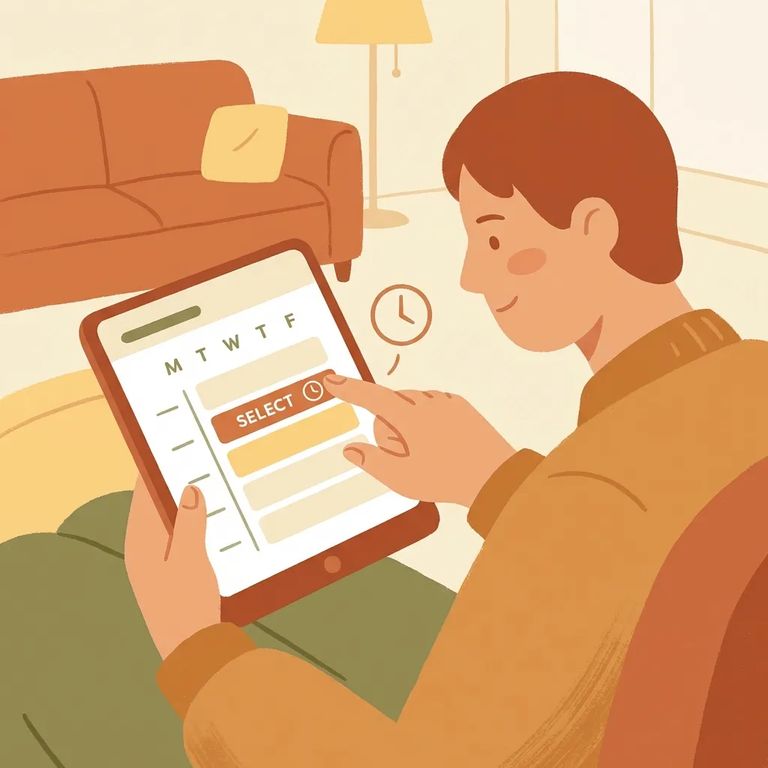
Once you're signed in, the VisitMe portal handles all your scheduling. Reserve a specific time slot so you're not showing up and hoping for the best. Pick your date, time, and location, then submit your request. You'll see confirmation right away - no wondering whether it went through. From there, use the portal to track upcoming visits and double-check the details before the day arrives.
Tip: Reserve your time slot through the portal and get instant confirmation - no waiting around wondering if you made the schedule.
If Portal Differs
- ✓ Confirm PVSP’s current video visitation scheduling method through the facility’s official channels before troubleshooting the portal.
- ✓ Use the facility locator to verify you’re selecting the correct facility and program for your loved one.
- ✓ If PVSP doesn’t appear as expected in the portal, double-check you’re using the correct VisitMe site (cdcr.gtlvisitme.com/app).
- ✓ If your confirmation or scheduling screens don’t match what you expected, review the portal’s built-in FAQ/help options, then verify facility-specific instructions with PVSP.
Find an Inmate at Pleasant Valley State Prison
Search for a loved one and send messages and photos in minutes.
