
How to Contact an Inmate at Facility
Trying to connect with someone at the Powledge Unit? Start by confirming their unit assignment, then use the right scheduling system for the type of video visit you want. This saves you from wasted trips and last-minute cancellations.
Before you plan anything, confirm the inmate is actually assigned to the unit you intend to visit and that they have visitation privileges. Call the unit for final confirmation before you travel. Schedules and availability shift, and visits do get canceled.
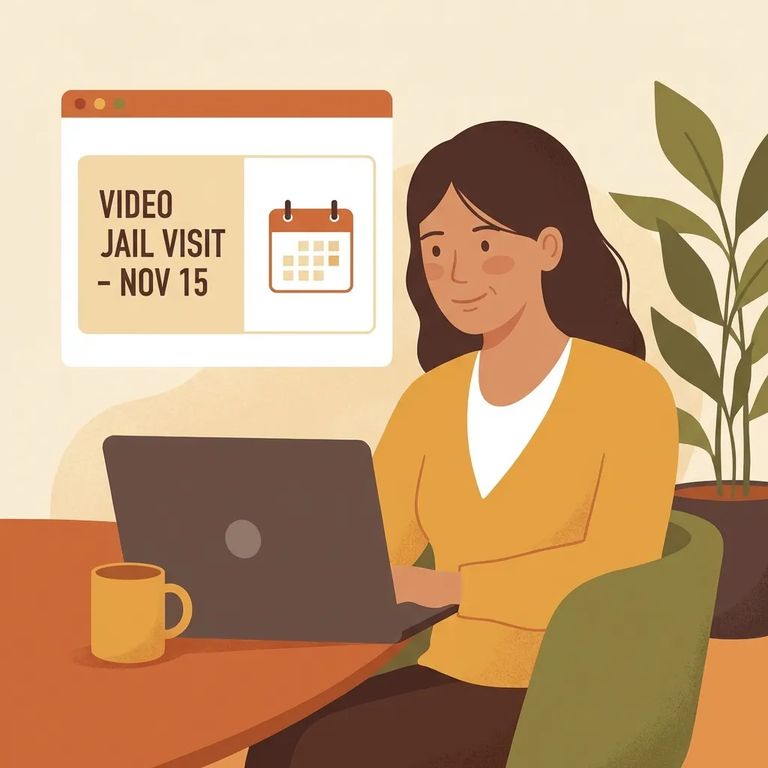
Tablet video visits are scheduled online through the TDCJ visitation portal. You'll need to create your own account to use the scheduler; staff can't set one up for you. One thing to know: the portal is restricted to residents of the United States, Canada, and Mexico, so check that before you start the signup process.
Remote (kiosk) video visits work differently. You schedule those through the vendor's website, not the TDCJ portal. For eligible inmates, remote video visits may be limited to once per month for up to 60 minutes, so plan ahead.
Steps to Follow
- ✓ Confirm the inmate is assigned to the unit you plan to visit, then call the unit for final confirmation before traveling.
- ✓ If you’re scheduling a tablet video visit, create your own account in the TDCJ online visitation scheduler (staff cannot create it for you).
- ✓ Schedule tablet video visits through the TDCJ visitation portal.
- ✓ Schedule remote (kiosk) video visits through the vendor’s website.
- ✓ Make sure you meet the TDCJ portal residency restriction (United States, Canada, or Mexico) before relying on the online scheduler.
Reminder: Remote video visits may be limited to one per month for up to 60 minutes for eligible inmates. If you're juggling work, childcare, or travel, confirm eligibility and timing before counting on a specific slot.

- Call the assigned unit to confirm details - verify the inmate is assigned there, has visitation privileges, and that visitation has not been canceled before you travel.
- Use the correct scheduler for the visit type - tablet video visits are scheduled through the TDCJ visitation portal, while remote (kiosk) video visits are scheduled through the vendor’s website. If you’re using the TDCJ portal, confirm you can create your own account and that you meet the residency restriction (United States, Canada, or Mexico).
Before you settle on a date, check whether the inmate is eligible for remote video visits and whether the once-per-month, up-to-60-minute limit applies. That cap can affect how you space out visits and who in the family gets time.
Find an Inmate at Powledge Unit, TX
Search for a loved one and send messages and photos in minutes.
