
How to Visit Facility
Visits are scheduled online through the GTL visitation portal. Once you know how to sign in and pick a time, the rest comes down to double-checking the details before you go.
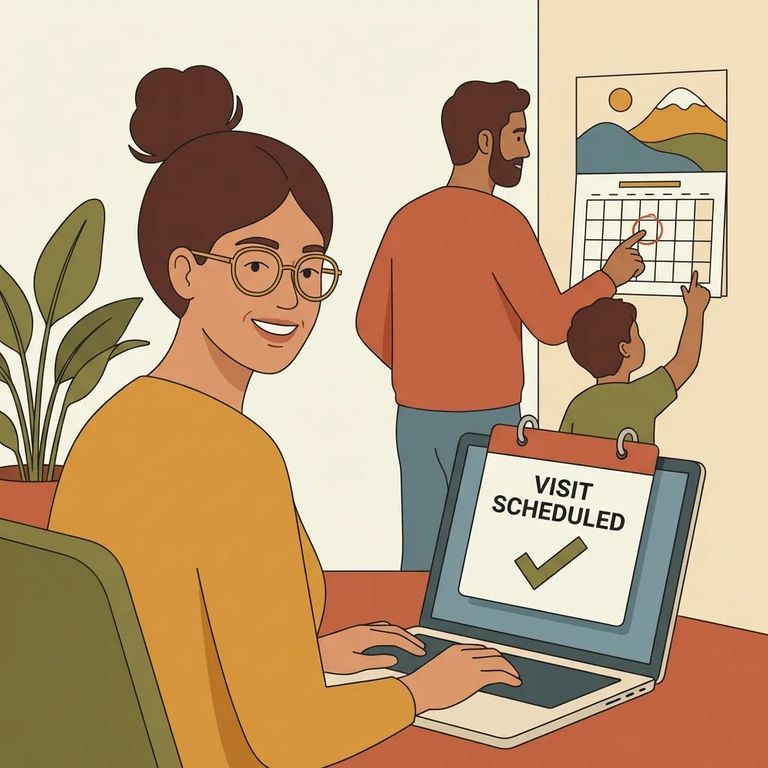
You can schedule and manage visits through the GTL visitation portal. The portal lets you choose the date, time, and location for your visit, and it provides instant confirmation once you book.
If you have used the portal before, sign in as a returning user. You can log in with either your Visitor ID or your email address, plus your password.
Note: This only covers using the GTL portal and signing in as a returning user. Visiting hours, fees, and on-site rules are not included here. Confirm those directly with the facility or in the portal before you go.

S2
- ✓ Open the GTL visitation portal used for this facility.
- ✓ If you are a returning user, log in with your Visitor ID or with your email address and password.
- ✓ Select the date, time, and location for the visit.
- ✓ Submit the request and look for the portal’s instant confirmation that the visit is scheduled.
Before you make plans around a visit, confirm the details not covered above. Check whether there are any fees, what the current visiting hours are, what ID visitors need to bring, and what first-time registration requires. If you run into problems scheduling, look for the technical support or facility contact option in the portal.
Find an Inmate at Puerta La Cruz Camp #14
Search for a loved one and send messages and photos in minutes.
