
How to Set Up Your ICSolutions Account for RYOCF Visits (Step-by-Step)
To visit someone at Racine Youthful Offender Correctional Facility (RYOCF) — whether in person or by video — you need an ICSolutions account linked to your Party ID. Here's how to set it up, plus what to do if something goes wrong.
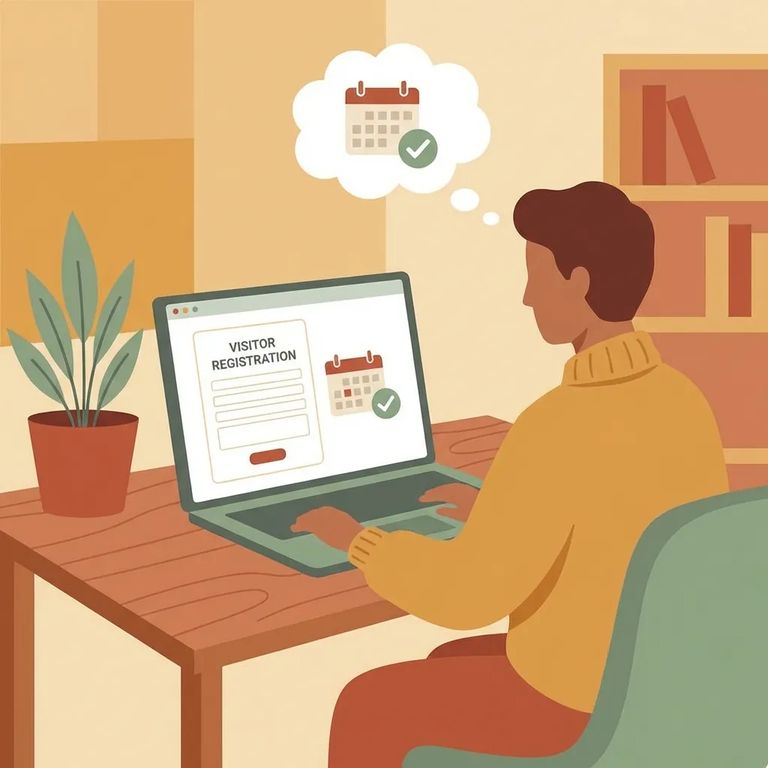
RYOCF uses ICSolutions for both in-person and video visits. Before you can schedule anything, you'll need to create a new ICSolutions account or update your existing one.
The most important piece is your Party ID. This unique number is tied to you (not the person in custody) and links your ICSolutions account to your name on the approved visitor list. Get it wrong, and your account won't match up when you try to schedule.
First, get your Party ID from the person in custody. At RYOCF, each approved visitor's Party ID appears next to their name on the visiting list. The person you're visiting needs to share that ID with you so you can set up or update your ICSolutions account.
Note: RYOCF staff can't help with Party ID questions. If you're having trouble with your Party ID, email DOCDAIElectronicVisitSupport@wisconsin.gov.
- Go to the ICSolutions website - this is where visits are managed for RYOCF.
- Choose Register or Log In - register if you’re new to ICSolutions; log in if you already have an account.
- Create or update your account details - fill in the information requested so your account is ready to be linked for visiting.
- Find the Party ID field in your account setup - this is the step that connects you to the approved visitor entry.
- Enter your Party ID exactly as the PIOC gave it to you - double-check every character before you submit or save.
- Save your updates - once your Party ID is on your account, you’ll use that same account for scheduling and future visits.
Tip: Keep your ICSolutions login info and your Party ID in a safe place. You’ll likely need them again when you schedule or if you ever have to troubleshoot your account.
Having trouble registering, logging in, or scheduling? Contact ICSolutions customer service through their website or by phone at 1-888-506-8407.
If the problem is specifically about a Party ID - missing, not working, or not matching - email DOCDAIElectronicVisitSupport@wisconsin.gov instead. RYOCF staff can't resolve Party ID issues, so reaching the right contact first saves you time.
Checklist Before Scheduling
- ✓ Confirm you’re on the DOC approved visitor list and you have the Party ID listed next to your name (from the PIOC).
- ✓ Plan your timing: visits can be scheduled no less than 48 hours and up to two weeks in advance.
- ✓ Leave space between appointments: video calls and in-person visits scheduled in ICSolutions must be at least 60 minutes apart from the end of the previous visit or call.
Reminder: Visit slots fill up fast on a first-come, first-served basis. The 60-minute spacing rule also limits available times. If you have a specific day in mind, book as soon as you're allowed - 48 hours out.
Find an Inmate at Racine Youthful Offender Corr. Facility
Search for a loved one and send messages and photos in minutes.
