
How to Visit Facility
Visiting starts with one key setup step tied to CDCR's transition to Securus. Once that's done, confirm the facility's current visitation rules before making the trip.
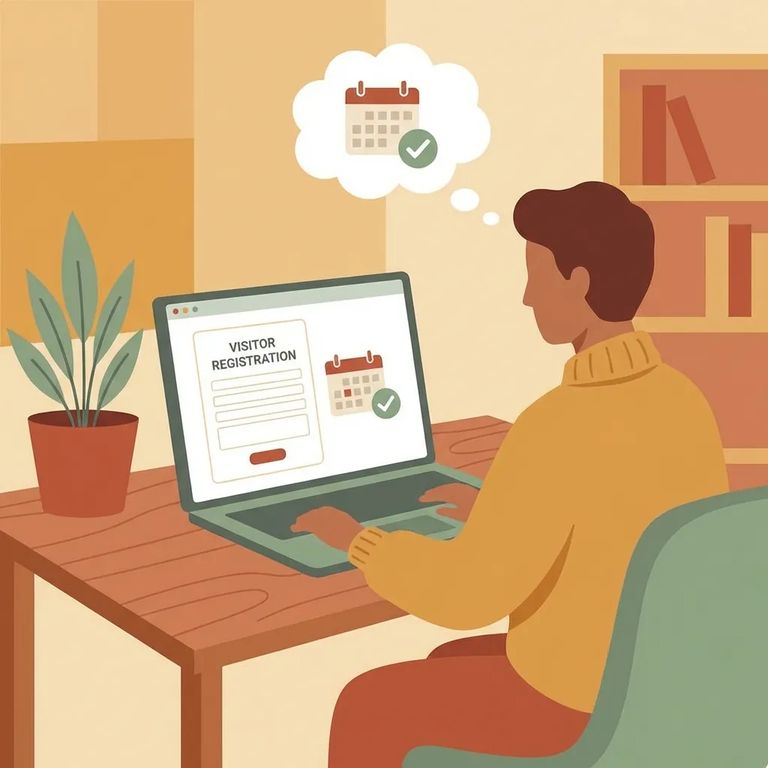
Create a Securus account before your loved one's facility completes the transition. This step is required. Getting it done early saves you from scrambling when you're ready to schedule or manage a visit.
For timing and details on the transition, check CDCR's Family Resources tablets page. That's where CDCR posts the rollout schedule and FAQs, so you can see what changes apply and when they take effect.
Note: The only confirmed details here are the Securus account requirement and CDCR's Family Resources guidance for the rollout schedule and FAQs. Visiting hours, dress code, ID requirements, and fees aren't covered above, so verify those before you go.
Steps
- ✓ Create your Securus account before your loved one’s facility transition.
- ✓ Check CDCR’s Family Resources tablets page for the rollout schedule and transition FAQs.
Once your Securus account is ready, confirm any facility-specific requirements that could affect your visit. Ask whether there are additional steps or deadlines tied to the transition, and whether scheduling has changed. Also verify the basics that can stop a visit at the door: the current visiting schedule, ID rules, dress code, and any costs. Start with CDCR's Family Resources tablets page for the latest rollout schedule and FAQs, then confirm the rest directly with the facility.
- Review the CDCR Family Resources tablets page. Look for the current rollout schedule and the FAQs related to the Securus transition.
- Contact the facility to confirm local rules. Ask about any transition deadlines, how visits are scheduled right now, and what you must bring and wear.
- Save proof of what you find. Keep a screenshot, email confirmation, or notes from your call so you can reference the requirements later.
Find an Inmate at Rainbow Conservation Camp, CA
Search for a loved one and send messages and photos in minutes.
