
Setting Up Tablet Communication at Rio Grande: From Email Invite to Video Visits
Setting up tablet communication at Rio Grande starts with an email invitation from the detainee. Once you accept that invite and download the required apps, you'll have access to video visits, email, and text messaging through the tablet system.
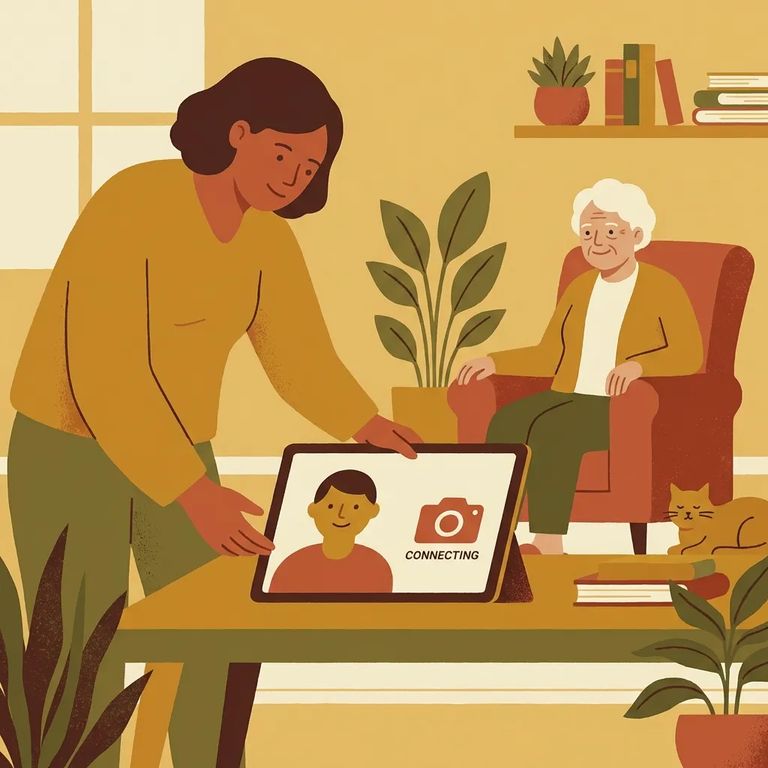
Rio Grande provides tablets for detainees. That's good news for you: tablet access is what makes remote communication possible, so you're not limited to in-person options.
The first move has to come from the detainee. They'll send an invitation to friends and family by email. When you receive it, you can either accept or deny. Accepting is what opens the door to tablet communication.
Note: You can't start the tablet connection on your own. The detainee must send the email invitation, and you have to accept it before anything else can happen.
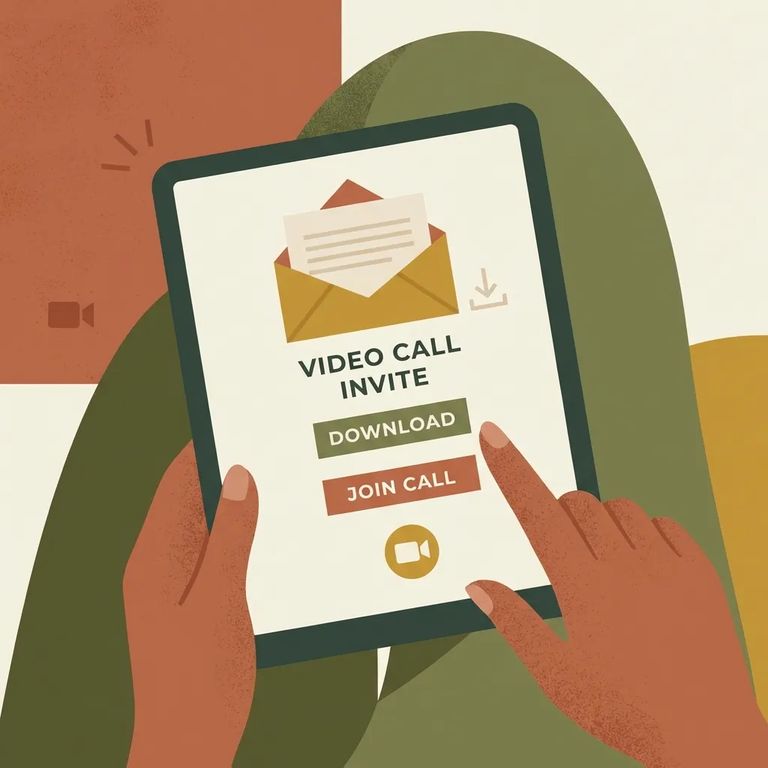
- Watch for the invitation email - The detainee sends it to you, and it will give you the choice to accept or deny.
- Open the invite and accept it - Accepting is the step that triggers access to the tablet communication options.
- Follow the invite to the webpage it provides - After acceptance, the invitation directs you to another webpage.
- Download the required applications from that webpage - Those apps are what you will use for video visits, email, and text messaging.
- Confirm your device can handle the apps - Before you schedule or plan on a video visit, make sure your phone, tablet, or computer is compatible and up to date.
- ✓ Your device operating system is current enough to install and run the required apps
- ✓ You have enough storage space for the app download and updates
- ✓ Your browser works properly if the invite sends you to a webpage first
- ✓ You only download apps from the webpage provided in the invite, or from official app stores if directed there
Once you accept the detainee's invitation and download the apps it points you to, you can use the tablet system for video visits, email, and text messaging. Without accepting the invite first, those options won't be available. The invitation is what directs you to the correct webpage and apps.
Practical Tips Unknowns
- ✓ Check your spam or junk folder if you are expecting an invite but do not see it
- ✓ Verify you are opening the actual invitation email before you click anything
- ✓ Keep your phone or tablet updated so app installs and video features work smoothly
- ✓ Test your internet connection and camera/microphone before a planned video visit so you are not troubleshooting at the start time
What's not covered in the posted details: The facility doesn't name the vendor or specific apps, and there's no published info on pricing, scheduling rules, or the full account setup process. Your best bet is to follow the instructions in the invitation email for those specifics.
Find an Inmate at Rio Grande Detention Center, Tx
Search for a loved one and send messages and photos in minutes.
