
How to Get on an Inmate's Approved Visitor List at Rivers CI
Getting approved to visit at Rivers CI means going through the Bureau of Prisons' formal visitor approval process. Here's how the paperwork and screening work—and what to do if you hit a snag.
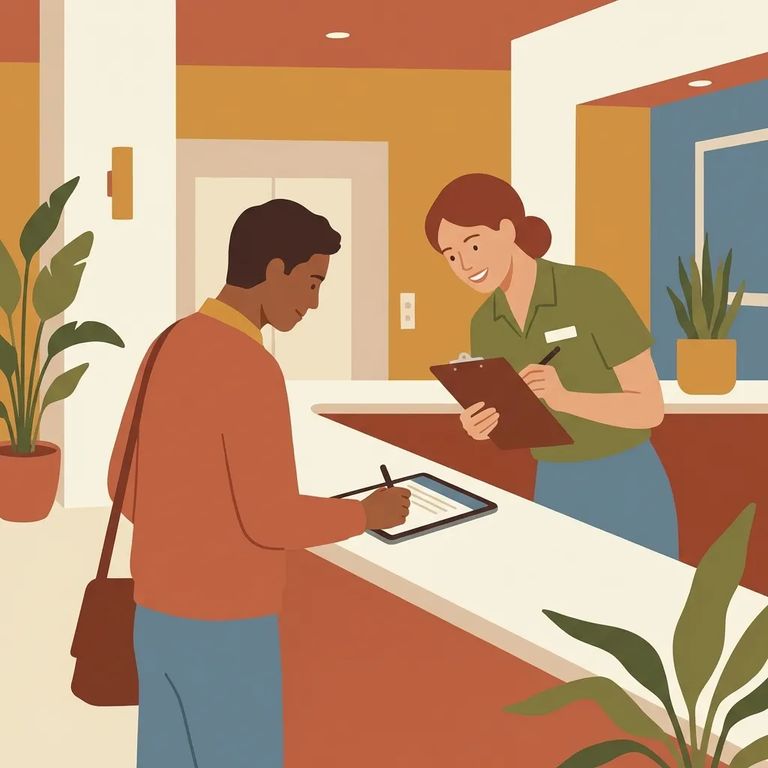
The Bureau of Prisons uses a system called the Web Visiting System (WebV) to manage inmate visits with family, friends, and the public. The key point: you can't just show up. Your name has to be approved and entered into the system first.
WebV stores your details once you're cleared - things like your name, relationship to the inmate, date of birth, phone number, and legal residence. It also includes identifying document numbers (driver's license/state ID, passport, or alien registration number) and your approval date.
At Rivers CI, the inmate kicks off the process. They request a Visitor Information form and send it to you (and any other potential visitors). Once it arrives, you fill it out and submit it to the Bureau of Prisons for approval.
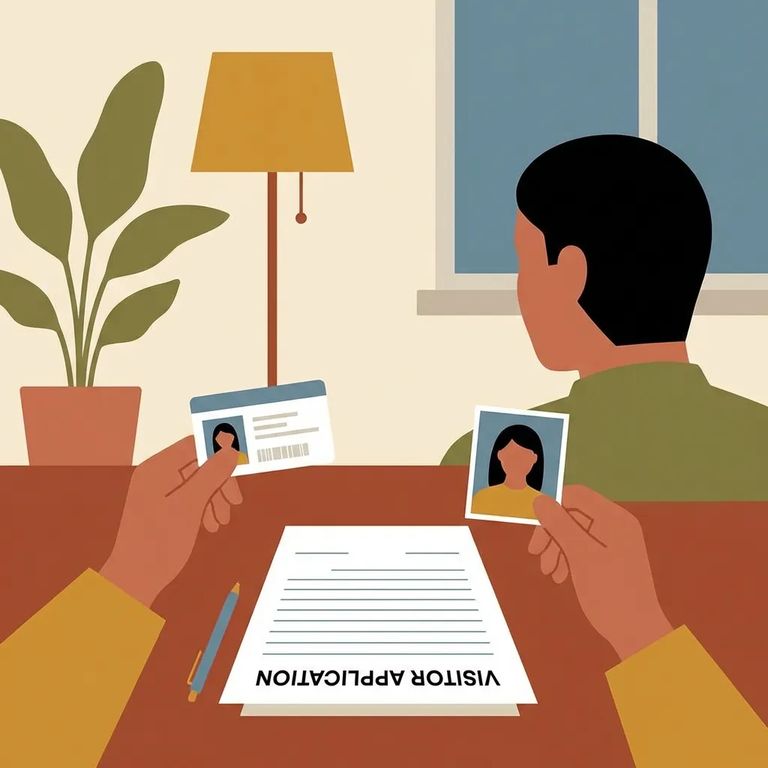
The Visitor Information form asks for the same details that end up in WebV after approval. Expect to provide your full name, relationship to the inmate, date of birth, phone number, and legal residence. You'll also need an identifying number - driver's license or state ID, passport, or alien registration number - depending on what applies to you.
Note: BOP staff use this form to run background checks and decide whether you're suitable to visit. Fill it out carefully - small errors can stall the review.
After you submit the form, BOP staff run background checks using the information you provided. These investigations happen outside the WebV system. Once the process wraps up, staff enter approved visitors' information into WebV - that's how your name lands on the inmate's approved visitor list.
Once approved, WebV stores visitor data tied to the inmate you're visiting: your name, relationship, date of birth, identifying numbers (driver's license/state ID, passport, or alien registration number), legal residence, phone number, and approval date.
If you're privacy-conscious, know this upfront: approval isn't just a one-time yes or no. The BOP maintains your visitor information in WebV to manage and monitor visiting activity going forward.
Tips Avoid Delays
- ✓ Return the Visitor Information form promptly once the inmate sends it to you.
- ✓ Double-check your identifying numbers (driver’s license/state ID, passport, or alien registration number) before you submit.
- ✓ Use consistent information (same name format, same address) across the form.
- ✓ If your name, address, or phone number changes, let the inmate know so they can follow up through the right channels.
Denied - or not sure where things stand? Start with the inmate. Since they requested the form and you submitted it, they're usually your best point of contact to check whether it was received and whether any follow-up is needed.
Once you're approved and ready to visit, confirm the schedule before you leave home. Schedules can change. Call Rivers CI at 603-342-4000 to confirm before making the trip.
Find an Inmate at Rivers CI
Search for a loved one and send messages and photos in minutes.
