
How to Schedule and Use Robeson County Jail's SmartJailMail Video Visits (includes your free weekly kiosk visit)
Robeson County Jail only offers video visitation—no in-person visits. Here's how the SmartJailMail system works, how to schedule your free weekly kiosk session, and what you need to know before you go.
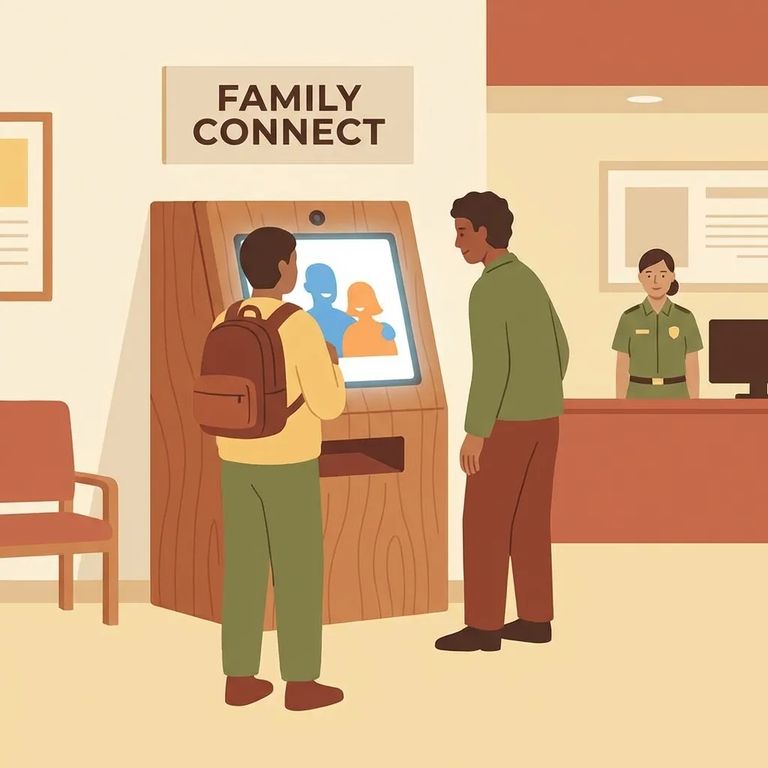
Robeson County Jail doesn't offer in-person visitation. All visits happen through the Smart Mail kiosk - a video system you'll use to see and talk to your person while they're housed there. Show up expecting a traditional face-to-face visit and you'll be turned away. Get the video setup sorted first.
Inmates get one free 15-minute kiosk visit per week. For many families, that weekly session is the only affordable way to stay connected. Treat it like an appointment you can't miss.
Even though the kiosk visit is free, you still need to schedule it through SmartJailMail. This system (also called SmartInmate, run by Smart Communications) handles all scheduling and access. Set up your account first - you'll use it for every visit, including the free weekly session.
3
- ✓ Go to SmartJailMail and start creating your account (SmartInmate/Smart Communications is the platform behind it).
- ✓ Use an email address you can reliably access (you’ll want to stick with the same login for scheduling and messages).
- ✓ Finish any verification steps the site prompts you to complete so your account is ready to use.
- Go to SmartJailMail - Robeson County Jail requires video visitation appointments to be scheduled through SmartJailMail.
- Sign in to your account - use the same SmartJailMail/SmartInmate login each time so your scheduling stays in one place.
- Schedule the visitation appointment - pick an available time and complete the booking process in the system.
- Save your confirmation details - keep whatever confirmation the system provides so you can reference it if there’s a problem checking in.
All visits at Robeson County Jail go through the Smart Mail kiosk - no in-person option. The key thing to know: inmates get one free 15-minute session per week. That's not much time, so be ready to start right away. Jot down a few updates or questions beforehand so you're not scrambling once the call connects.
Having trouble with account setup, login issues, or scheduling? Contact SmartJailMail/SmartInmate support first - most problems (password resets, account verification, scheduling glitches) are on their end. If the issue seems related to the detention facility's county systems, reach out to Robeson County IT: Tiffany Cummings at 910-671-6444 or it@robesoncountysonc.gov, or Jeriah Locklear at 910-671-6119 or jeriah.locklear@robesoncountync.gov.

7
- ✓ Don’t plan on an in-person visit - Robeson County Jail currently has no in-person visitation.
- ✓ Schedule your visit in advance through SmartJailMail (video visitation appointments are required).
- ✓ If you’re counting on it, remember the free option is one 15-minute kiosk visitation per week per inmate - plan your timing around that.
Need to add funds to an inmate's account? You can deposit at the ATM in the jail lobby using cash or credit card (fees apply). Online deposits go through McDaniel Supply's website. One quirk: the jail only accepts money orders sent from 50 miles away or more.
Find an Inmate at Roberson County Jail, NC
Search for a loved one and send messages and photos in minutes.
