
How to Send Money to Someone at Kansas City RRM (MoneyGram step-by-step)
Sending money through MoneyGram to someone at Kansas City RRM follows the Federal Bureau of Prisons (BOP) process. Enter the required fields exactly, and funds typically post quickly.

These MoneyGram instructions work for anyone housed at a BOP-managed facility, including Kansas City RRM. The big plus? BOP processes MoneyGram payments seven days a week - including holidays - so you won't be waiting around for a business day.
Before sending anything, confirm the person has physically arrived at a BOP facility and that you have their details exactly right. You're responsible for accuracy. If something's wrong, the transaction can be rejected - or worse, the funds end up in the wrong account and may not be returned.
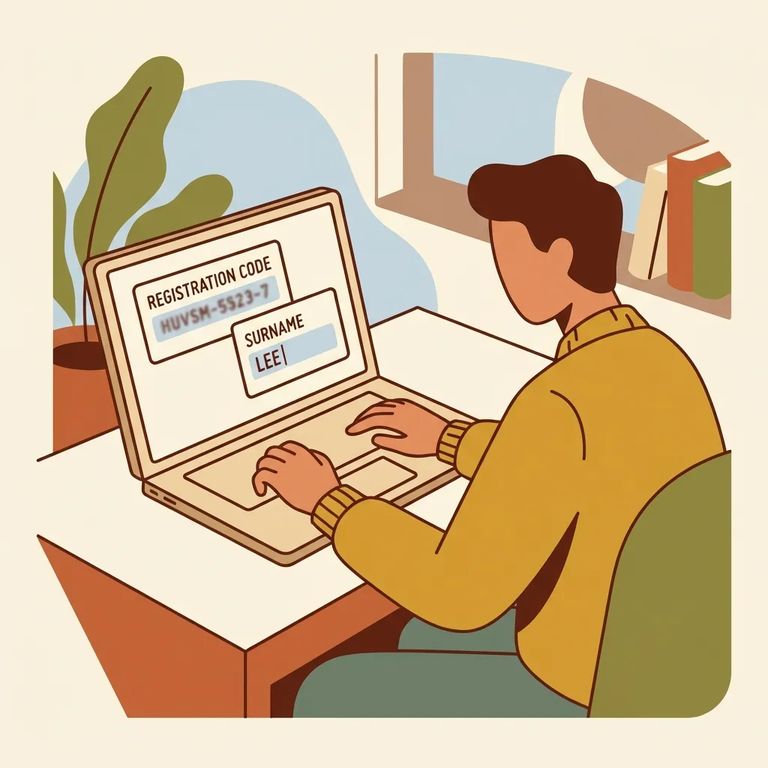
Exact Account Fields
- ✓ Company Name: Federal Bureau of Prisons
- ✓ City & State: Washington, DC
- ✓ Receive Code: 7932
- ✓ Account Number: the inmate’s 8-digit register number immediately followed by their last name (no spaces or dashes), for example: 12345678DOE
Note: Double-check the 8-digit register number and last-name formatting before submitting. Incorrect entries can get rejected - or posted to the wrong person's account, with no guarantee of a refund.
Posting time depends on when you send (Eastern Time). Payments submitted between 7:00 a.m. and 9:00 p.m. EST typically post within 2–4 hours. Send after 9:00 p.m. EST, and the funds post at 7:00 a.m. EST the next morning.
These timing rules apply every day. BOP processes MoneyGram payments seven days a week, including holidays, so weekends won't slow things down.
Paying online? You'll enter the receive code and choose your amount (up to $300). MoneyGram accepts MasterCard or Visa for online payments. First-timers will need to create a MoneyGram account before completing the transaction.
Reminder: Even online, use the exact BOP fields - Company Name “Federal Bureau of Prisons,” City/State “Washington, DC,” Receive Code 7932, and the account number format (register number + last name, no spaces).
Most problems stem from small entry mistakes - a wrong digit in the register number, a misspelled last name, or adding a space or dash where there shouldn't be one. Take an extra minute to verify the 8-digit register number and enter it immediately followed by the last name, no spaces. Get it wrong, and the payment can be rejected or deposited into someone else's account with no refund.
Tip: Keep your MoneyGram receipt. Review every field one last time before you hit submit or hand the form to the agent.
- Save your MoneyGram receipt/transaction details - you’ll need them if you have to track the payment.
- Check the posting window (in EST) - if you sent it between 7:00 a.m. and 9:00 p.m. EST, it typically posts within 2–4 hours; after 9:00 p.m. EST, it posts at 7:00 a.m. EST the next morning.
- Confirm the inmate’s information again - make sure the person has physically arrived at a BOP facility and that the register number + last name account format is correct.
- Contact MoneyGram for help tracing or correcting the transaction - have your receipt/transaction details ready.
- If you still can’t resolve it, follow up with the BOP facility/unit handling the account - accurate details matter because processing runs seven days a week, including holidays, so delays are often tied to entry errors rather than “closed” days.
Act fast: If the payment posts to the wrong account, it may not be returned. Start troubleshooting as soon as you notice a problem, and keep your transaction details handy.
Find an Inmate at Rrm Kansas City, MO
Search for a loved one and send messages and photos in minutes.
