
How to Add Money to an Inmate's Account at Salem County Jail (All Ways)
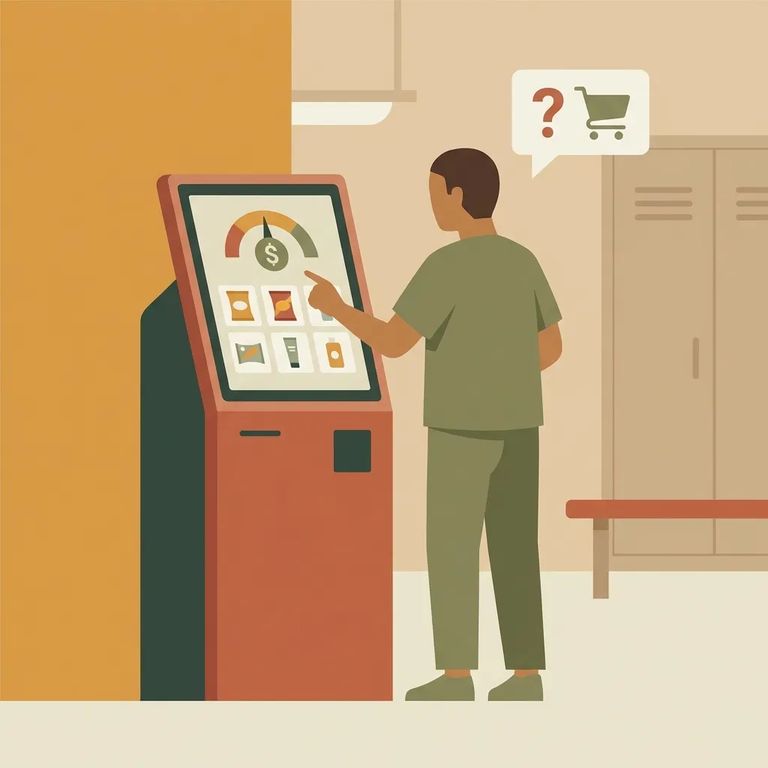
Each inmate at Salem County Jail has one personal account. This single balance covers everything - commissary purchases, phone calls, and tablet services. No need to manage separate funds for different uses; it all draws from the same place.
You can mail a money order to deposit funds into the inmate's account. Salem County Jail accepts mailed money orders as long as you include the inmate's name. Once credited, those funds work for commissary, phone, and tablet services.
Tip: Write the inmate’s name clearly on the money order, and keep your receipt (and any tracking number) until you know it’s been credited.
Prefer to pay in person? There's a kiosk in the Salem County Jail lobby. It accepts both cash and credit cards. Your deposit goes straight into the inmate's personal account for commissary, phone, and tablet services.
- ✓ Bring the payment type you plan to use (cash or credit card)
- ✓ Know the inmate’s name as it appears in the jail’s records
- ✓ Keep the kiosk receipt for your records
Another option is depositing by phone through Access Corrections. Call 636-888-7004 and follow the prompts to add money for Salem County NJ – Correctional Facility. You'll need the inmate's name to ensure funds reach the right account.
Tip: Have the inmate’s name and your payment method ready before you call, and write down the confirmation number at the end.
- Go to Access Corrections online - Start at accesscorrections.com.
- Create your account - Set up a profile so you can make deposits.
- Find the right facility - Search for “Salem County NJ – Correctional Facility.”
- Select the inmate and add funds - Choose the correct person and complete your deposit so money lands in their single account used for commissary, phone, and tablet services.
Note: Make sure you've selected
Want to send commissary items directly instead of depositing cash? You can place SecurePak orders through accesscatalog.com. Create an account, search for Salem County NJ, and order items that get delivered to the inmate. This is separate from adding money to their account - though they'll still use that same account for any commissary, phone, or tablet purchases they make themselves.
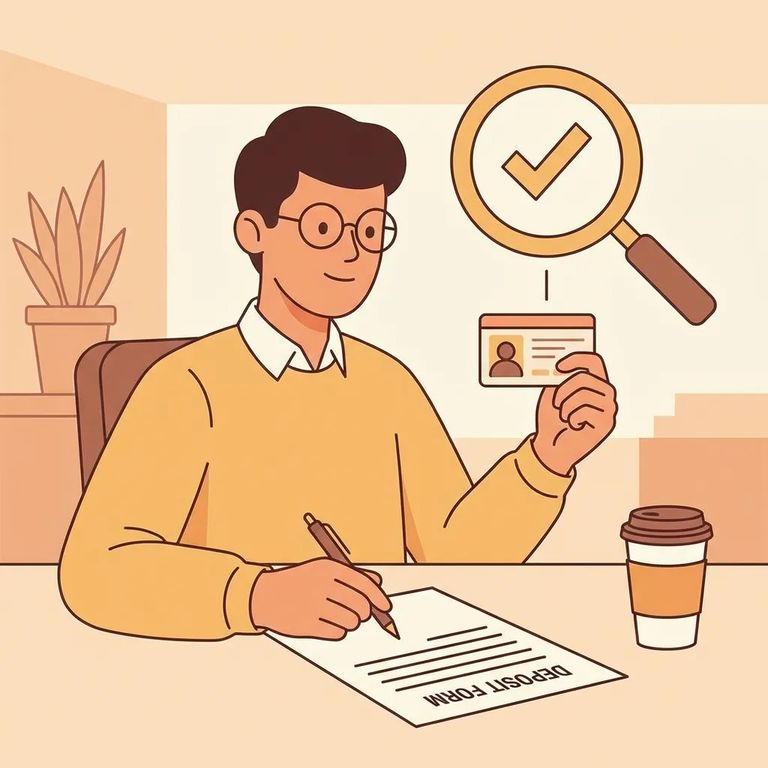
Practical Verification
- ✓ Keep every receipt, confirmation number, or transaction record (money order, lobby kiosk, phone deposit, or online deposit)
- ✓ Use the inmate’s full name consistently so the deposit is credited correctly
- ✓ If you’re using Access Corrections online, verify you selected “Salem County NJ – Correctional Facility” before submitting payment
- ✓ If something doesn’t look right, contact Access Corrections with your confirmation details
If your deposit doesn't show up right away, don't panic. Keep your receipt or confirmation number handy - it makes tracking down the payment much easier.
Find an Inmate at Salem County Jail, NJ
Search for a loved one and send messages and photos in minutes.
