
Remote vs. On‑Site Visits at Sarpy County Correctional Center: How to Schedule, What’s Different, and the 3‑Minute Rule
Choosing between a remote visit and going in person? At Sarpy County Correctional Center, both options use the same video system—but the limits and timing rules are different. Here's how scheduling works, how to get approved, and the strict three-minute login rule that can cost you a visit.

Visits run Monday through Friday in two windows: 9:00am to 11:00am and 1:00pm to 4:30pm. These hours apply to both remote and on-site visits, so you're working with the same time blocks either way.
Every visit is 30 minutes - remote or on-site. Once your session starts, the clock runs the same regardless of which option you choose.
On-site visits have a weekly cap: two per week, on separate days. You can't stack both visits back-to-back, so plan for two different weekdays if you want to maximize contact.
Remote visits are unlimited during the same Monday–Friday windows. If you can't travel or want to visit more often than the on-site cap allows, this is the way to go. You still need to schedule each visit, but there's no weekly limit.
All visits at Sarpy County Correctional Center happen by video - remote and on-site alike. You'll need a Securus account to schedule your visit before you show up or log on.
- Create your Securus account - use your own information and a working email address, since notifications are sent there.
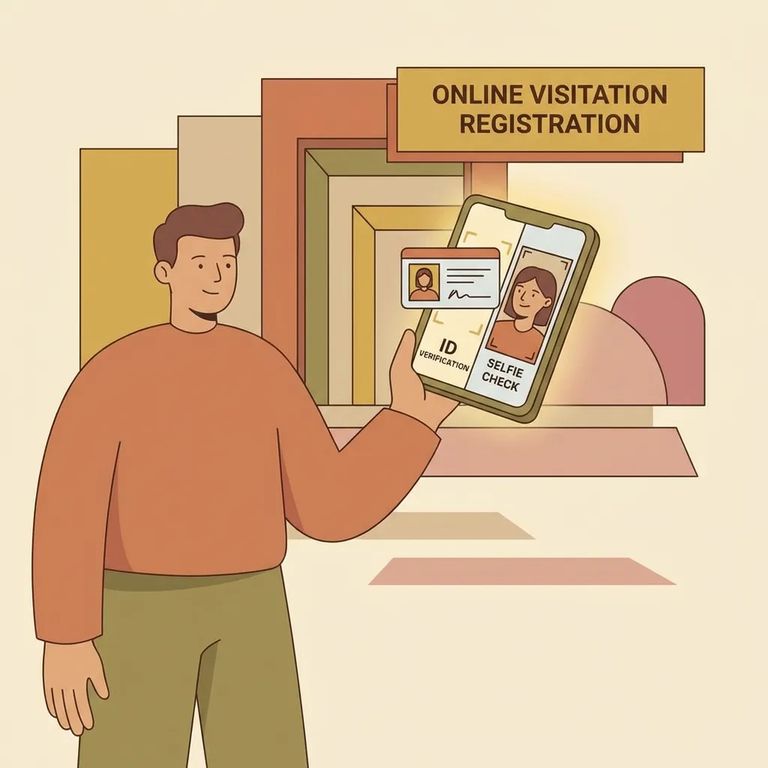
- Upload a valid government photo ID - the ID upload is required as part of your visitor setup.
- Wait for prescreening - all visitors are prescreened by Securus for approval or denial.
- Check your email for the decision - Securus sends an email notification to the address on your account.
- Schedule your visit once you’re set up - after you’re approved, use the same Securus account to schedule visits going forward.
First time using Securus for this facility? Build in extra time. Sarpy County requires you to create your account at least 24 business hours before your first scheduled visit. You'll use the same system for all future visits.
3‑minute rule (remote visits): You must be logged on within three (3) minutes of the scheduled start time. If you miss that window, the visit is forfeited and you won’t receive a refund.
For on-site video visits, enter through the SCC Reception entrance. Timing matters: you need to be ready to walk into the visitation room right at your scheduled start time.
Register in advance whenever possible. That one step takes pressure off visit day, especially when you're already juggling travel time and a fixed start time.
Quick Checklist
- ✓ Create your Securus account (required for both remote and on-site video visits)
- ✓ Upload a valid government photo ID to your Securus account
- ✓ Watch for the Securus prescreening email (approval or denial)
- ✓ Schedule your visit through Securus (including your first visit, at least 24 business hours after account creation)
- ✓ For remote visits, log in within 3 minutes of the start time or you forfeit the visit without a refund
- ✓ If you’re planning on-site visits, remember the limit: two on-site visits per week on separate days
Find an Inmate at Sarpy County Jail
Search for a loved one and send messages and photos in minutes.
