
Why Your Video Visit Might End Abruptly at Sarpy County: Facial Recognition & Monitoring Rules
If your Sarpy County video visit suddenly drops, it's usually not bad luck — the system enforces facial-recognition and monitoring rules in real time. Here's what Sarpy County requires and how to keep your session from getting cut short.
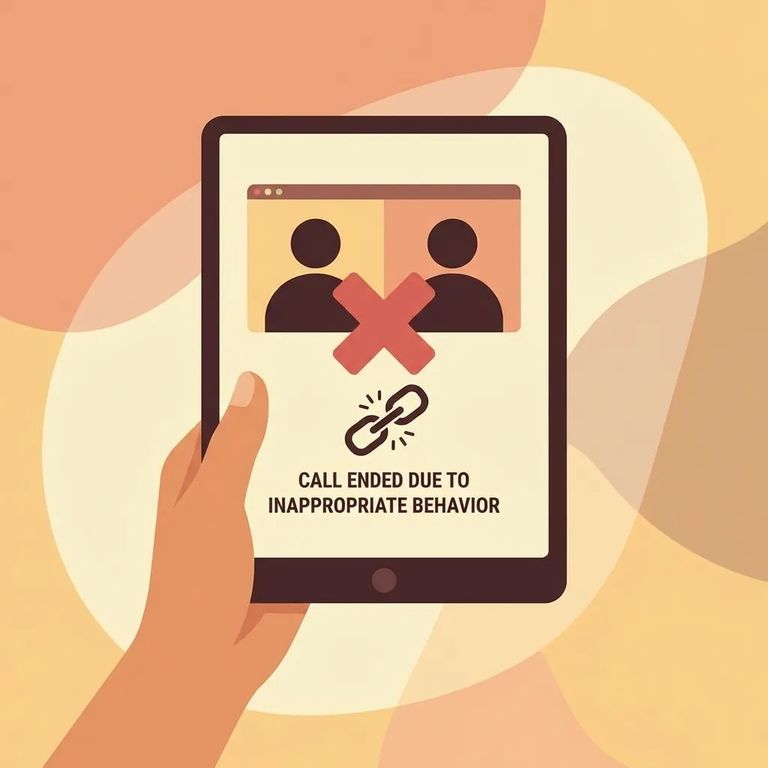
At Sarpy County, all visits are done by video visitation - whether you’re visiting remotely or using an on-site video option. To visit, you’ll need to create a Securus account and schedule your visit through that system. While you’re on the call, assume it’s being watched: Sarpy County’s visiting sessions are monitored.
Sarpy County requires facial recognition throughout video visits. Both you and the incarcerated person need to keep your faces visible and recognized - not just at the start, but the entire time. If the camera loses track of either face, the visit can end automatically, even if you didn't do anything wrong.
Watch your movement: Significant movement by either you or the inmate can automatically terminate the video visit - no warning given.
Automatic cutoffs aren't just about the camera. Since sessions are monitored, lewd conduct or disruptive behavior from either person can also end the visit. Sarpy County's rules allow the visitor to be removed from the inmate's visitor list after that kind of termination - making future visits harder to arrange.
Practical Steps
- ✓ Set your camera so your full face stays in frame without you needing to hold the device
- ✓ Sit still once the visit starts; avoid getting up, walking around, or turning far away from the camera
- ✓ Keep your face uncovered and clearly visible for the whole session so facial recognition can keep working
- ✓ Choose steady lighting so your face doesn’t drop in and out of shadow
- ✓ Ask anyone else in the room (kids included) not to step into the camera view or bump the device during the visit
- Log in ahead of time - have your Securus login ready and be signed in before the start time so you’re not scrambling.
- Join within the three-minute window - remote visitors must be logged on within three minutes of the scheduled start time.
- Treat the start time as “hard” - if you miss that window, the visit is forfeited and it won’t be refunded.
Reminder: All Sarpy County video visits are monitored, so keep the conversation and on-camera behavior appropriate for a recorded, supervised setting.
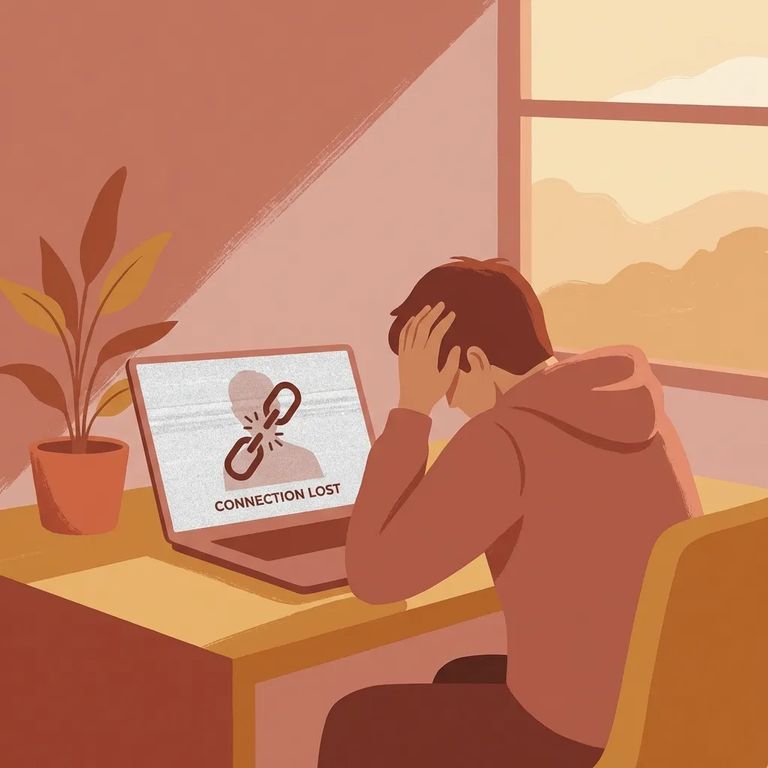
If a visit ends abruptly, know that Sarpy County's system can terminate without warning when there's significant movement from either side. Facial recognition runs the entire visit, so anything that causes your face - or the inmate's face - to stop being recognized puts the session at risk.
- ✓ Re-center your face in the camera and hold still so facial recognition can lock in
- ✓ Improve lighting so your face is easy for the camera to read
- ✓ Make sure nothing is blocking your face and you’re not drifting out of frame
- ✓ If you’re remote, move quickly - you must be logged on within three minutes of the start time or the visit is forfeited with no refund
To try again, schedule a new visit through Securus - the same way you booked the first one. If you don't have a Securus account yet, you'll need to create one first.
Find an Inmate at Sarpy County Jail
Search for a loved one and send messages and photos in minutes.
