
Video Visits at SCI Cambridge Springs: How to Join, Timing, and Privacy
Video visits at SCI Cambridge Springs run through Zoom. Once you know how to join and when to log on, the process is straightforward. Here's what you need to know about connecting, timing, and the privacy rules that trip people up.

SCI Cambridge Springs uses Zoom for video visitation - a setup that's been in place since Dec. 15, 2021. All inmates are eligible for free video visits, so you won't pay per-visit fees just to get face time.
Privacy heads-up: Video visits at SCI Cambridge Springs are monitored and recorded, except for visits with legal counsel.
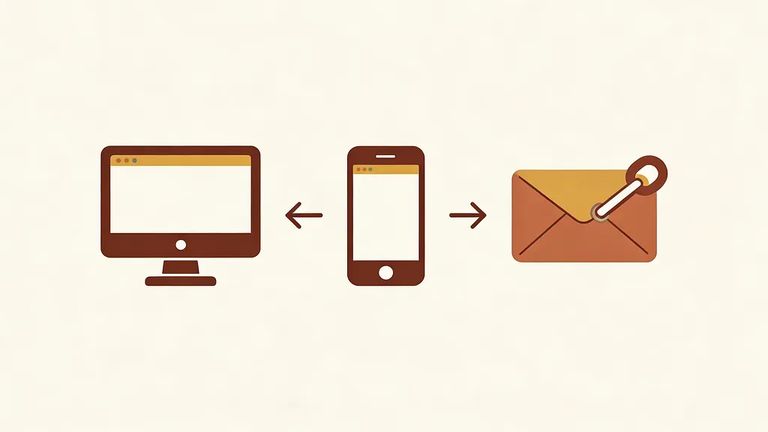
- Log into your PA DOC IVS account - From your account, select the Video Call URL for your scheduled visit to join through Zoom.
- Open the visit email and click the link - You can join by clicking the URL link that was emailed to you for the scheduled video visit.
- Join through the Zoom app - Open Zoom on your desktop or phone and enter the meeting ID and password provided in the visit email.
Tip: Have your IVS login info and the visit email ready before start time. Between the Video Call URL, the emailed link, and the meeting ID/password, that's where your "keys" to the visit live.
Join your video visit no more than 3 to 5 minutes before the scheduled start time. Other visits are booked before and after yours, so logging in too early can cause issues.
When your visit ends, hang up right away. This keeps the schedule moving so the next visit can start on time.
Each inmate may receive up to six video visits per month, including one weekend visit. This limit is tied to the inmate, not the visitor.
Up to six visitors can join a single video visit. If you're coordinating a group - kids, grandparents, siblings - decide ahead of time who's joining so you don't spend the first few minutes sorting it out.
Regular video visits at SCI Cambridge Springs are monitored and recorded. Visits with legal counsel are the exception.
Reminder: Treat a standard video visit like a recorded conversation - save legal strategy or other privileged details for legal counsel visits.
Troubleshooting Tips
- ✓ Charge your device and make sure your internet connection is steady.
- ✓ Test your camera and microphone ahead of time so you’re not troubleshooting after the visit starts.
- ✓ Keep the visit email open (or easily searchable) so you can quickly grab the link, meeting ID, and password.
- ✓ If you’re joining through IVS, have your login ready and look for the Video Call URL.
- ✓ Don’t log in too early - join no more than 3 to 5 minutes before the scheduled start time.
Find an Inmate at SCI Cambridge Springs
Search for a loved one and send messages and photos in minutes.
