
How to Schedule Your First Visit at SCI Frackville (IVS): Step‑by‑Step
Scheduling your first visit at SCI Frackville is straightforward once you handle two essentials: create an IVS account and get on the inmate's authorized visitor list.
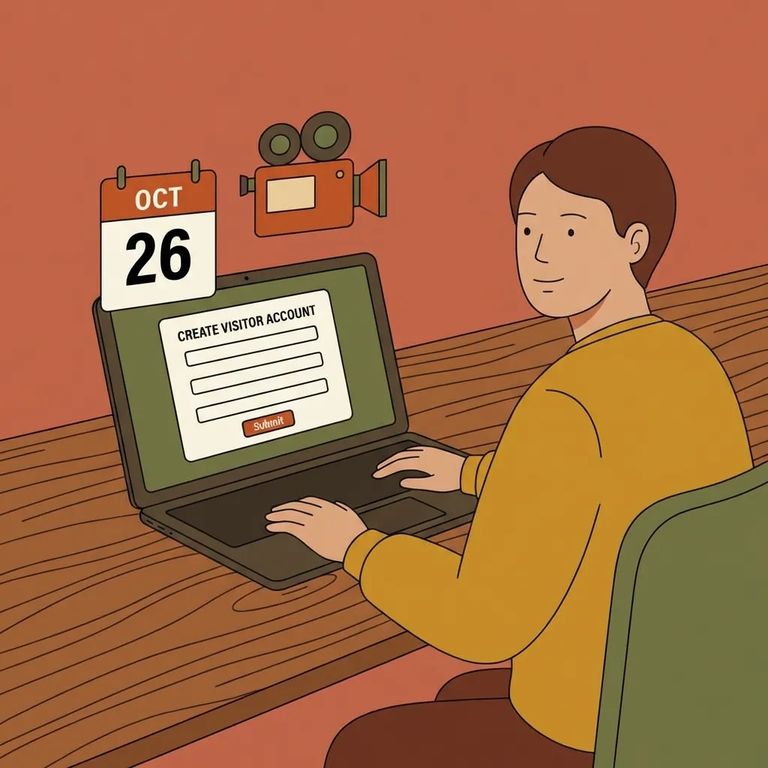
Before picking a date, make sure two things are in place: you've created an Inmate Visitation System (IVS) account, and you're on the inmate's authorized visitor list. Without both, the system won't let you schedule. Use an email address you actually check - IVS sends updates about your account and visits there.
Note: IVS sends automatic emails when your account or visit status changes, including cancellations. Keep an eye on that inbox.
- Create your IVS account - set up your profile so you can schedule visits.
- Enter your personal details carefully - you’ll provide information like your name, date of birth, and address, and it needs to match your records for scheduling.
- Make sure you’re authorized before trying to schedule - even with an account, you can only schedule once you’re on the inmate’s authorized visitor list.
Tip: Use a valid email and check it regularly. IVS notifications - including video-visit connection details and updates - go to the address on your account.

An IVS account is only half the equation. You also need to be on the inmate's authorized visitor list. If you're not approved yet, IVS won't let you schedule.
- ✓ If a child will participate in the visit, make sure a completed DC-313 form is present.
- ✓ Confirm the DC-313 is handled before you schedule, so you don’t lose your timeslot later.
Plan your group size before booking. Contact (in-person) visits allow up to four authorized visitors; video visits allow up to six. Everyone joining must be on the approved list - then you can schedule with the right headcount.
How far ahead you can schedule depends on which PA DOC guidance you follow. One page says visits must be scheduled at least two days in advance. The IVS Visitor Guide is stricter: at least three days ahead, and no more than 60 days out. If you're trying to book close to your visit date, that one-day difference can matter.
Best practice: Go with the stricter rule - schedule at least 3 days ahead, and don't count on booking more than 60 days out. You're less likely to hit a wall in IVS.
- Log into IVS and start a new visit request - you’ll schedule through your IVS account.
- Choose your visit type - select either an in‑person (contact) visit or a video visit.
- Pick an available timeslot - choose from the open options shown in IVS.
- Know how you’ll join if it’s a video visit - at visit time, you can connect by signing into IVS and selecting the Video Call URL, clicking the URL emailed to you, or using the Zoom app with the meeting ID and password from the email.
Scheduling for a group? Keep the limits in mind. Contact visits allow up to four authorized visitors; video visits allow up to six. The key word is authorized - everyone who plans to join must be approved before you book.
IVS leans heavily on email, so treat your inbox as part of the process. You'll get automatic notifications when your account or visit status changes. If the facility cancels your visit, that notice goes to the email on your IVS account - check it regularly, especially as your date approaches.
Hit a snag? Start by contacting the facility where your loved one is housed. You can also email Central Office at RA-CRDOCINMATEVSS@pa.gov.
Find an Inmate at SCI Frackville
Search for a loved one and send messages and photos in minutes.
