
How to Schedule Your First Visit at SCI Laurel Highlands (Step‑by‑Step)
Getting your first visit scheduled comes down to two things: setting up your online account and being on the approved visitor list. Once those pieces are in place, booking a time slot through Pennsylvania's system is simple.
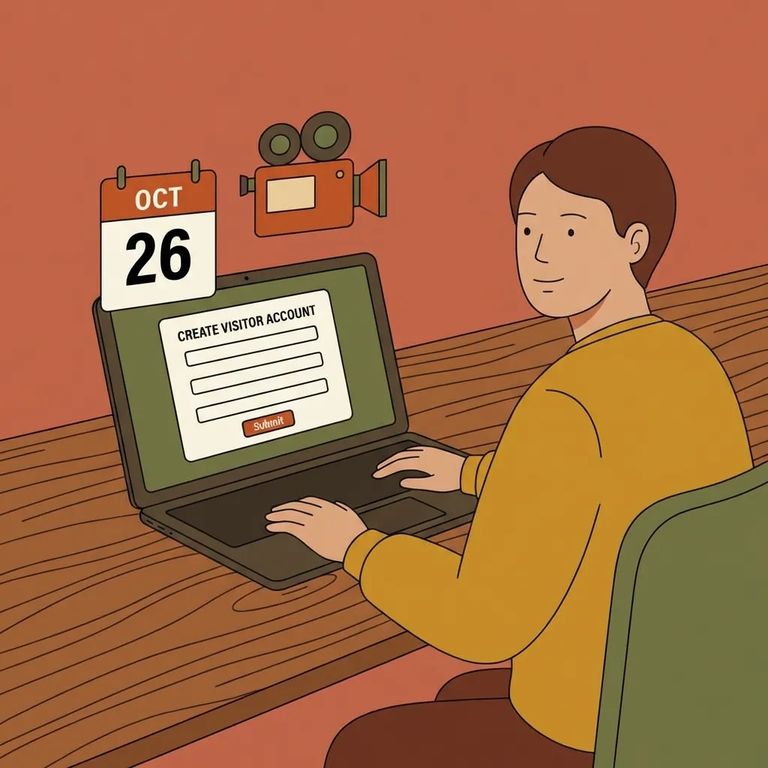
You can't walk into SCI Laurel Highlands and request a visit on the spot. Every in-person visit must be scheduled ahead of time through the Pennsylvania Department of Corrections Inmate Visitation System (IVS) - the same portal used for video visits.
Anyone 18 or older needs their own Keystone-based IVS account to schedule and manage visits. Children don't create separate accounts - they're added under a parent or guardian's profile. Once a minor turns 18, they'll need to set up their own account.
Heads-up: Enter your full name, date of birth, and address exactly as they appear on the inmate's authorized visitor list. Even minor mismatches - or creating duplicate accounts - can delay approval and complicate scheduling.
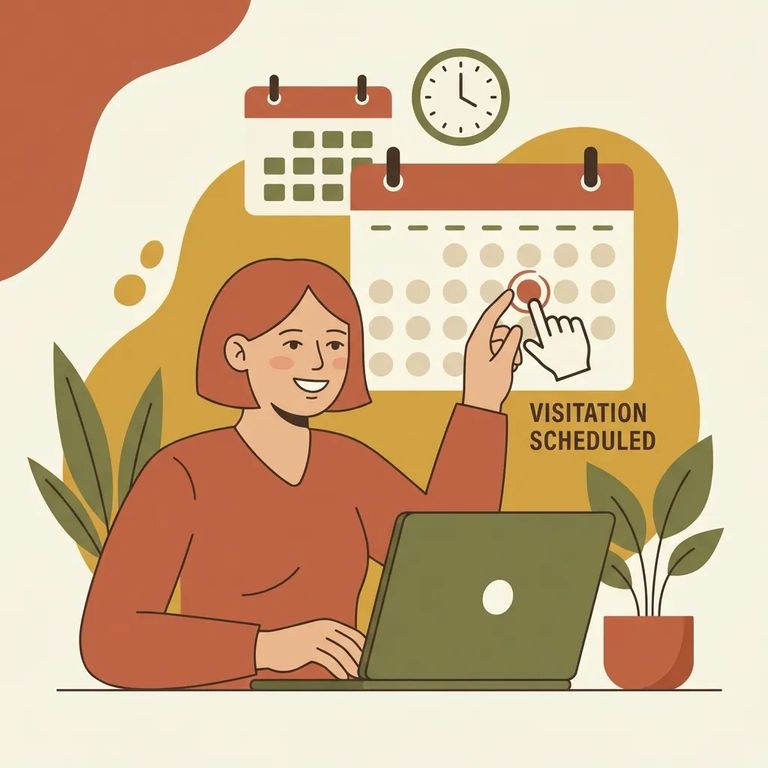
- Open the Inmate Visitation System (IVS) - This is the scheduling portal for both contact (in-person) and video visits.
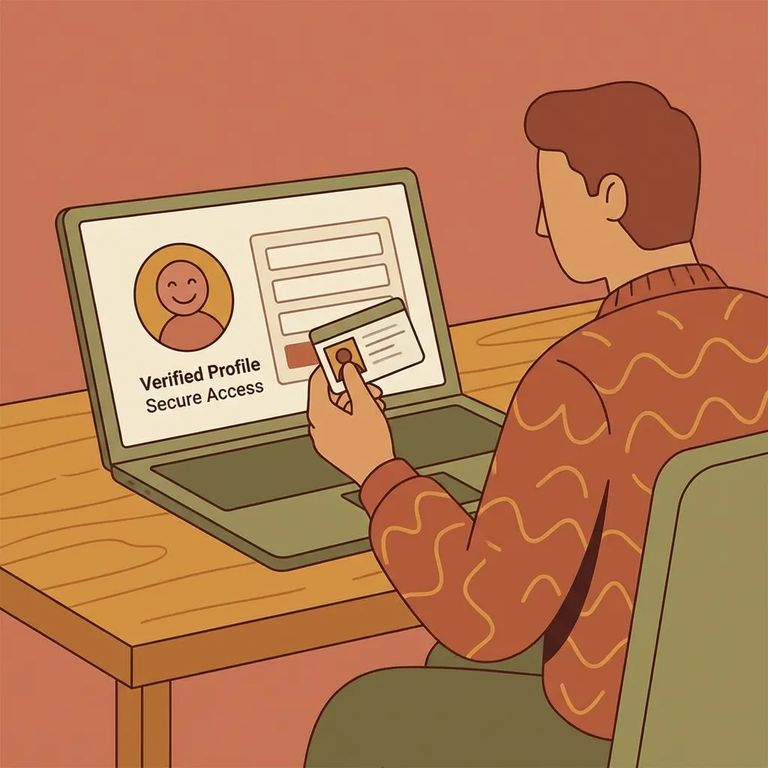
- Sign in with Keystone Login - IVS uses Keystone to verify your identity, so you’ll either sign in with an existing Keystone username/password or create one.
- Complete your visitor profile - Enter your full name, date of birth, and address exactly as they’re listed on the inmate’s authorized visitors list.
- Stick to one account - If you forget your password, reset it instead of creating a new profile; duplicate accounts can cause problems with validation and scheduling.
Double-check before you save: If your name, DOB, or address doesn’t match what the facility has on file, it can delay your ability to schedule a visit.
Once your account is ready, you'll add the person you want to visit within IVS. Here's the catch: the system will only link you to that inmate if you're already on their authorized visitors list. No exceptions. If you haven't been approved yet, adding them won't bypass that requirement - get on the list first, then schedule.
When picking a date, keep the timing rules in mind. You must book at least 3 days ahead, and you can't schedule more than 60 days out. That means no last-minute slots for this weekend - but also no booking months in advance. You're working within that 3-to-60-day window.
- ✓ Decide whether you’re scheduling an in-person visit or a video visit.
- ✓ Schedule through IVS (required for in-person visits).
- ✓ Choose a date that’s at least 3 days away.
- ✓ Make sure your date is no more than 60 days out.
Can't make your scheduled visit? Cancel as early as possible - the DOC asks for at least 3 days' notice. Canceling early helps avoid problems on your record and frees up the slot for another family.
- Log in to IVS with your Keystone account - Use the same account you scheduled with.
- Find your upcoming visit - Locate the scheduled appointment you can’t keep.
- Cancel (or cancel and rebook) - Cancel as far in advance as possible and at minimum 3 days before the visit.
- Reschedule within the allowed window - When you pick a new time, remember you still have to be at least 3 days out and no more than 60 days ahead.
Troubleshooting
- ✓ If IVS won’t validate you: check that your full name, date of birth, and address match the authorized visitor list exactly; fix your profile details and try again.
- ✓ If you created more than one account: stop making new profiles and use password reset on the account you already have; duplicate accounts can interfere with approval and scheduling.
- ✓ If you’re trying to set up a child: don’t create a separate IVS account for them; add the minor under the parent/guardian account.
- ✓ If a previously-linked minor is now 18: they must create their own Keystone-based IVS account before they can schedule.
Tip: If you’ve corrected your information and you’re still stuck, contact DOC support for help resolving the mismatch.
After you're scheduled, what comes next depends on your visit type. Video visits run through Zoom - join using the IVS link, the URL emailed to you, or the Zoom app with the meeting ID and password from that email. For in-person visits, expect airport-style security: vehicles on prison property can be searched, and everyone goes through a metal detector. Bringing a child? Make sure a DC-313 form is present for them to participate.
Find an Inmate at SCI LAUREL HIGHLANDS
Search for a loved one and send messages and photos in minutes.
