
Setting up your Keystone/IVS Account to Visit Someone at SCI Retreat (including adding children)
Before you can visit someone at SCI Retreat, you'll need to set up a Keystone/IVS account through Pennsylvania's Inmate Visitation System. Your account information has to match what the facility has on file — here's how to get it right.
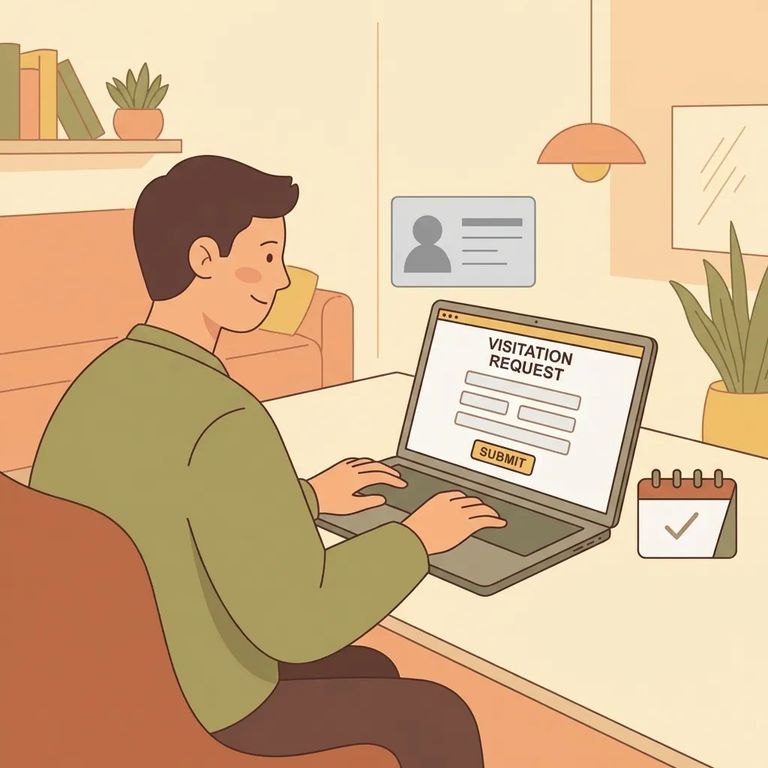
Pennsylvania DOC offers both in-person and video visits, but you can't just show up or hop on a call. All visits must be scheduled in advance through the PA DOC Inmate Visitation System (IVS). You'll sign in with a Keystone Account - that's what the system uses to verify your identity and confirm you're an authorized visitor. Once your account is set up correctly, you'll use IVS to schedule your actual visit.
Note: IVS checks your account details against the incarcerated person’s authorized visitors list. If you aren’t on that list, you won’t be able to add them to your account to schedule a visit.
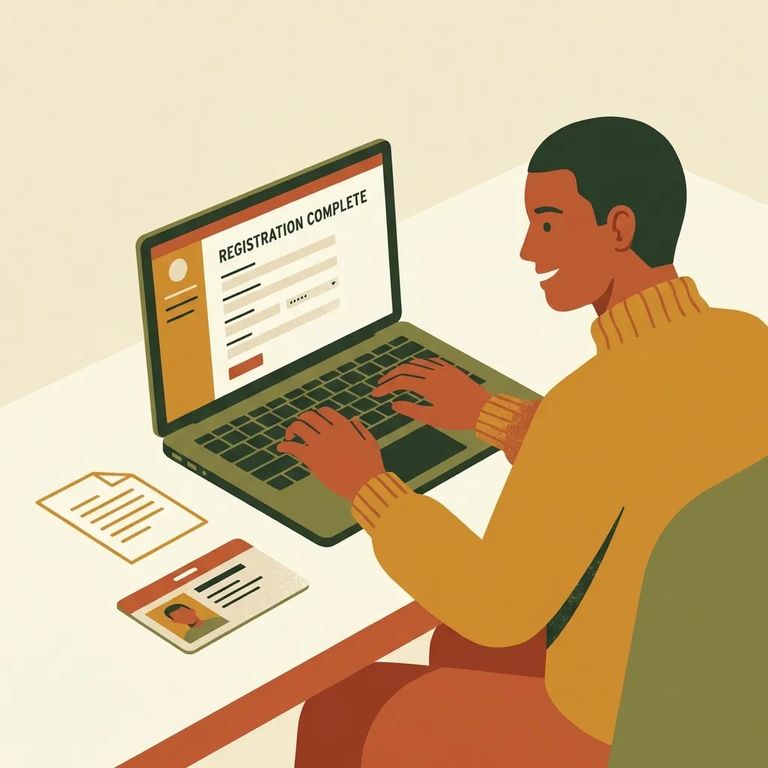
Create Account Info
- ✓ Your full legal name
- ✓ Your date of birth (DOB)
- ✓ Your current address
- ✓ Your own Keystone/IVS account if you’re 18 or older
Enter your information carefully. The name, date of birth, and address you use aren’t just for your profile - IVS uses them to validate that you’re on the incarcerated person’s authorized visitors list. If anything doesn’t match what the facility has, it can slow down scheduling. Use your real, current details (and the same name you’re approved under), and double-check for typos before you submit.
Why the details matter: Keystone is the login IVS uses to authenticate you and authorize you as a visitor, so accuracy up front helps prevent problems later.
- Confirm you’re an approved visitor - you must already be on the incarcerated person’s authorized visitors list before you can add them in IVS.
- Sign in to IVS with your Keystone Account - this is the system you’ll use for both contact (in-person) and video visits.
- Add the incarcerated person to your account - once added, they’ll appear as someone you can schedule with.
- Schedule the visit in advance - all in-person and video visits must be scheduled through IVS, not arranged at the door or day-of.
The
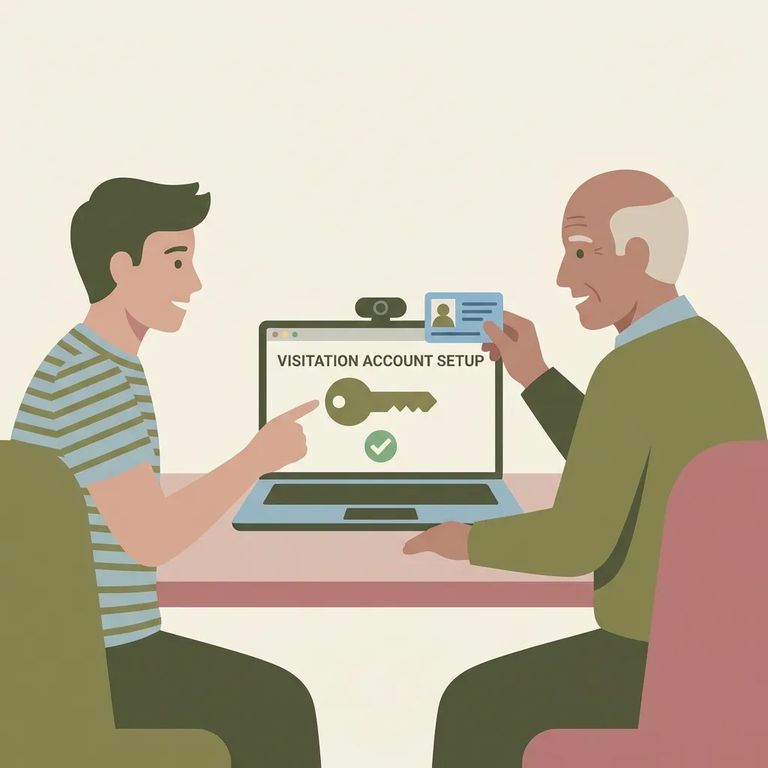
Kids don't create their own IVS accounts - instead, add minors under a parent or guardian's account. Adults are different: everyone 18 or older needs their own account, including anyone who was previously listed as a minor and has since turned 18.
Required for kids: A DC-313 form must be present for any children participating in a visit.
- Use the parent/guardian account - since minors don’t need their own IVS account, start by signing into the adult’s Keystone/IVS account.
- Add the child under the adult’s account - the minor should be linked under the parent/guardian, not registered separately.
- Make sure DC-313 is in place before the visit - a DC-313 form must be present for any child who will participate, or the visit can be stopped before it starts.
The most common problem? A mismatch between what you entered in IVS and what's on the authorized visitors list. Your name, date of birth, and address all get checked during validation - even small differences like a nickname, an old address, or a typo can delay scheduling. If you're stuck, go back through each field and make sure it matches exactly what you're approved under.
- ✓ If you’re 18 or older, make sure you’re trying to schedule from your own Keystone/IVS account (not a parent’s or partner’s).
- ✓ If you recently turned 18 and were previously listed under someone else, you’ll need your own account before you can visit as an adult.
Privacy reminder: Video visits are monitored and recorded, except for visits with legal counsel.
Verify and Get Help
- ✓ Confirm your visit is scheduled in IVS before you travel - all in-person and video visits must be scheduled in advance through the system.
- ✓ Schedule early: PA DOC sources use different lead times (at least two days in advance in one place and at least three days in another), so plan on a 2–3 day buffer.
If IVS won't let you schedule or you can't find the person you want to visit after signing in, start by double-checking your Keystone/IVS account details. Errors in your information can create roadblocks since IVS uses Keystone to verify and authorize visitors. Still stuck after reviewing everything? Contact the facility directly - it can save you a wasted trip.
Find an Inmate at SCI Retreat
Search for a loved one and send messages and photos in minutes.
