
How to Receive Video Calls from Your Loved One Using the GettingOut App
Incoming video visits at Shelby County Jail work like a regular phone call: your loved one starts the video visit when they're able, and you answer on your phone through the GettingOut Visits app.
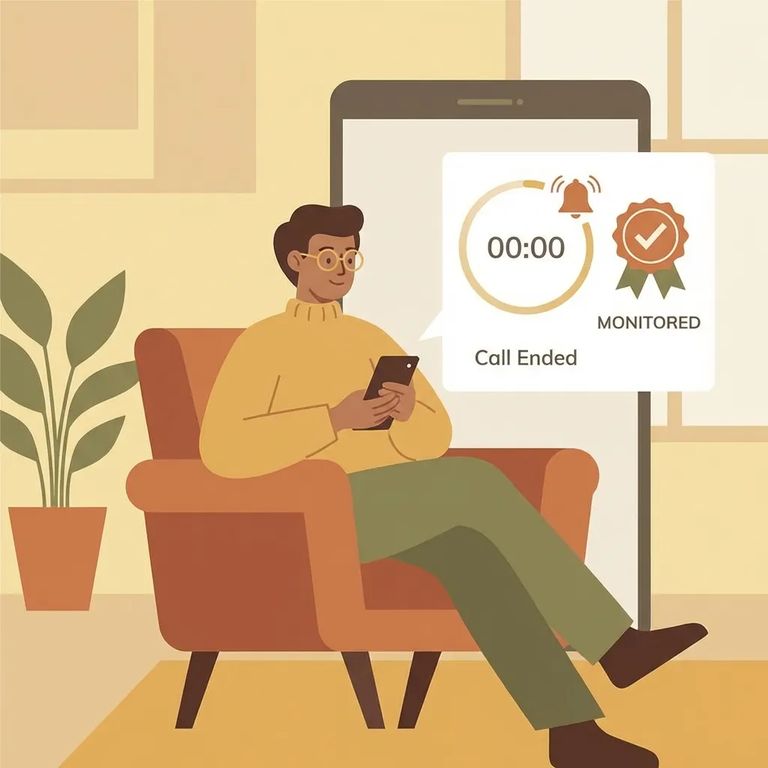
At Shelby County Jail, incoming video visits through GettingOut let your loved one call you without scheduling ahead. To receive the call, you'll need the GettingOut Visits app on your phone - that's where the video visit comes through.
You're charged based on actual time connected, not time scheduled. That's why being ready to answer matters - miss the call and you miss the visit.
Before you can receive an incoming video visit, you need to be approved on the phone PAN list. The PAN list is the jail's approval list for who can be contacted. If you're not on it, the system won't recognize you as an allowed visitor for incoming video visits through GettingOut.
- ✓ Check the phone number on your GettingOut (gettingout.com) account.
- ✓ Make sure the PAN number on the phone PAN list matches that exact phone number.
- ✓ If the numbers don’t match, update the phone number on your GettingOut account or have the PAN list entry corrected so they match.
Tip: PAN approval alone isn't enough. If the phone number on the PAN list doesn't match your GettingOut account, you can still miss calls. You need both: PAN approval and a matching phone number.
Even with PAN approval and the right phone number, you won't receive the call unless the GettingOut Visits app is open and you're logged in. If you're logged out or the app is closed, the call won't come through.
- Open the GettingOut Visits app - don’t wait until you think they’re calling.
- Confirm you’re logged in - the call only comes through when you’re signed into the app.
- Keep the app open while you’re waiting - closing it can cause you to miss the incoming video visit.
- Ask your loved one to message you first - a quick heads-up gives you time to open the app and log in before they start the video visit.
Support
- ✓ GettingOut customer support: (866) 516-0115
- ✓ ConnectNetwork customer support: (877) 650-4249
Before calling support, check the three things that most often block incoming visits: you're approved on the phone PAN list, the PAN phone number matches your gettingout.com account, and the GettingOut Visits app is open with you logged in. If all three check out and calls still aren't coming through, use the support numbers above.
Find an Inmate at Shelby County Jail, TN
Search for a loved one and send messages and photos in minutes.
