
Virtual Visits from Home with South Carolina DOC: Setup, Costs, and Device Compatibility
Virtual visits with someone in South Carolina DOC are straightforward once you understand two things: the specific institution controls when visits happen, and you need to be on the approved virtual visitation list before you can connect.

Not every SCDC facility handles virtual visits the same way. Each institution decides whether to offer them and sets its own schedule - availability may also be limited by COVID-related restrictions. You'll need to be on the inmate's approved visitation list for virtual visits before you can schedule anything. That requires submitting SCDC Form 19-127 (Request for Visiting Privileges for Virtual Visitation).
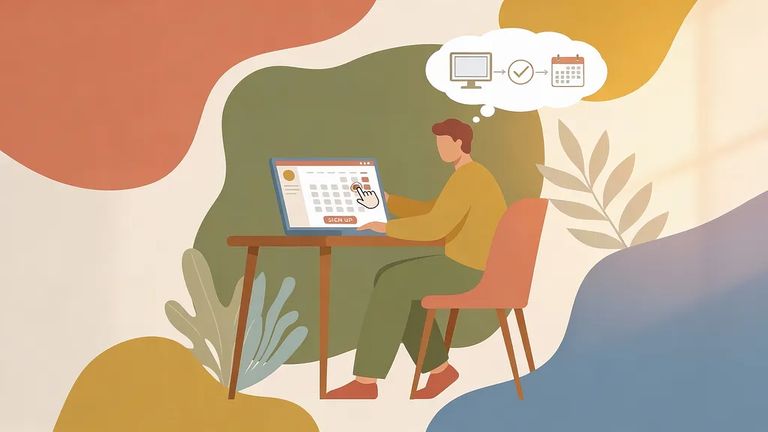
- Confirm the institution is offering virtual visits - Each institution decides whether and when it offers virtual visitation, and availability can be limited by COVID restrictions.
- Create your virtual visitation account - Set up your account ahead of time so you’re not scrambling on the day of the visit.
- Check your equipment before you schedule - Make sure the device you plan to use is ready and working so your visit time isn’t wasted.
- Request a time that fits the institution’s schedule - Institutions control availability and scheduling, so your options depend on what that location is offering.
Reminder: To be added to an inmate’s approved list for virtual visitation, you must fill out SCDC Form 19-127 (Request for Visiting Privileges for Virtual Visitation).
Virtual visits cost a flat $10 for a 50-minute session. You're charged when the visit starts, not when you book it. End the call early? The fee is still $10 - no partial refunds.
Device Compatibility
- ✓ Use a computer, tablet, or Android phone for your virtual visit.
- ✓ Don’t plan on using an iPhone right now - iPhones are not compatible.
- ✓ Test the device you’ll use before your scheduled visit so you’re not troubleshooting once the session starts.
For help with the visitation list or a name change, email VirtualVisitation@doc.sc.gov or call (803) 896-1838 and press #1. Technical issues during setup or the visit itself? Call GTL Visitor Support at 1 (855) 208-7349. Questions about whether virtual visits are available or what times work? Contact the institution directly - each one controls its own schedule.
Find an Inmate at South Carolina DOC
Search for a loved one and send messages and photos in minutes.
