
Where You Can (and Can't) Take a Virtual Visit: South Carolina DOC Location Rules
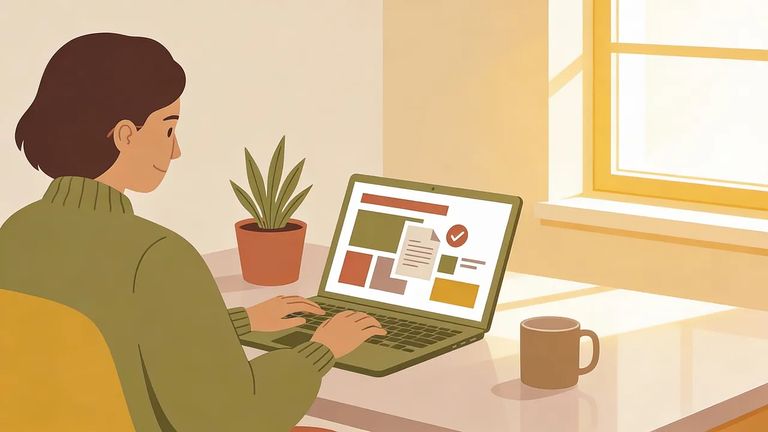
To request a virtual visit with someone at South Carolina DOC (SCDC), you'll need to be on their approved visitation list. Each visitor needs their own account, and the name on your account must match the name on the approved list exactly. Sessions run 50 minutes and cost a flat $10 - they start on the hour and there are no partial refunds. That's why picking an allowed location matters: if your visit gets cut short, you're still out the full $10.
SCDC specifically prohibits certain locations for virtual visits. Their examples include bedrooms, bathrooms, and nightclubs - plus other similar venues. If you're unsure whether your spot qualifies, play it safe. Pick a neutral, more public room in your home rather than risk having your visit cut off.
Why location matters: SCDC virtual visits are recorded and can be reviewed for appropriateness. A prohibited or inappropriate setting can raise issues quickly, even if your conversation is fine.
Every SCDC virtual visit is recorded and can be reviewed for appropriateness. That means staff may evaluate what's visible on camera - including your surroundings - not just what you say.
Heads up: If inappropriate actions occur, SCDC says the visit will be terminated immediately. And because visits are a flat $10 for 50 minutes, there are no partial refunds if the visit ends early.
Practical
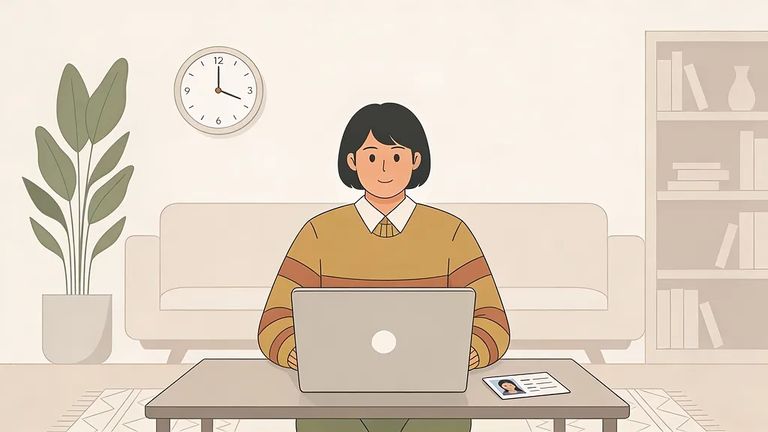
- ✓ Sit in a neutral, common area (a living room-style space) rather than a bedroom or bathroom.
- ✓ Avoid nightlife/venue settings - SCDC specifically lists nightclubs as prohibited.
- ✓ If the space feels “private” in a way you wouldn’t want recorded, choose a different room.
- ✓ Be in place in front of your device 15 minutes before the visit starts so you’re not scrambling at the last second.
- Create your visitor account - Set up an account at scdoc.gtlvisitme.com/app; each person who wants to visit needs their own account.
- Match your name to the approved list - Make sure the name on your account matches the name on the inmate’s approved visitation list.
- Have identification ready - Visitors age 10 and older must show a photo ID; approved children under 10 must have their certified long-form birth certificate.
- Log in early and be camera-ready - Be in front of your device 15 minutes before the start time.
Realized your location won't work? Handle it early. You can modify a scheduled visit up to two days in advance, or cancel one day ahead. For technical issues with the platform, call GTL Visitor Support at 1-855-208-7349. For policy questions or anything related to virtual visitation, email SCDC at visitation@doc.sc.gov or call the Visitation Inquiry Line at 803-896-1838 (press 1 for application questions).
- Write down what happened right away - Note the date/time and what location you were in when the visit ended.
- Call GTL Visitor Support for platform issues - If it looks like a technical problem, contact GTL Visitor Support at 1-855-208-7349.
- Contact SCDC for visitation policy questions - Email visitation@doc.sc.gov or call 803-896-1838 (press 1 for application questions) if you need clarification on the location rules or next steps.
Document what happened: Since virtual visits are recorded and reviewable, keeping your own notes can help if you need to explain a situation later. Just know that if the termination was due to inappropriate actions, the recording review will likely support ending the visit.
Find an Inmate at South Carolina DOC
Search for a loved one and send messages and photos in minutes.
