
Setting Up Accounts for South County: ICSolutions (phone/video) vs Access Corrections (lobby kiosk)
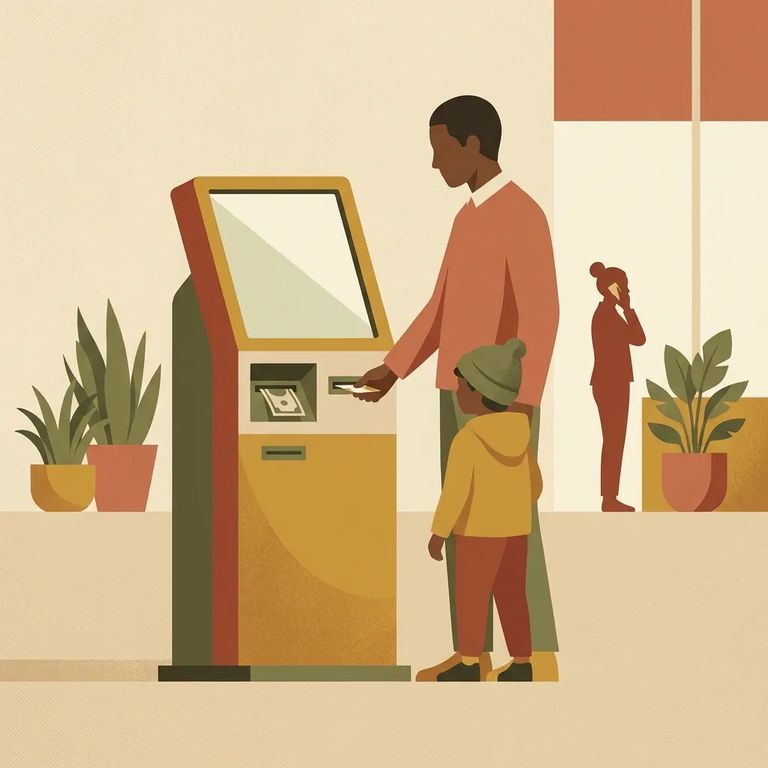
At South County, the lobby kiosk is its own lane. If you’re trying to make a deposit or payment at the facility kiosk, you’ll be required to log into an existing Access Corrections account or create a new Access Corrections account right then.
ICSolutions handles communication - phone calls, video visits, and voicemail. This account matters because your ICSolutions PIN is what you'll use for voicemail. And for on-site video visits? You'll need a confirmation code built from your registered phone number plus the 4-digit PIN you chose during setup.
For on-site video visitation at South County, you'll log in at the facility's video station using a confirmation code. This isn't a random number - it's your ICSolutions phone number plus the 4-digit PIN you created during registration. If either piece doesn't match what's on your account, you'll be stuck at the station when your visit is supposed to start.
Funding Accounts Mailed Payments
- ✓ Sender name
- ✓ Sender address
- ✓ Sender daytime telephone number
- ✓ Facility name
- ✓ Inmate name
- ✓ Inmate ID number
- ✓ Sender name
- ✓ Sender address
- ✓ Designated telephone number that will receive calls
- ✓ Facility name
- Call (559) 366-9800 - follow the automated instructions to leave a message.
- Make sure your prepaid account has funds - you’ll need a prepaid account with available funds to continue.
- Have your ICSolutions PIN ready - the system will ask for your ICSolutions account PIN number.
- Enter the inmate’s ID - you’ll need the inmate’s ID to direct the voicemail.
- Record your 30-second message - the voicemail is limited to 30 seconds.
Tip: If you don’t have prepaid funds available or you enter the wrong inmate ID, you won’t be able to complete the 30-second voicemail.
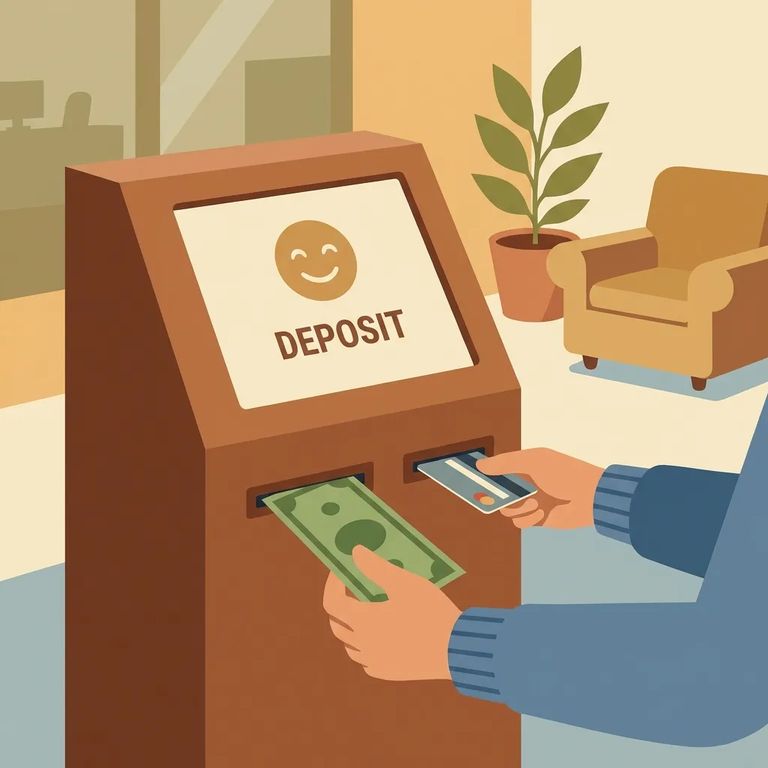
Planning on video visits or voicemails? Set up your ICSolutions account first - your phone number and 4-digit PIN create the confirmation code you'll need on-site. If you're mainly here to make deposits or payments at the lobby kiosk, start with Access Corrections instead. The kiosk requires you to log in (or create an account on the spot) before completing any transaction.
- ✓ The telephone number on your ICSolutions account
- ✓ Your ICSolutions 4-digit PIN (used to form the on-site confirmation code)
- ✓ Your ICSolutions account PIN (needed for voicemail)
- ✓ The inmate’s ID
- ✓ For inmate debit account payments: your name, your address, your daytime telephone number, the facility name, and the inmate’s name and ID number
- ✓ For prepaid phone account payments: your name, your address, the designated telephone number that will receive calls, and the facility name
Find an Inmate at South County Detention Facility, CA
Search for a loved one and send messages and photos in minutes.
