
Step‑by‑Step: Set Up Your ICSolutions Account and Book a Visit for South County
Setting up ICSolutions and booking a video visit is straightforward once you know what to expect. Here's how to create your account, schedule your visit, and get the confirmation code you'll need at South County Detention Facility.

- Go to ICSolutions - On an internet-enabled device, open icsolutions.com.
- Log in or create your account - If you already have an account, sign in with your username and password. If you’re new, choose a username and password and set a 4-digit PIN during registration.
- Enter a valid email address - Use an email you can access right now; you’ll need it as part of the registration process.
- Save your 4-digit PIN - This PIN matters later, including for on-site check-in, so write it down somewhere safe.
Note: You'll need a working email address to create your account. Use one you check regularly - this is where you'll get updates about your registration and upcoming visits.
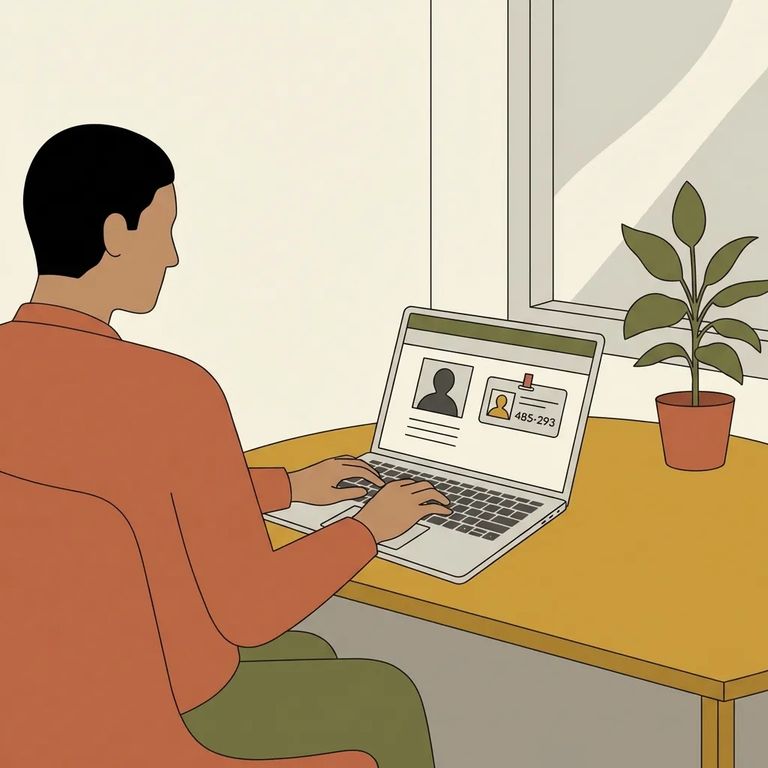
Once you're logged in, ICSolutions walks you through scheduling step by step. You'll select the facility, search for the inmate by name or ID number, choose where you want to visit, and pick your date and time. The system may also prompt you to add additional visitors - have their information handy before you start.
- ✓ Schedule your video visit at least 1 day ahead of time.
- ✓ Don’t wait too long: video visits must be scheduled no more than 1 week in advance. (If you’re seeing different guidance in the system or on printed instructions, confirm the current window before you plan around it.)
- ✓ Internet video visit hours run Sunday–Saturday, 7:45 a.m. to 10:30 p.m. (Pacific Time).
South County Detention Facility offers on-site video visitation. Internet visits cost $7.50 for a 30-minute session. Keep that time block in mind when you're scheduling - it's the standard visit length.
For on-site video visits, you'll need a confirmation code to log in at the facility's video station. Your code is the phone number on your ICSolutions account plus your 4-digit PIN. Before heading out, confirm you know which phone number is linked to your account and that you remember your PIN.
Extra Tips
- ✓ Keep the email address you registered with active and accessible so you can receive account messages and visit-related confirmations.
- ✓ Add any additional visitors during the scheduling flow in ICSolutions (don’t assume you can “fix it later” at check-in).
If booking fails: Double-check the date. Visits must be scheduled at least one day in advance, and the system won't let you book dates outside the facility's scheduling window.
Planning to use the lobby kiosk for a deposit or payment? You'll need an ACCESS CORRECTIONS account - separate from ICSolutions. Don't be surprised if the kiosk asks you to sign in or create one.
Find an Inmate at South County Detention Facility, CA
Search for a loved one and send messages and photos in minutes.
