
Setting Up Video Visits for Northern Regional Jail Families — Remote vs At-Facility and Step-by-Step Setup
Video visits at Northern Regional Jail work two ways: you can visit on-site at the facility, or connect remotely from any web-connected device using GettingOut. Here's how to decide which option fits your situation and the exact steps to get started.
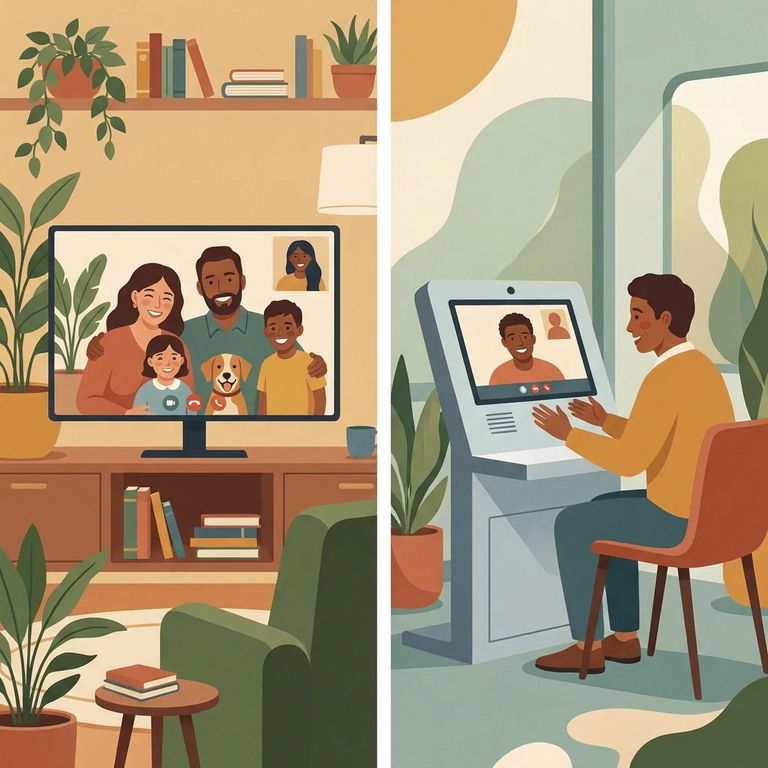
Northern Regional Jail runs video visits through GettingOut, and you have two options. You can visit on-site at the facility, or connect remotely from your own computer (some locations also support mobile devices). If you want to skip the trip and still see your loved one face-to-face, remote is usually the easiest way to start.
Note: You may still see the service referenced under older names - Global Tel*Link (GTL) has rebranded to ViaPath Technologies (ViaPath) - but video visits for this system run through GettingOut.
At-facility video visits mean you travel to the jail and sit in the designated visitation center. The inmate connects from a video station in their housing unit. Remote visits are different - you stay wherever you are. With a web-connected computer, you can visit from home or work. That's a big help when you're dealing with childcare, limited transportation, or a long drive. Not sure which to pick? Think about what's most reliable for you that day. Going in person makes sense if your internet is spotty or you don't have a private place to talk. Remote works better when your schedule is tight and you just need a way to connect without the travel.
- ✓ Mobile device visitation is only available at select facilities; if mobile visiting isn’t available for your facility yet, check gettingout.com for updates.
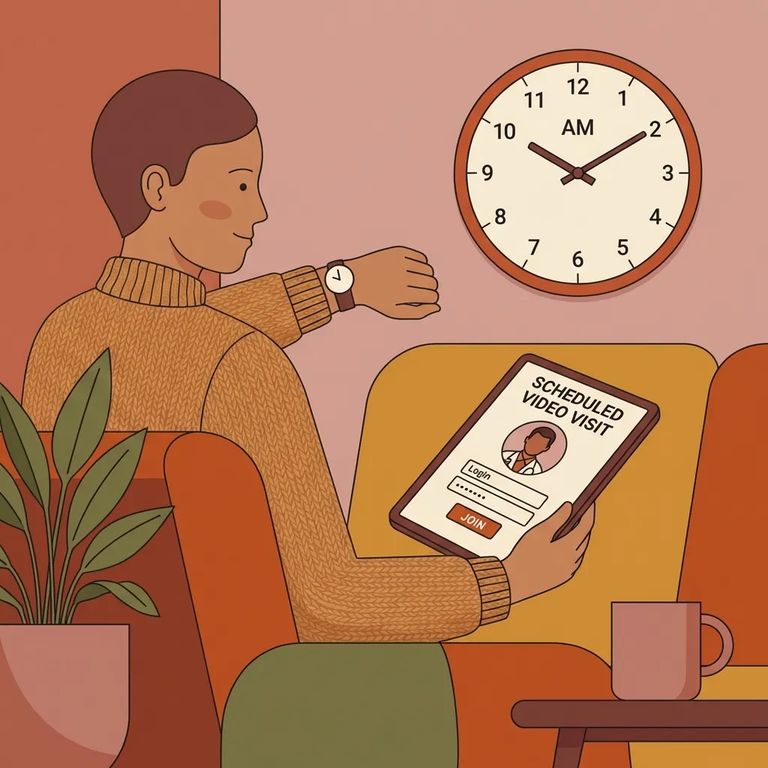
- Go to schedule.telmate.com - Log in using your phone number and PIN.
- Accept the agreement - Read the agreement, check the boxes next to each statement, then click “Accept.”
- Select who you’re visiting - Choose the person you’d like to visit with.
- Start the visit - In the “Online” section, click “Visit Now” to begin an immediate remote visit.
After you click
Need help? For GettingOut video visit support, head to gettingout.com/visit-now or call (866) 516-0115.
Find an Inmate at Southern Regional Jail, WV
Search for a loved one and send messages and photos in minutes.
