
How to Fill Out the Archives Records Request Form for Southport Inmate Files
Requesting Southport inmate case files from the New York State Archives? The fastest way to avoid delays is filling out the Records Request/Reserve Form with the right series number and exact containers. Here's a field-by-field walkthrough using Southport's Series 14610 as your anchor.
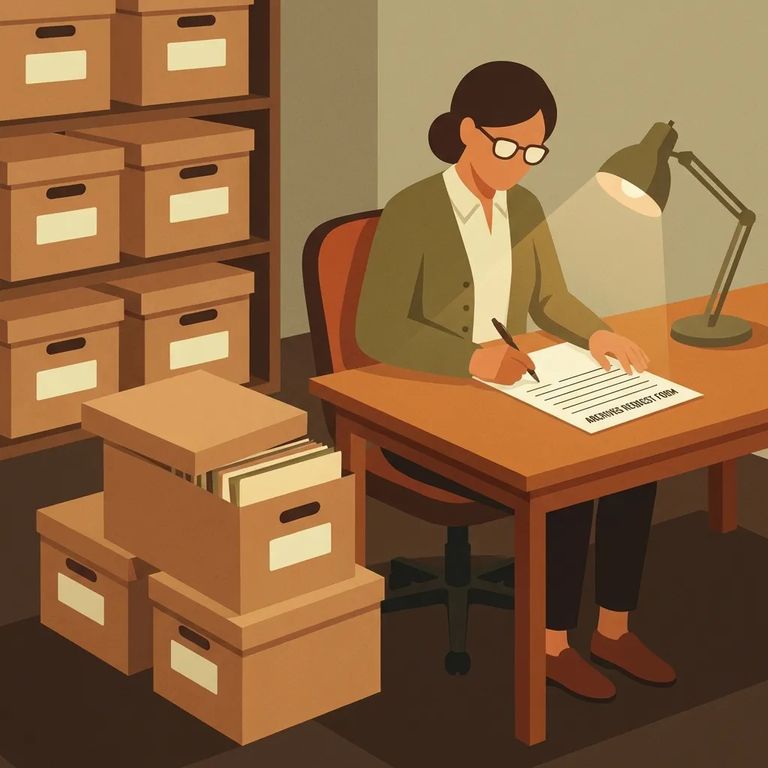
The Records Request/Reserve Form works on a simple principle: one form per record series-accretion. You identify exactly which pieces of that series you want pulled. For Southport inmate files, that's Series 14610 - a subseries of inmate case files for men incarcerated at Southport Correctional Facility. Why does this matter? Archives staff use the series-accretion number to route your request to the right collection, then use your box/volume/unit list to pull specific materials. Write "Southport inmate file" without identifying the series and specific boxes? Your request becomes much harder to process quickly.
Tip: The more precisely you list the particular boxes, volumes, or units you need from a series, the less back-and-forth you’ll have - and the faster retrieval can happen.
Start at the top. Three fields need to be filled out every time. In the "Requested by" line (space 1), enter your full name - this helps staff match your form to any emails or calls. Space 2 is the record series-accretion number. For Southport inmate case files, that's Series 14610. Space 3 is the record series short title. Getting spaces 2 and 3 right tells staff you want the Southport-related subseries within Series 14610, not something else with a similar name.
- ✓ Enter your name in space 1 (“Requested by”)
- ✓ Put “Series 14610” in space 2 (record series-accretion number for Southport inmate case files)
- ✓ Fill in space 3 with the record series short title
- ✓ Make sure the top section is complete before you move on to containers
Spaces 4 and 5 are where requests often stall. They require details you probably don't have yet. The form instructions tell you to consult Archives staff to get the container, file, case, item, or microfilm roll number (space 4) and describe the contents (space 5). Translation: don't guess. Get the exact container identifiers from staff, then copy them onto your form.
- Contact the Archives to reserve a visit - Visits are by appointment only. Email archref@nysed.gov or call (518) 474-8955 to make an appointment and reserve a table.
- Tell them you’re working with Southport inmate files - Mention that you’re requesting the State Archives subseries of inmate case files for men incarcerated at Southport Correctional Facility (Series 14610).
- Ask for the exact space 4 and space 5 details - Request the container/file/case/item/microfilm roll number(s) you should enter in space 4, and what to write for the “contents” in space 5.
- Copy what you’re given directly onto the form - Enter the container identifier in space 4 and the matching contents description in space 5 so staff can pull the right material.
- Wait for confirmation before you go in person - Researchers must wait for an email or phone call confirming the appointment before visiting the Archives.
Sample request: “I’m completing a Records Request/Reserve Form for Series 14610. Can you provide the container or roll number(s) for space 4 and what you recommend I list as contents in space 5?”
Common Mistakes
- ✓ Leaving space 1 blank instead of entering the researcher’s name
- ✓ Forgetting to put the record series-accretion number in space 2 (for Southport inmate files: Series 14610)
- ✓ Skipping the record series short title in space 3
- ✓ Listing a series but not listing the specific boxes, volumes, or units you need from that series
- ✓ Guessing at space 4 (container/file/case/item/roll number) instead of consulting Archives staff
- ✓ Writing a vague space 5 “contents” line that doesn’t match what staff uses to identify the material
Note: If you’re unsure about the container numbers or how to phrase the contents, confirm it with Archives staff before you submit - those two fields are what drive retrieval.
Once you submit your request and reach out to schedule a visit, Archives staff may follow up to clarify what you need, provide container numbers and contents details for spaces 4 and 5, and confirm your table reservation. Visits are by appointment only - wait for an email or phone call confirming your appointment before heading to the Archives.
Tip: Save the email thread or note the details from the call - your confirmation is your proof of the appointment and what you reserved.
Find an Inmate at Southport Correctional Facility
Search for a loved one and send messages and photos in minutes.
