
Video Visits at St. Johns County Jail: When Visits Are Free and When You May Need to Pay
St. Johns County Jail uses HomeWAV for all visitation—video visits only, no in-person option. HomeWAV offers a free 60-minute visit, though you may see paid time blocks during booking depending on what you select.
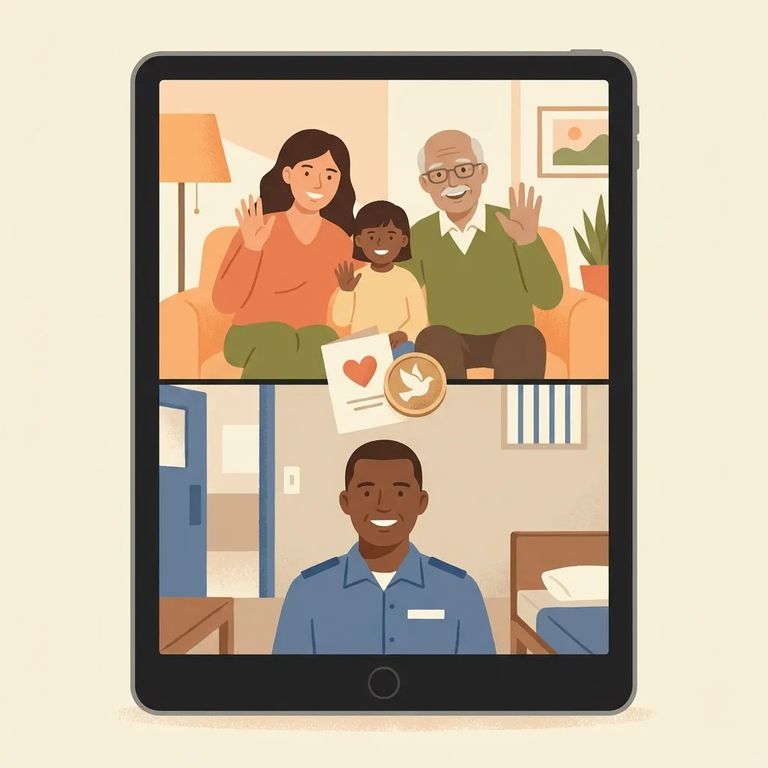
St. Johns County Jail doesn't offer in-person visits. Everything goes through HomeWAV's video visitation system. There's a free option capped at 60 minutes, but paid options also appear in the booking flow - so knowing what you're selecting before checkout makes a difference.
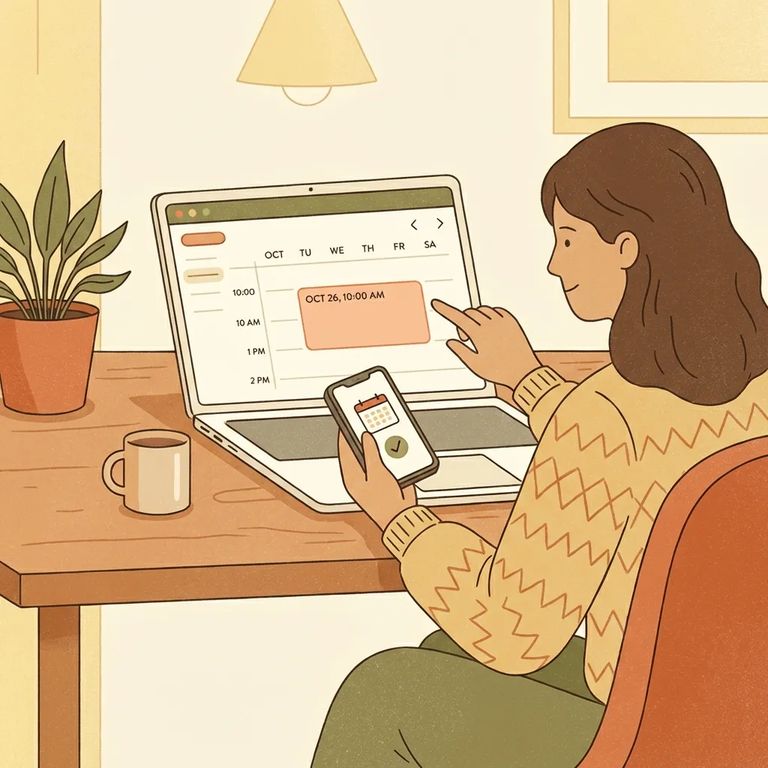
The free option is a specific visit type on HomeWAV, capped at 60 minutes. Want to avoid charges? Make sure you're selecting the free 60-minute block when it appears during scheduling.
- Create a HomeWAV user account - you’ll need an account before you can schedule anything.
- Search for “St. Johns County Jail” - then find the person you want to visit and add them to your contact list.
- Pick an available time slot - choose from the schedule shown in HomeWAV.
- Select the time block (free or paid) and complete checkout - HomeWAV will have you select and purchase the time block you want; if the free 60-minute option is available, choose that.
- Watch for the confirmation email - after you complete the time-block purchase/selection, HomeWAV sends an email confirmation for your scheduled visit.
St. Johns County Jail's video visit schedule varies by day. Monday and Friday slots are at 8:00 AM, 9:00 AM, 10:00 AM, 1:00 PM, 2:00 PM, and 3:00 PM. Tuesday through Thursday, times shift to 1:00 PM, 2:00 PM, 3:00 PM, 7:00 PM, and 8:00 PM. Pick a time that matches these slots, and you'll reach the screen where the free 60-minute option appears.
Payment prompts show up when you select something other than the free 60-minute block. HomeWAV offers both free and paid visits, and the scheduling flow has you pick a time slot first, then choose your time block. Before you finalize, read the checkout details carefully - you'll see whether the visit is free or paid and exactly what you'd be charged.
Booking and Help Tips
- ✓ Create your HomeWAV account before you start trying to grab a time slot.
- ✓ Before you complete checkout, double-check the session length and make sure you’ve selected the free 60-minute block (if that’s what you want).
- ✓ Save your email confirmation so you can reference the scheduled time and what you selected if there’s a dispute later.
If you think you were charged incorrectly: Check your HomeWAV confirmation email and visit details in your account first. Then contact HomeWAV support with the date, time, and time block you selected. Since all visits at St. Johns County Jail go through HomeWAV, billing questions get handled through the platform.
Find an Inmate at Saint Johns County Jail, FL
Search for a loved one and send messages and photos in minutes.
