
Getting Your Money Back: How to Request ViaPath Refunds After Sugar Pine’s Transition
Still have money in a ViaPath account tied to Sugar Pine Conservation Camp? You may be able to get it back—but the process depends on whose balance it is.
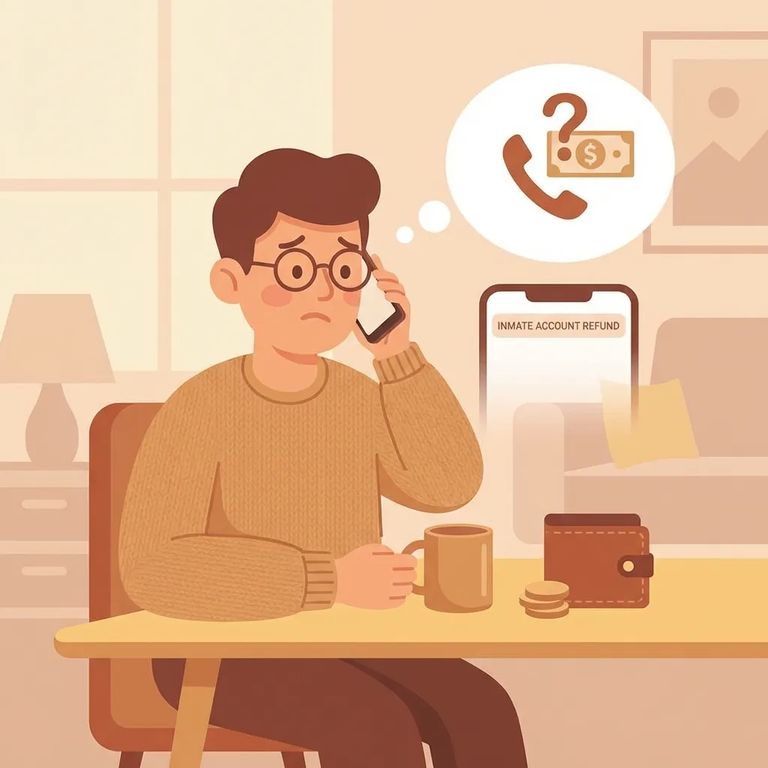
Sugar Pine Conservation Camp is part of CDCR's Fire Camps, and all Fire Camps have fully moved from ViaPath to Securus. That's why you might have leftover ViaPath funds that no longer work for your loved one's tablet services at Sugar Pine. It's also why refund questions pop up right after the switch.
First, separate two buckets of money: funds belonging to your incarcerated loved one, and funds belonging to you (the family) in ViaPath. Balances belonging to incarcerated people get refunded automatically to their trust accounts. You don't need to file a separate request for that portion - just confirm it shows up where it should.
- ✓ Identify whether the unused ViaPath balance you’re trying to recover is a family-held balance (your account) rather than your loved one’s balance
- ✓ Gather whatever you have that ties the balance to you (account details, transaction history, receipts, or screenshots)
- ✓ Contact the ViaPath call center and request a refund for the unused balance
Warning: Photos, e-messages, and media purchased through ViaPath can’t be transferred to the new Securus tablets.
This trips up a lot of families: getting money back and getting content back are two different things. Even if you successfully get a refund for unused ViaPath funds, that won't move your purchased photos, e-messages, or media onto the new Securus tablets. If you're weighing whether to pursue a refund, know this upfront: refunds cover unused funds only - not access to content that doesn't transfer.
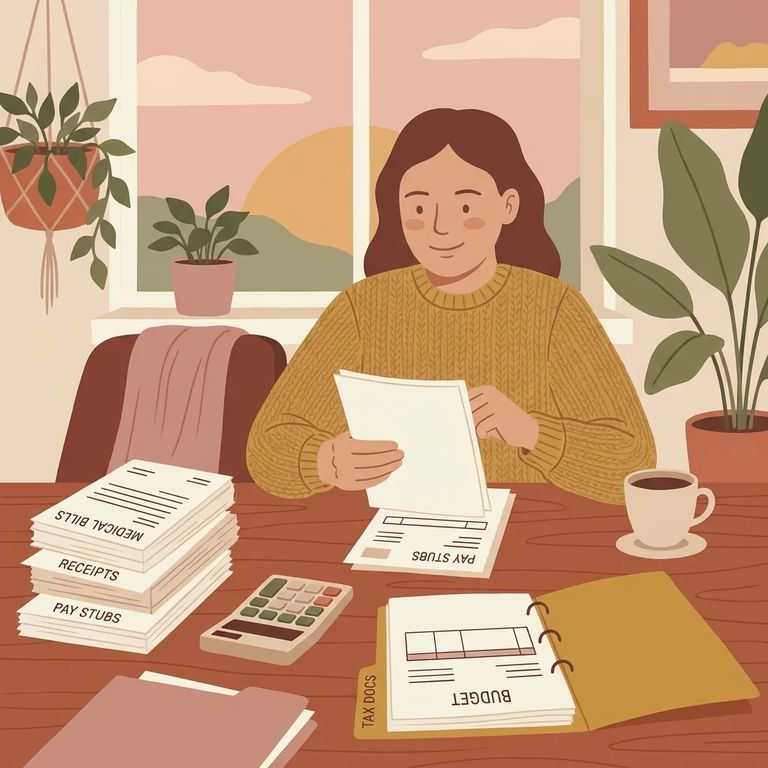
- Confirm the facility change - Sugar Pine is a Fire Camp, and Fire Camps have fully transitioned from ViaPath to Securus.
- Figure out whose money it is - separate family-held ViaPath balances from balances that belong to your incarcerated loved one.
- Pull your proof together - collect any ViaPath account details and save receipts or screenshots that show the unused balance you’re trying to recover.
- Request the family refund through ViaPath - families can request refunds for unused ViaPath balances through the ViaPath call center.
- Ask about incarcerated-person balances (so you don’t double-request) - incarcerated balances are refunded automatically to the person’s trust account, so focus your call on any family-held unused funds.
- Use official channels for the most current instructions - follow the latest guidance posted through CDCR family resources and the provider support options for ViaPath and Securus.
- ✓ Write down the date/time you contacted the ViaPath call center and what you requested
- ✓ Ask for (and keep) any confirmation or reference number tied to your refund request
- ✓ Confirm where the money should land: family refund back to you vs. incarcerated-person balance refunded to a trust account
- ✓ Keep your receipts and screenshots until the refund is fully resolved
If the refund doesn't show up - or you're told something different than expected - documentation is your friend. Keep a simple log of every contact attempt: dates, names if given, and what they told you. Save receipts and screenshots showing your unused ViaPath balance. This paper trail helps when sorting out family refund requests (through the ViaPath call center) versus incarcerated-person balances (which should hit trust accounts automatically).
- ✓ Follow up with the ViaPath call center using your confirmation/reference number
- ✓ Re-check whether the funds you’re looking for were an incarcerated-person balance (refunded automatically to a trust account) or a family-held unused balance (requires a request)
- ✓ Use official CDCR family resources for current transition guidance if you’re getting conflicting answers
- ✓ Keep copies of receipts, screenshots, and notes from every conversation until the issue is closed
Find an Inmate at Sugar Pine Conservation Camp
Search for a loved one and send messages and photos in minutes.
